Merry Christmas
I wanted to wish a Merry Christmas to my readers, however many (or few) of you there are.
I hope this is a time of happiness and family fun for you. And, if you’re Christian, I hope this can also be a time of reflection for you upon the sacrifices Jesus made for you so that you don’t have to go to hell.
Quote of the Day
“She made him into a monster” - Danielle “Yeah, a gay one” - Christine
"Planned" Eric's Binary World Downtime
The electric company gave us a letter today stating that they’ll be doing some work on the lines and we may/will lose power on 27 or 28 Dec. Because I’m going to be extremely busy with my family at that time, I may not be able to get the server back up until 1 Jan 2008.
Sorry if that keeps you from enjoying my blog or Andrew’s blog or drop the bomb productions. I’ll get it back up as soon as I can.
MakeHuman makes huge strides
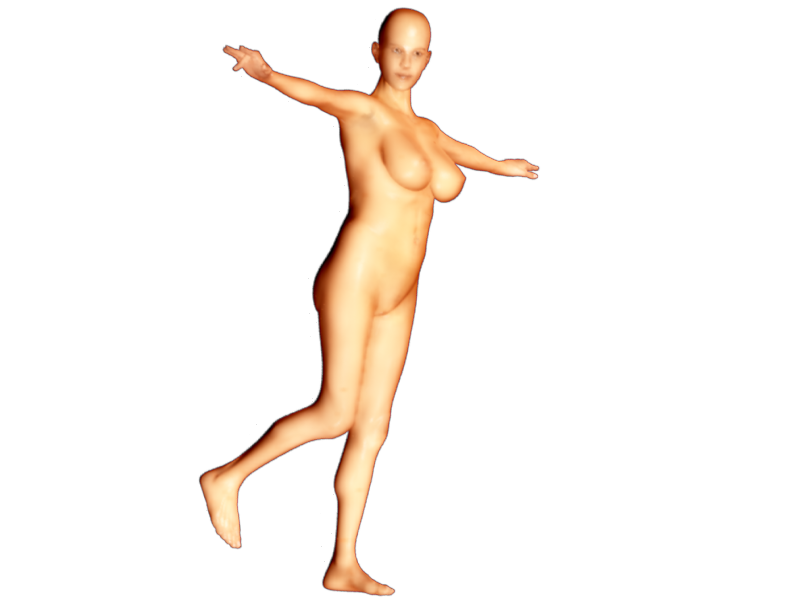 You’re probably asking yourself two questions. 1) When did Eric get awesome at modeling humans? and 2) What are these bald, naked women doing on this site? In fact, you probably asked yourself those questions in the reverse order. Extra points for the MakeHuman team if you didn’t even realize those were computer images and thought they were real.
 So, to start off with question 1, I didn’t model those humans in the traditional sense. In other words, I didn’t start with a box or plane and build up a human from there. Instead I used a program called MakeHuman which has similar goals to the commercial software Poser. Poser, as those of us into 3D art and animation know, is software for the posing, animating, and rendering of humans (and occasionally other creatures). Both software packages exist because animators may not want to also be character modelers. Instead they may wish to use a package such as MakeHuman which creates the character meshes and materials for them and then work on the animation. In such a context I wouldn’t call it cheating. After all, in a studio, most artists specialize on one part of the animation (eg animation, modeling, texturing, etc). I may even see myself using MakeHuman or Poser if I wished to have a realistic human character in my animation.
Today's Quote
Lauren: “When are your fingers the largest?” J: “As a girl you should probably know that”
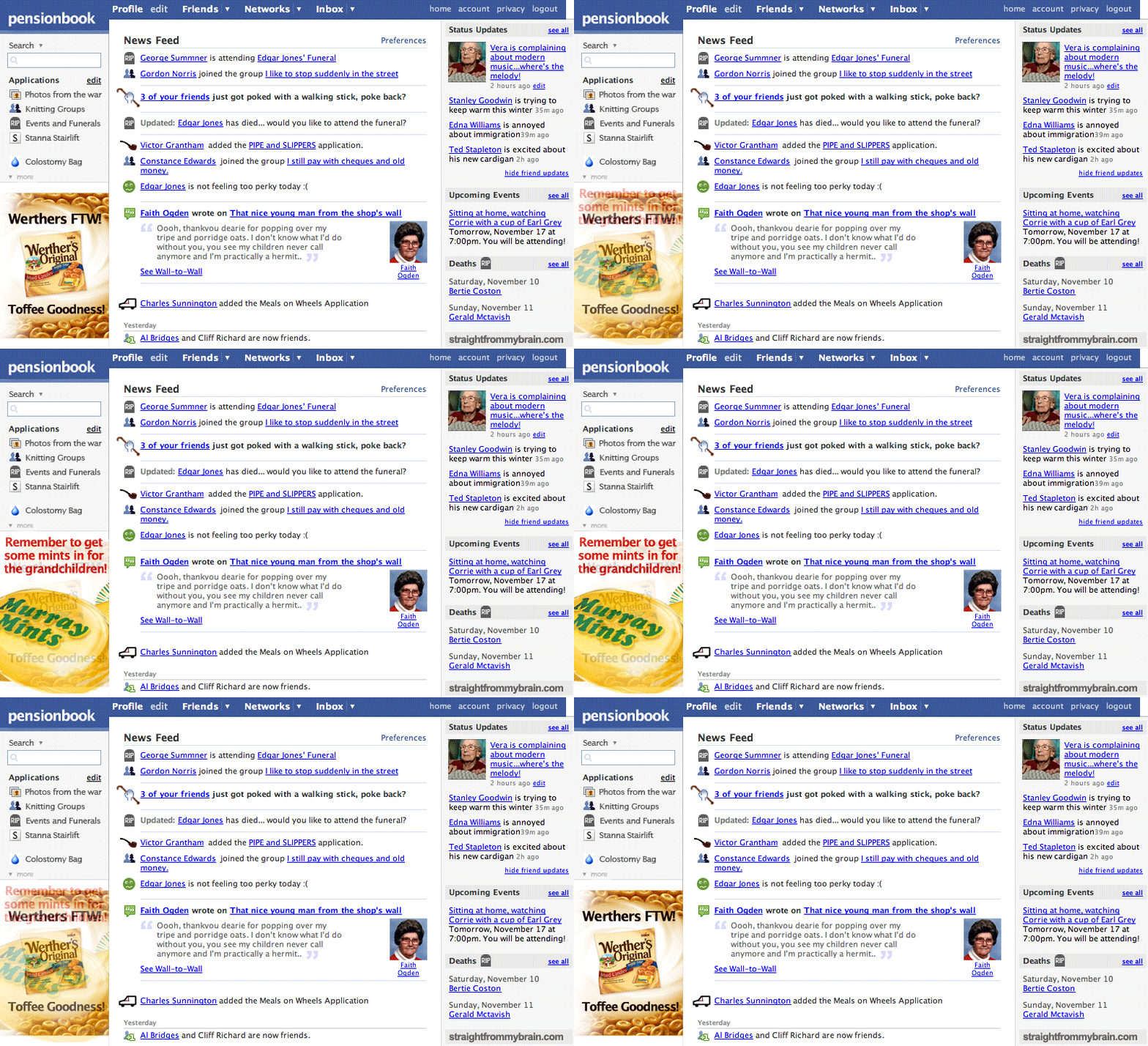
How Facebook will look in 30 years
The jokesters over at Johncow.us let us know: (click the image for a full-size version)
Another great xkcd
Reminding us that perhaps mom wasn’t telling the truth every time….

Social Web Part 2: Mugshot
Mugshot is the website that continues to surprise me the more I use it. At first it was just a website with an unusual purple theme. Then it was the very frustrating site with the purple theme. Now it just may be one of the most interesting and underrated sites of the year.
In case you haven’t clicked on the link yet, Mugshot is a social web aggregator. You sign up to Mugshot and then let it know about all of the social networks you’re a part of such as Flickr, Facebook, Myspace, Twitter, delicious, Picasa, digg and Reddit. Additionally, you add in some feeds from Amazon.com, last.fm, and Netflix. Finally, if you enter your blog address it tracks new posts. It then uses this to track all of these in one convenient place. The thinking is that you and your friends all sign up for Mugshot and then you have one-stop-shopping to find out everything that’s up with your friends.