Late Jan to Early Feb Photojojo
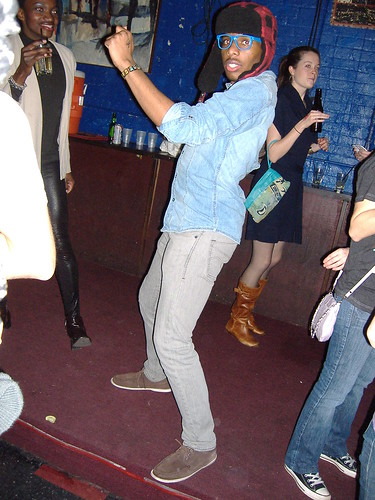
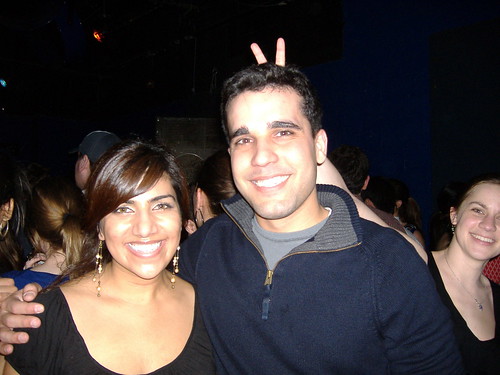
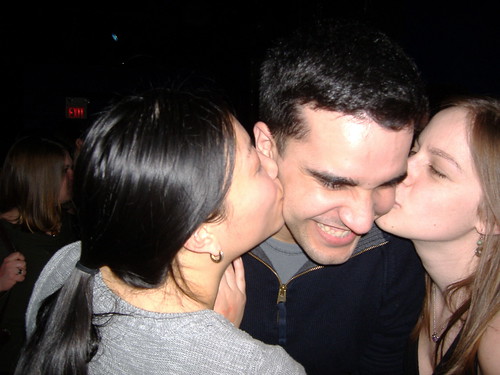
Looks like all my interesting photos from this time period were from Dan’s birthday.
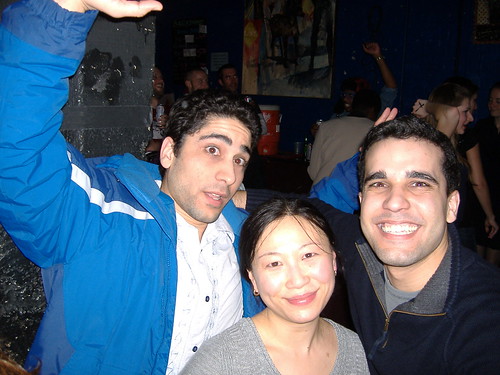
Approximately a Year Later: Top 200 Photos #1
This photo remains at the #1 Position, but #2 is coming up quickly from behind and may surpass it this year!

Approximately a Year Later: Top 200 Photos #2
Basically a swap from yesterday! This was the #2 photo when I started my Top 200 Feature:
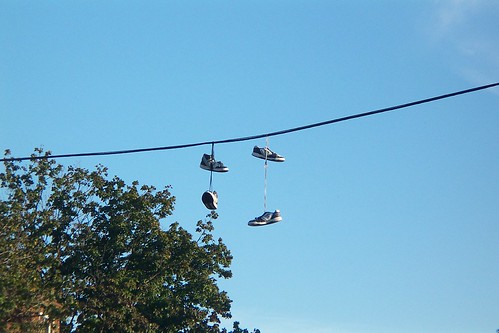 and now it’s:
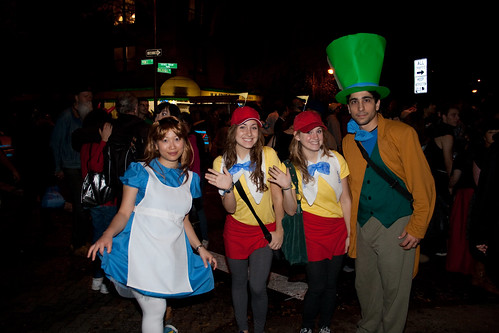
Approximately a Year Later: Top 200 Photos #3
My #3 most viewed photo when I started the Top 200 Photos feature was:
now it’s:
which has dropped one position since then
Approximately a Year Later: Top 200 Photos #4
This was originally my #4 most viewed photo:
 now it’s:
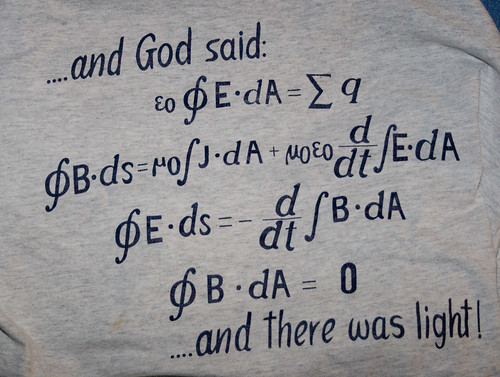 which moved up a few positions since then.
Approximately a Year Later: Top 200 Photos #5
When I created my Top 200 Photos feature, this was #5:
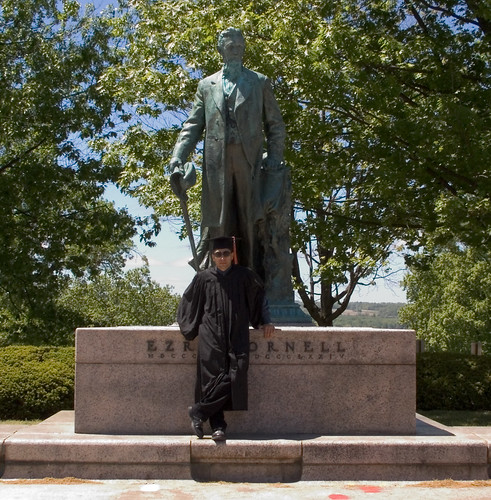 now it’s:
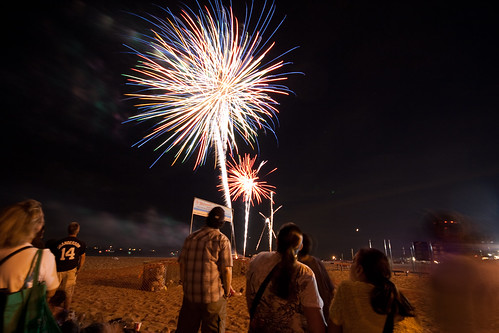
Approximately a Year Later: Top 200 Photos #6
Originally, my Top 200 #6 photo was:
and now it’s:
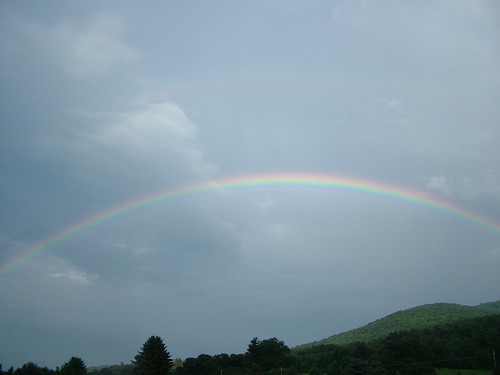 which has actually moved up since I did my Top 200!
Using Digikam from the Point of View of Lightroom User
 As I’ve mentioned before on this blog, I’ve been into photography since I was five years old. That’s when I got my first Kodak Instamatic camera and started shooting photos and creating photo albums. I have about ten photo albums, with most of them coming from when I got to high school and could really afford film and developing. Ever since I got my first digital camera in my second semester of college, the number of photos I’ve taken yearly has increased nearly exponentially. Because I’m an organized person, I started off putting my photos into event-based folders. Once I realized that’d quickly get unwieldy, I decided to put them in folders by date. Eventually, software like Picassa, Lightroom, and digiKam came out which would have allowed me to continue to to organized my photos by event because they could read the metadata and reorganize them by date. However, I’ve found that my system has two main benefits 1)my photos remain organized even if my descendants don’t have access to programs that can read the metadata on the photos. 2) it’s very easy for me to very quickly find a photo. It would be somewhere like 2010->Jan 10->So and So’s Wedding.
Developing my first plasmoid: The Data Engine (in python)
I figured it’d be neat to show you how my plasmoid works so you could use it when developing your own plasmoids. Here’s the main.py of my data engine. The indentation is off, in case you try to copy and past this in.
Here are the imports:
from PyQt4.QtCore import * from PyKDE4.kdecore import * from PyKDE4 import plasmascript #for flickr import views
Those are pretty standard. The last one is the part of my engine that interacts with flickr. Right now I have some work to do to get that presentable, but all you need to know is that it outputs XML to this main part of the data engine.
Approximately a Year Later: Top 200 Photos #7
This was originally my #7 photo:
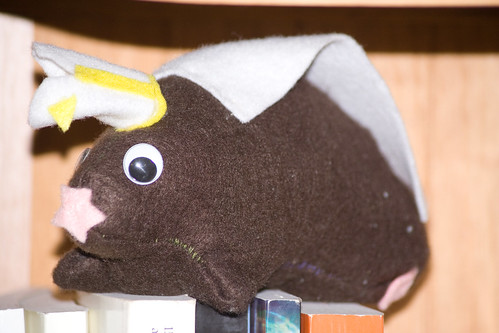 now it is:
which used to be #4
now it is:
which used to be #4