Geotagging Photos in Digikam
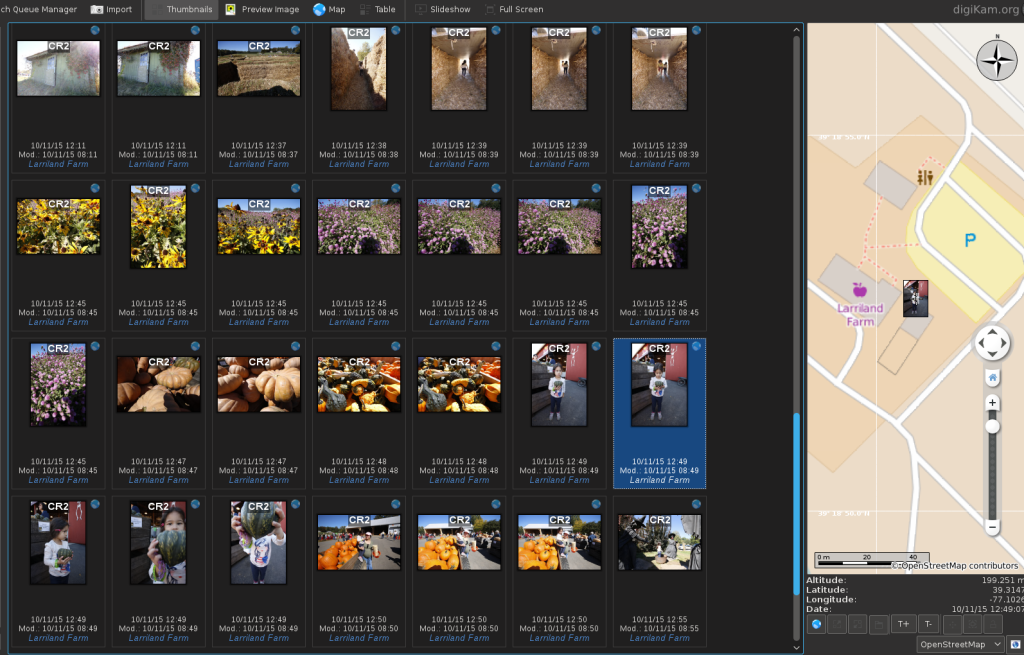
A while back I wrote about geotagging my photos when I was using Lightroom. I wanted to demonstrate how much easier it is with Digikam as everything’s built in and it works nicely and quickly.
Here’s how it can look as you click on each photo:
Mid-October 2015 Zoo Visit
For the first time in something like 3 years I took my Sigma 120-400mm lens to the zoo. I had intended to get some Firefox (Red Panda) photos and videos, but they weren’t there. That was also a bummer for Scarlett as seeing the Red Pandas was the reason she’d asked us to take her to the zoo.
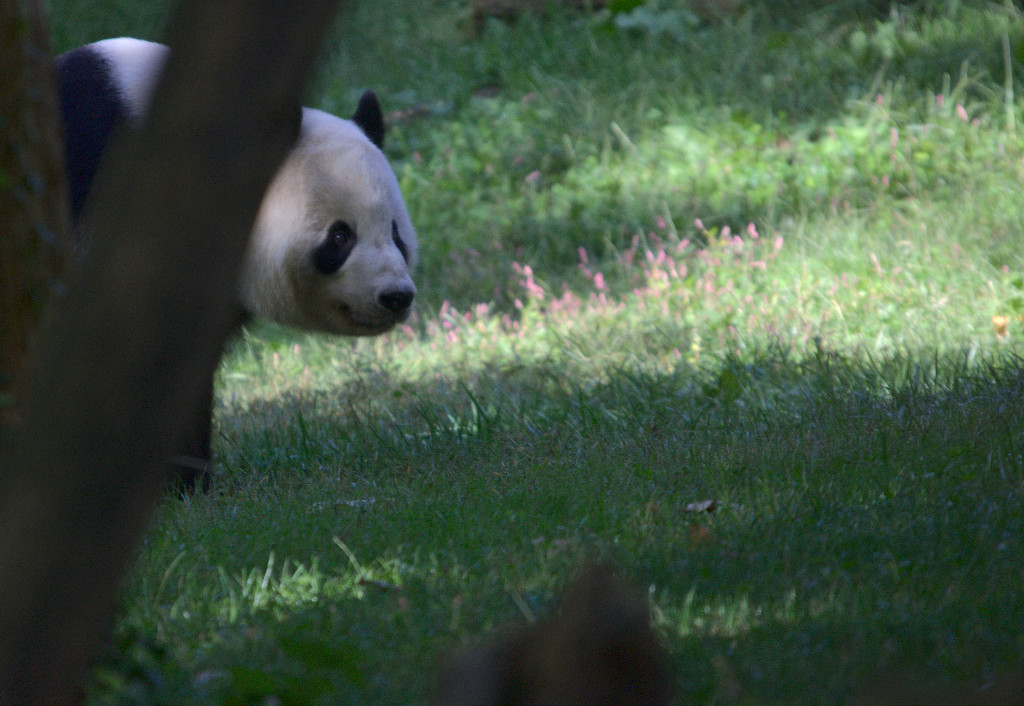
First off we saw one of the pandas:
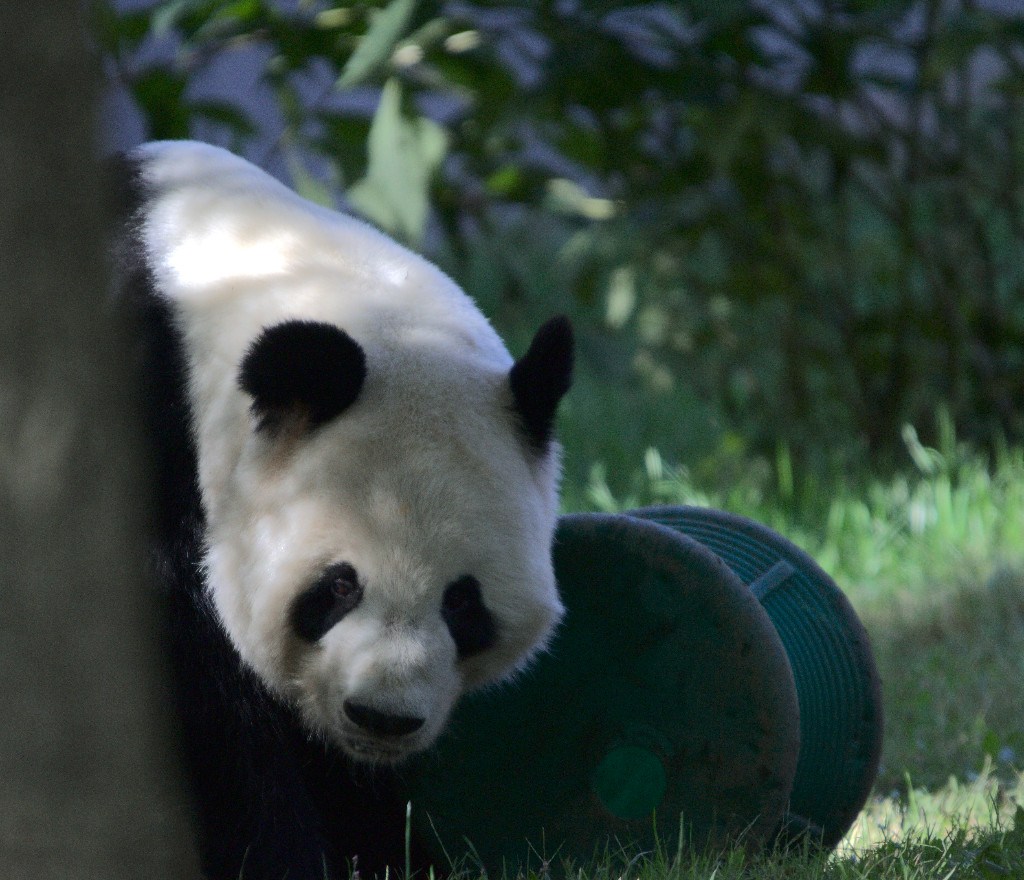
But what was a lot of fun was taking photos of the birds; birds that would have been quite hard for me to see in the wild. I think they came out pretty nicely considering the darkness in the bird house and the fact that I was hand-holding the lens. It seems like some of the higher ISO photos didn’t even have too much noise, so I’ll explore using it in the future to get the exposure a little more correct in camera. (if the photos look blurry when you click on them, give it a little time to load)
Review: Harry Potter and the Prisoner of Azkaban
 Harry Potter and the Prisoner of Azkaban by J.K. Rowling
My rating: 5 of 5 stars
First a quick note for when this appears outside of Goodreads (on my blog, for example): This review will have SPOILERS and outside of Goodreads I don’t think the spoiler tag is going to work to shield you from the spoilers. You have been warned!
In my last review I (rhetorically) asked Ms Rowling to surprise me - to make Harry lose sometimes and perhaps have the kids not always succeed at saving the day. Ms Rowling gave me that and so much more. As I noted before, she delights in Red Herrings (these books being something like Teen Wizard Noir), so my attention was on high alert this time around. Looking back at my status updates I was right or almost right about the following (will be in a spoiler tag):
Book Report 2015 Q3
A mixture of a growing Ebook library, tracking my goals in Goodreads, and Calibre’s ability to generate a catalog have made me decide to start tracking things quarterly in the book dimension as well. Here’s my second report.
Total Ebooks: 419 (includes catalogs; increase of 2 books)
Total Unread: 304 (decrease of 9)
Goodreads 2015 Challenge: 65 of 30 books complete. Last time I went way over. We’ll see what this year brings.
Last.fm Listening Trends 2015 Q3
After getting to MGMT alphabetically, I tired of going through the list alphabetically. While I have rediscovered some music, I wanted to go back to my auto-playlists which would give me my favorites. I could always get back to going through things alphabetically in the future. One way to accomplish what I wanted was to see which songs don’t have a score - another would be to create a low score playlist I could run every once in a while to see if anything that had scored lowly was now something I wanted to hear.
The Annual Pumpkin Patch Visit
Recently we went to the pumpkin patch to get a couple pumpkins for the house and for Scarlett to have some fun at the farm. Here’s a gallery of my favorite photos from that visit and aftermath:
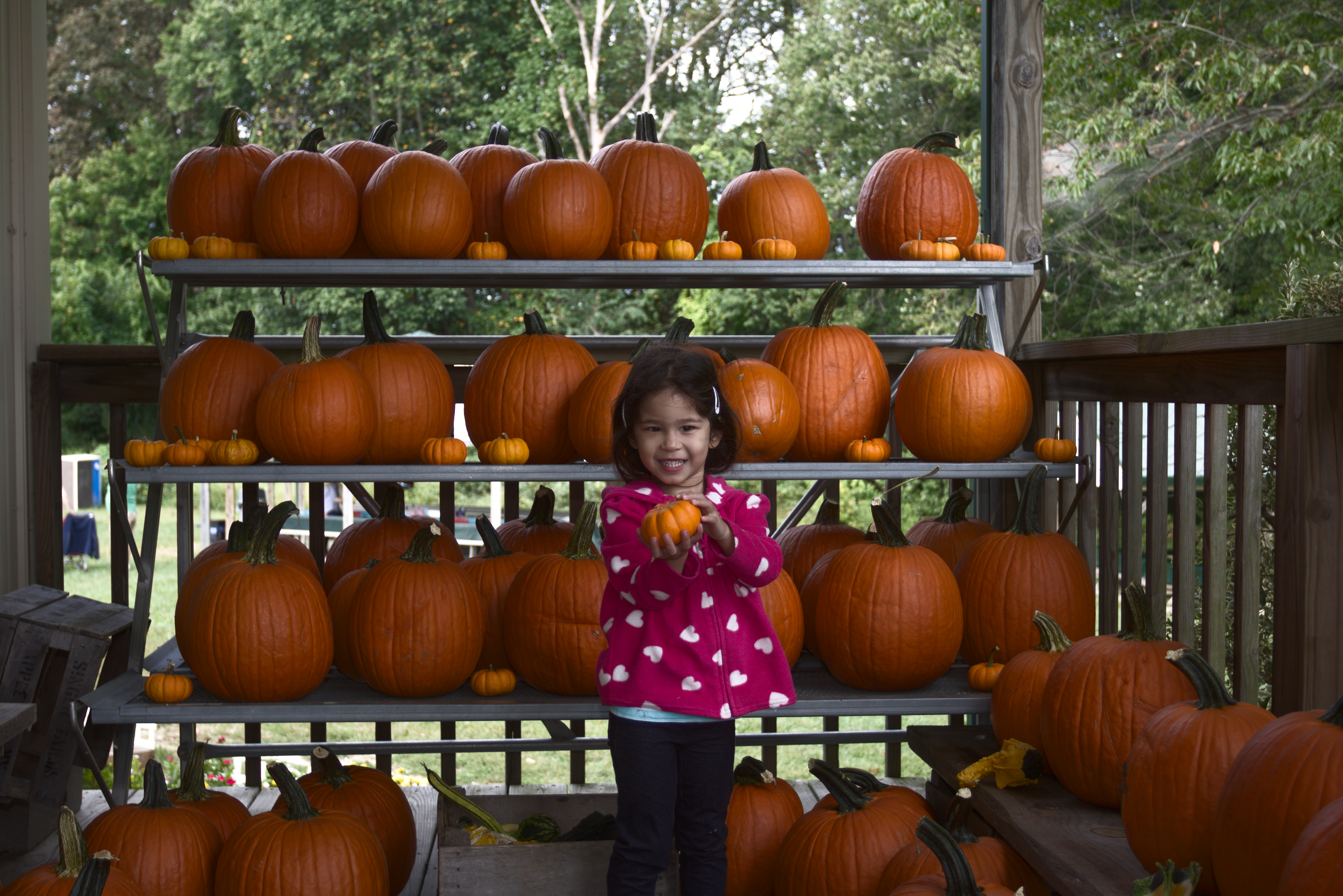
The-Farm-001
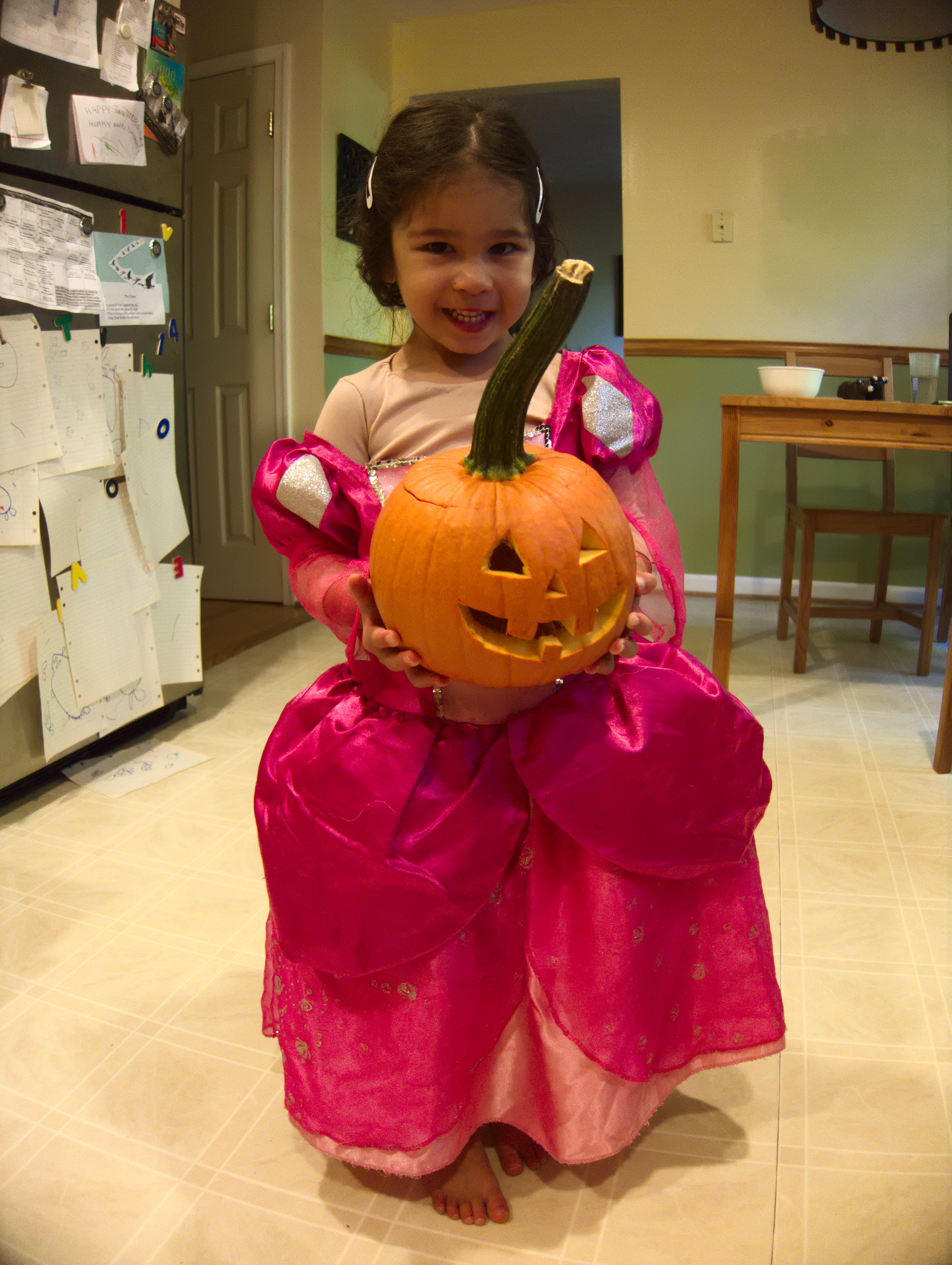
IMG\_7659

IMG\_7654
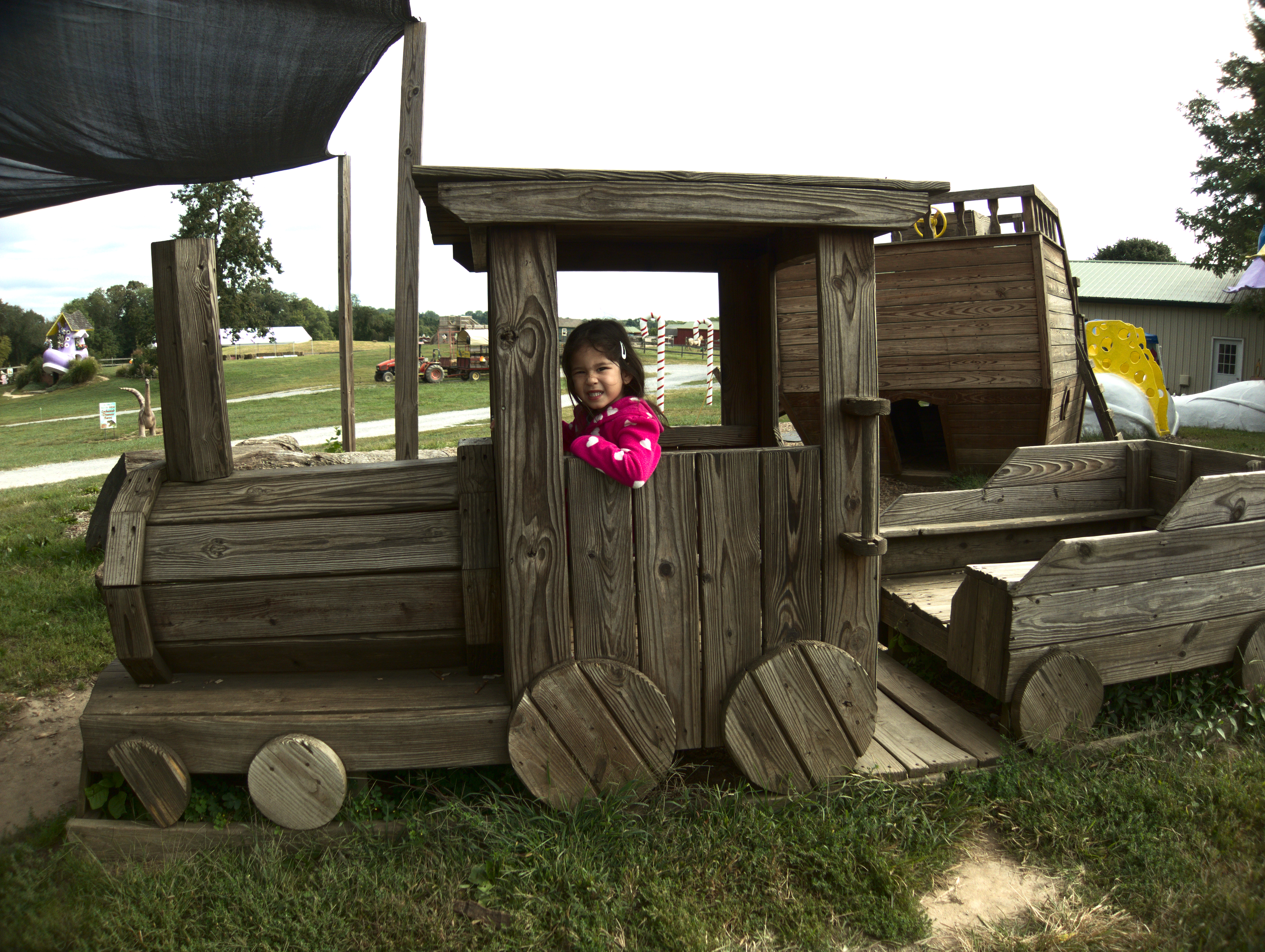
Clarke-Elioke-Farm-2015-09-20-010
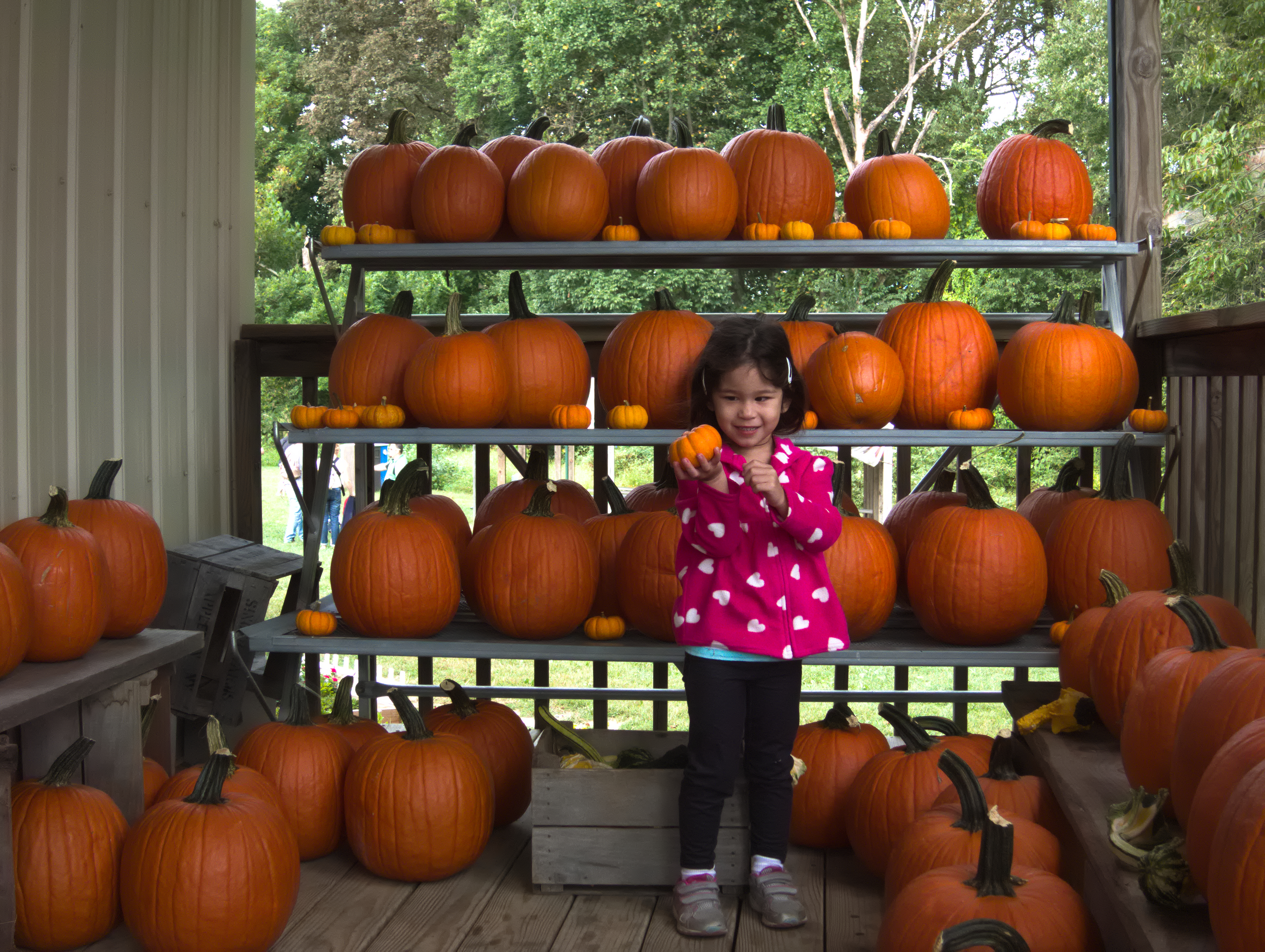
Clarke-Elioke-Farm-2015-09-20-001
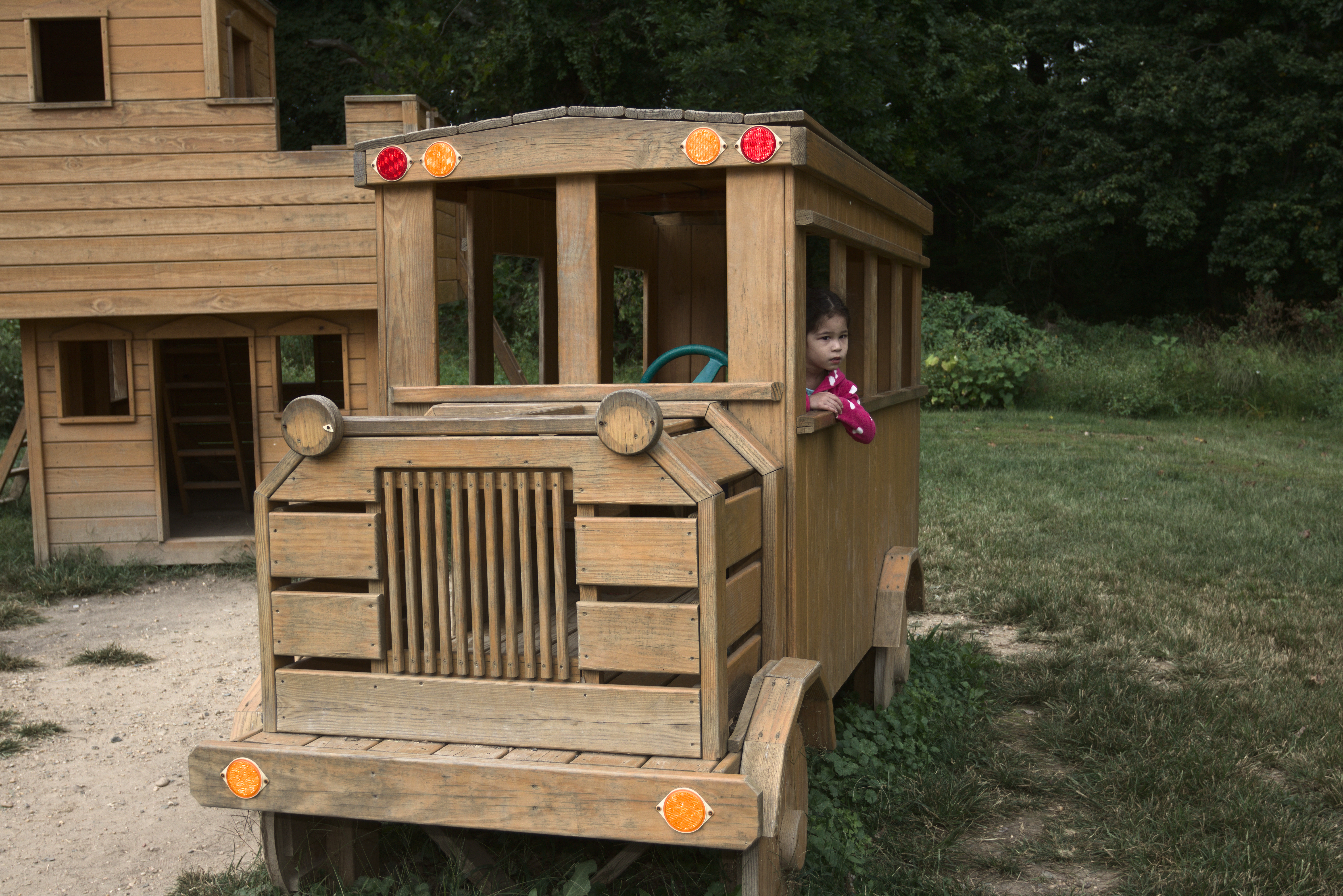
The-Farm-016
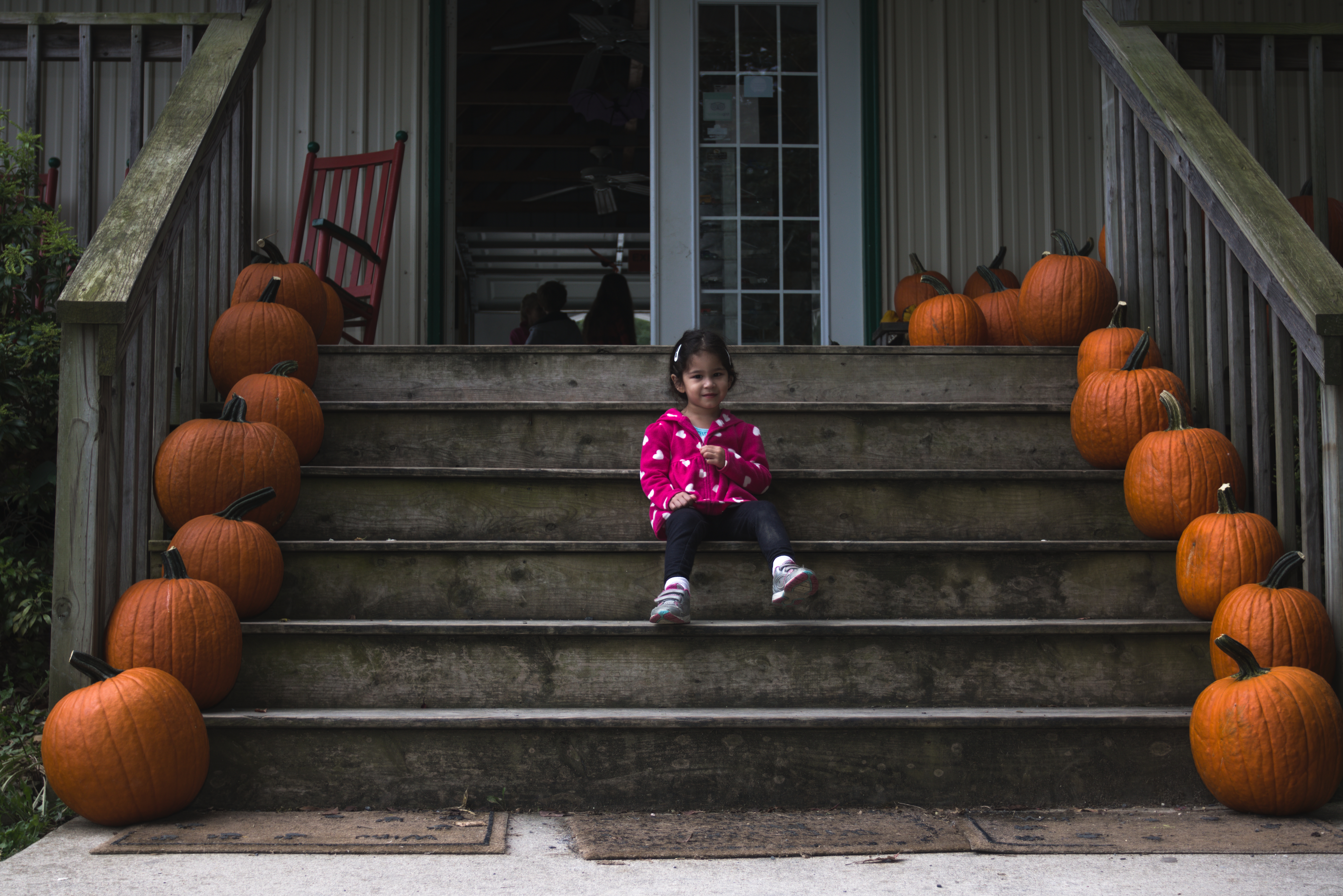
The-Farm-015
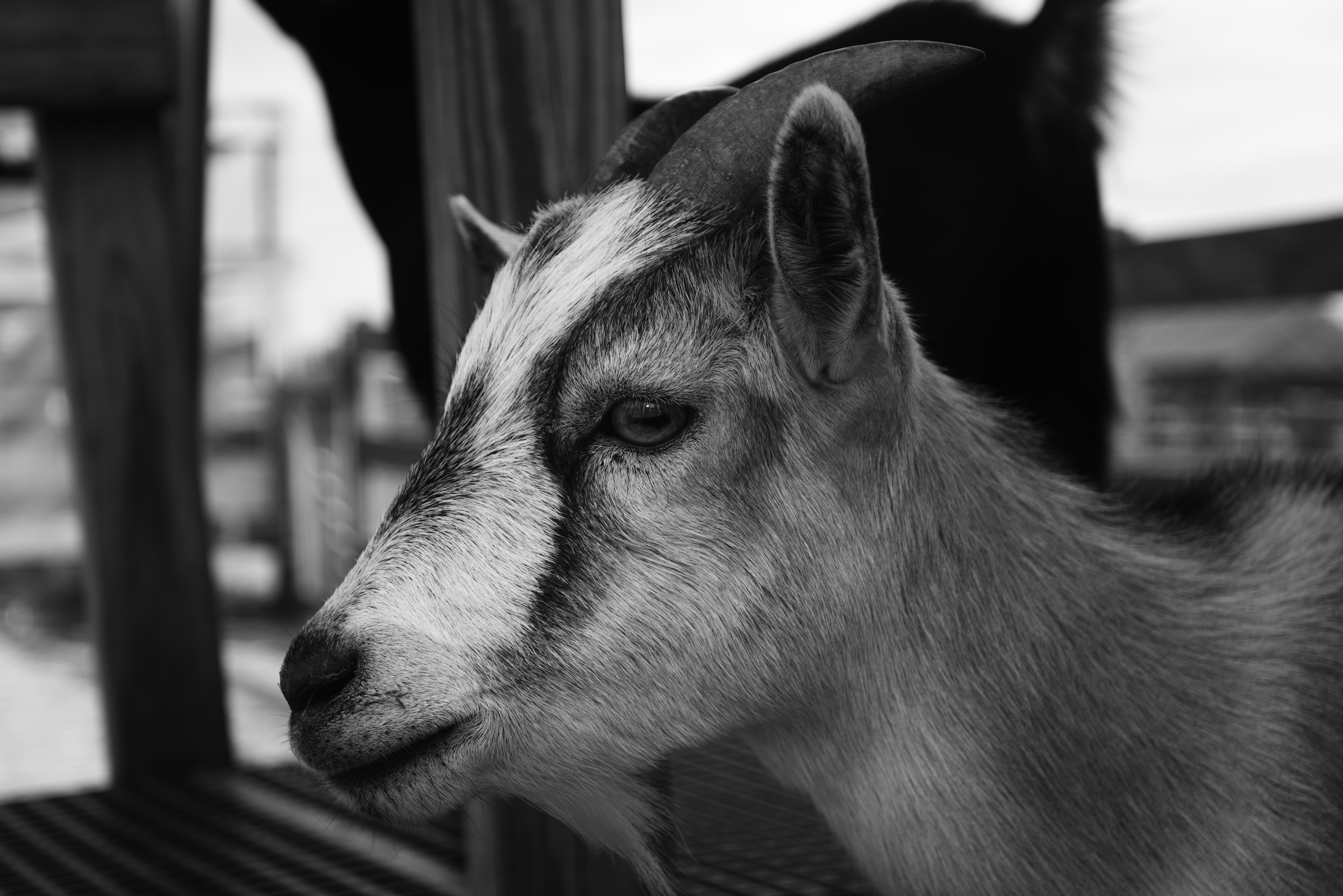
The-Farm-014-bw
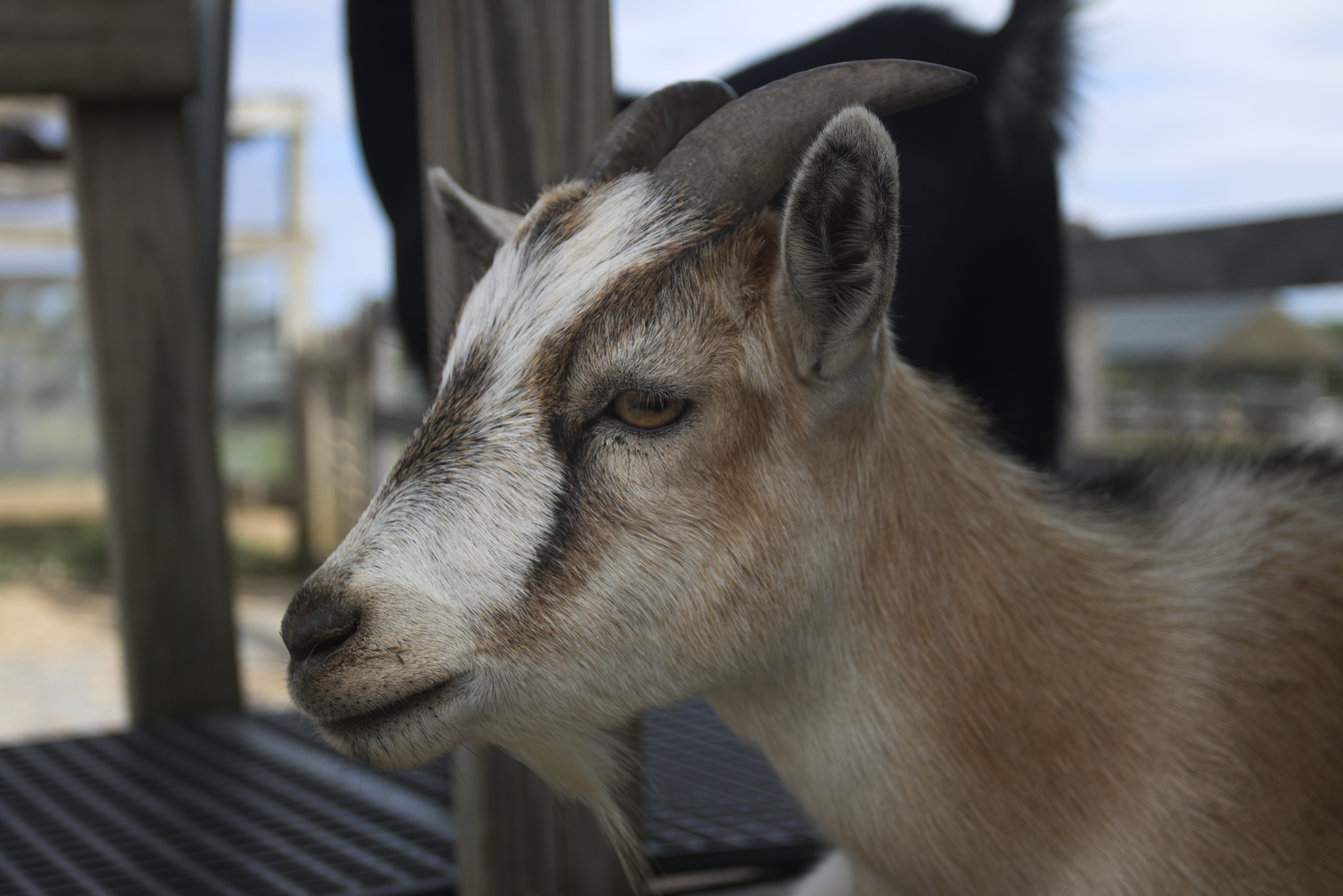
The-Farm-013
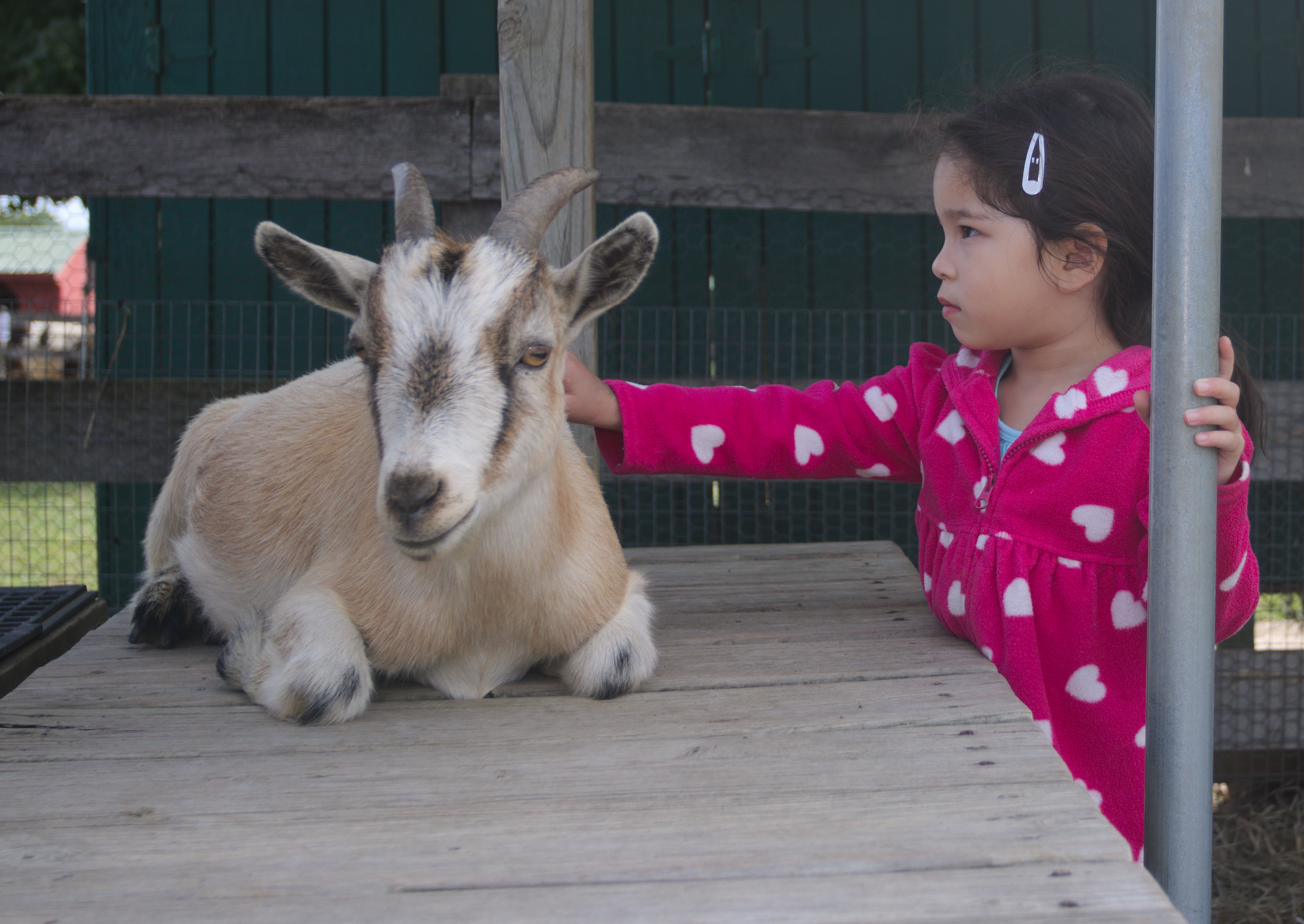
The-Farm-012
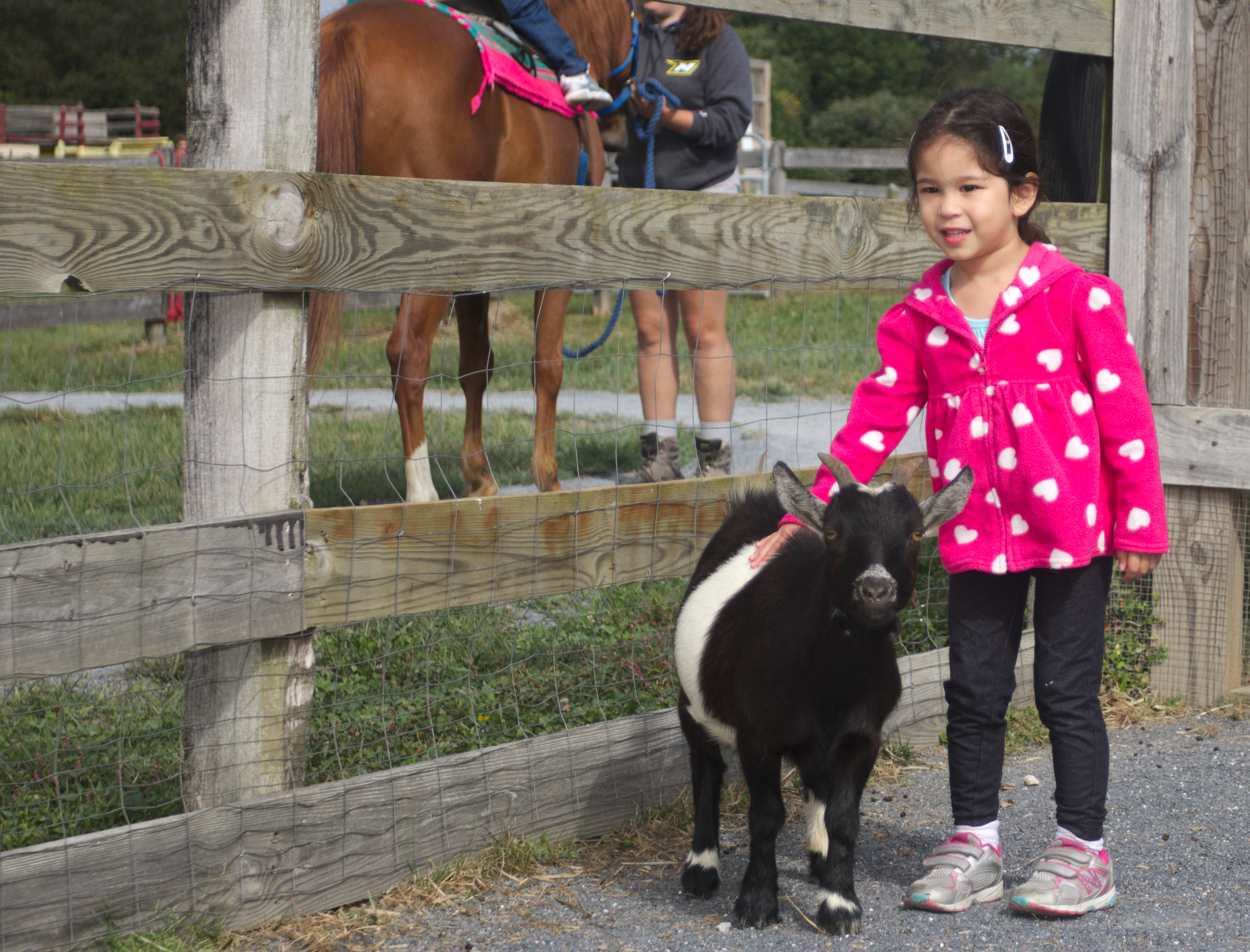
The-Farm-011
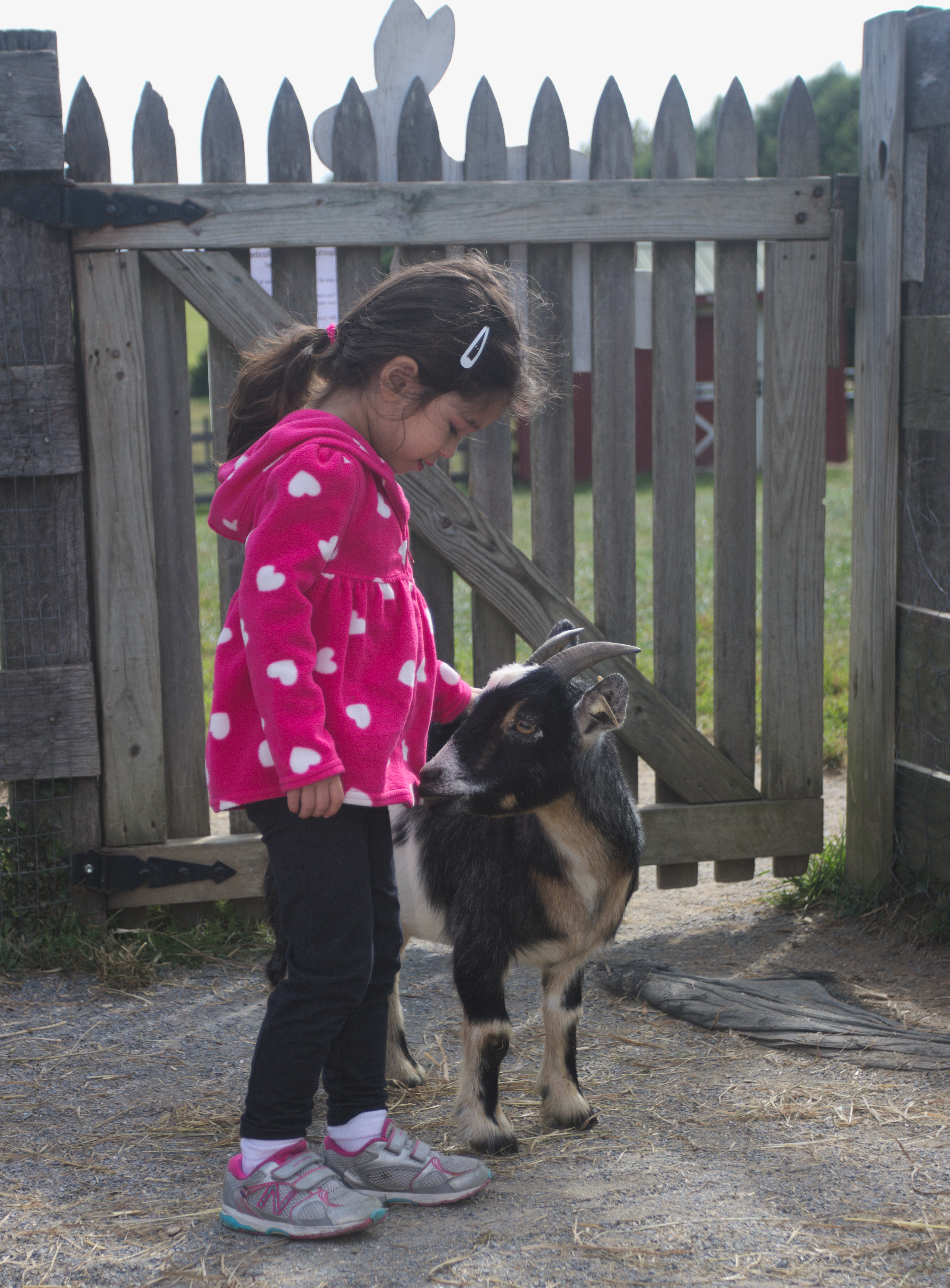
The-Farm-010
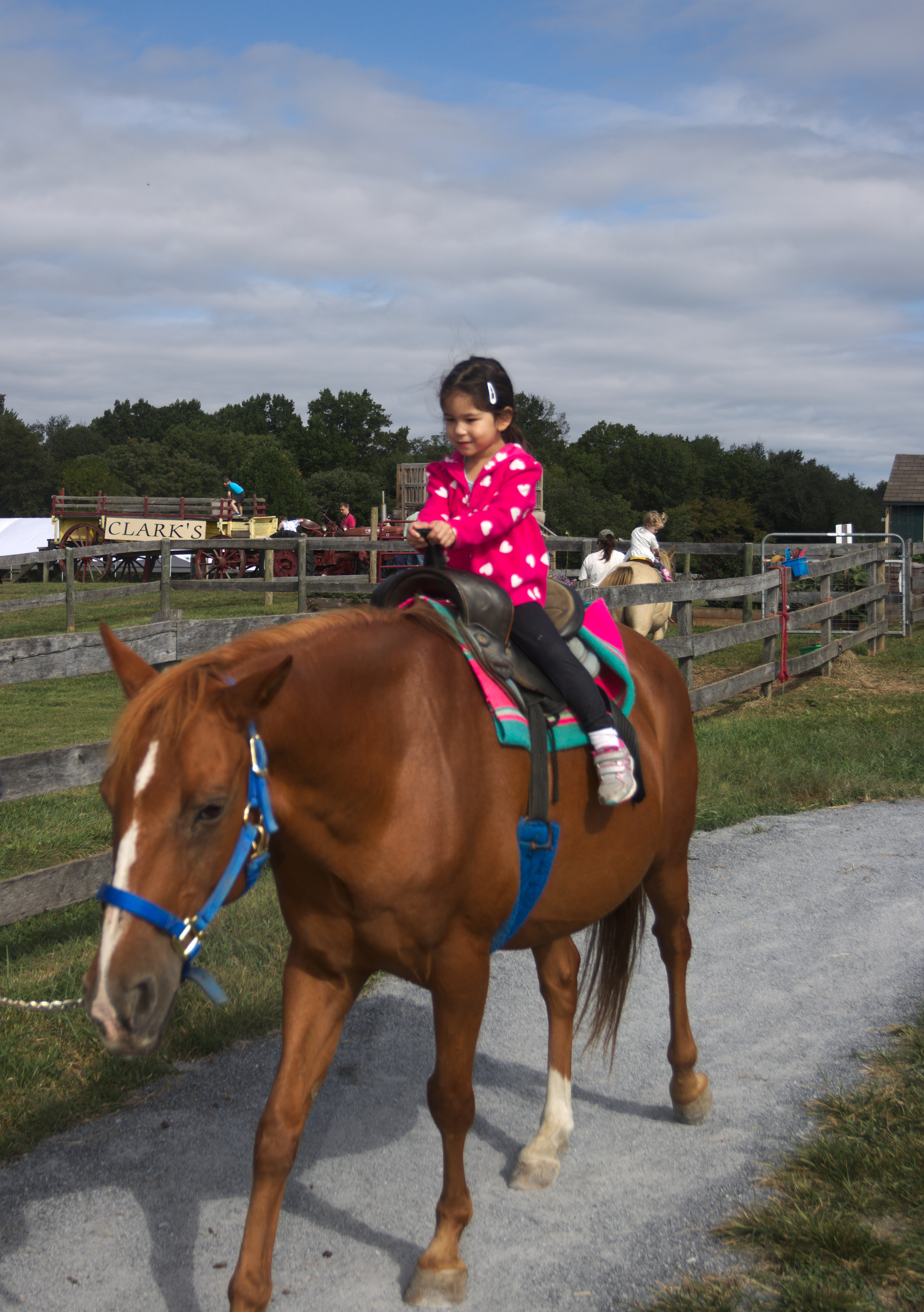
The-Farm-008
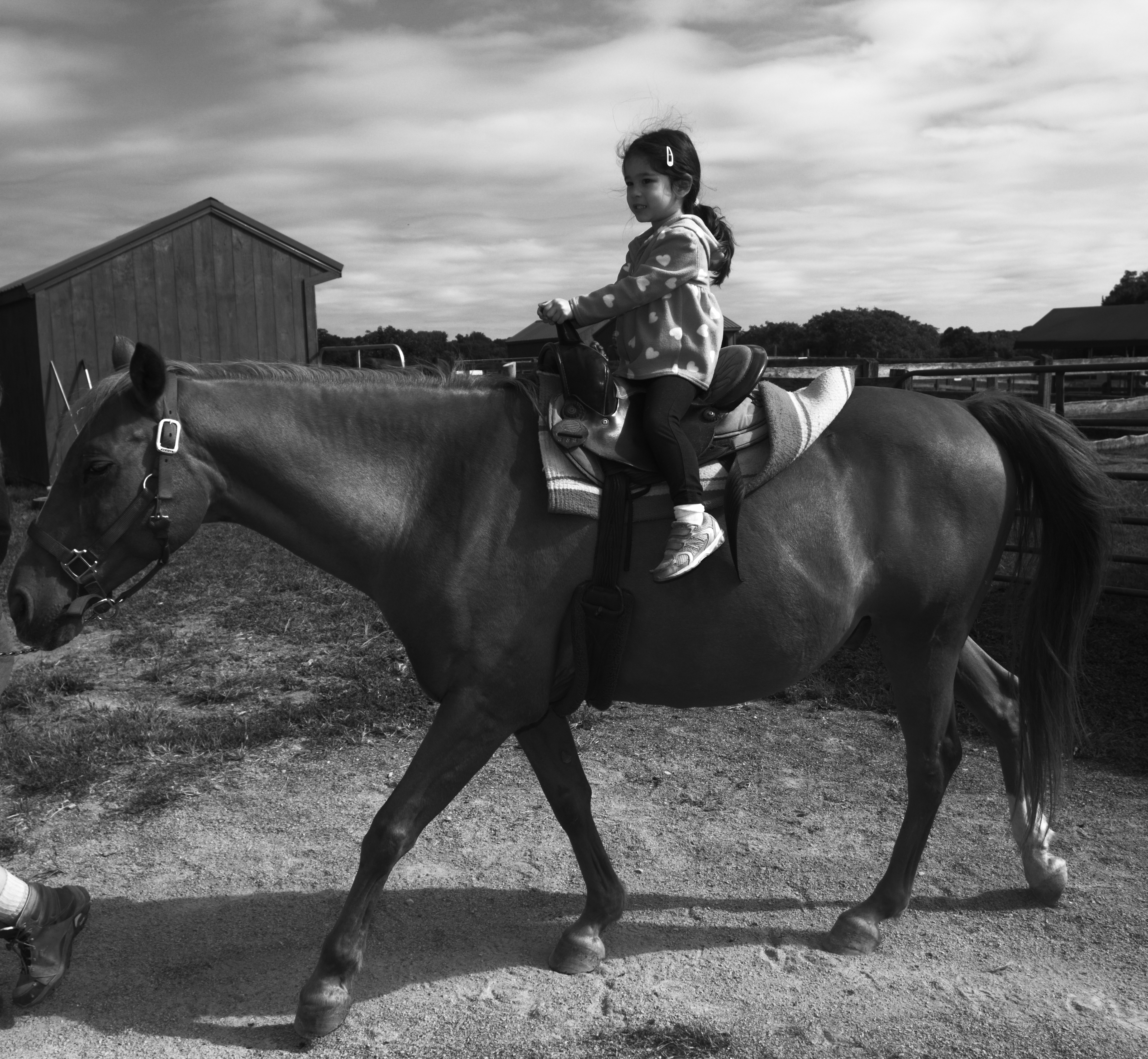
The-Farm-007-bw
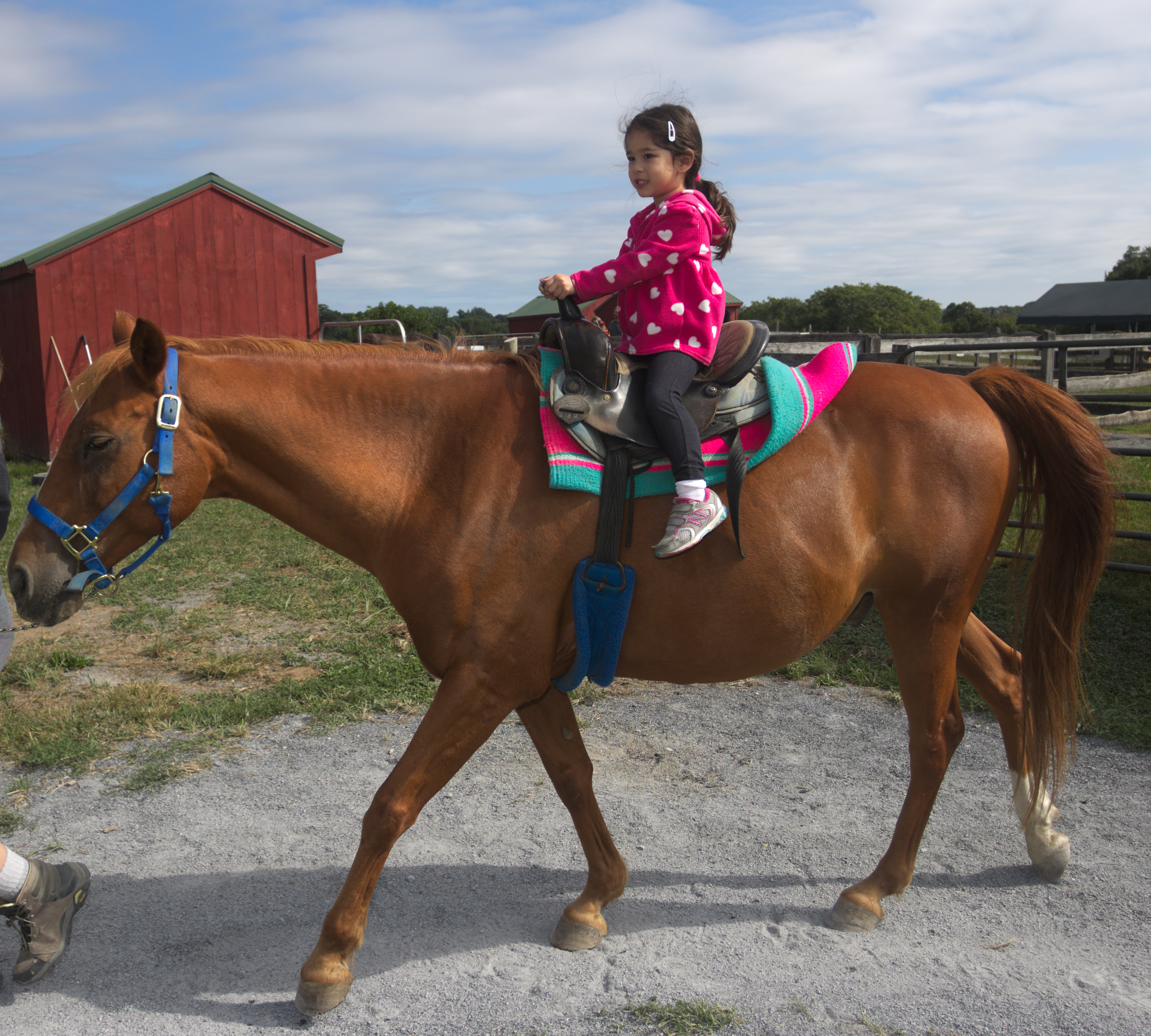
The-Farm-007
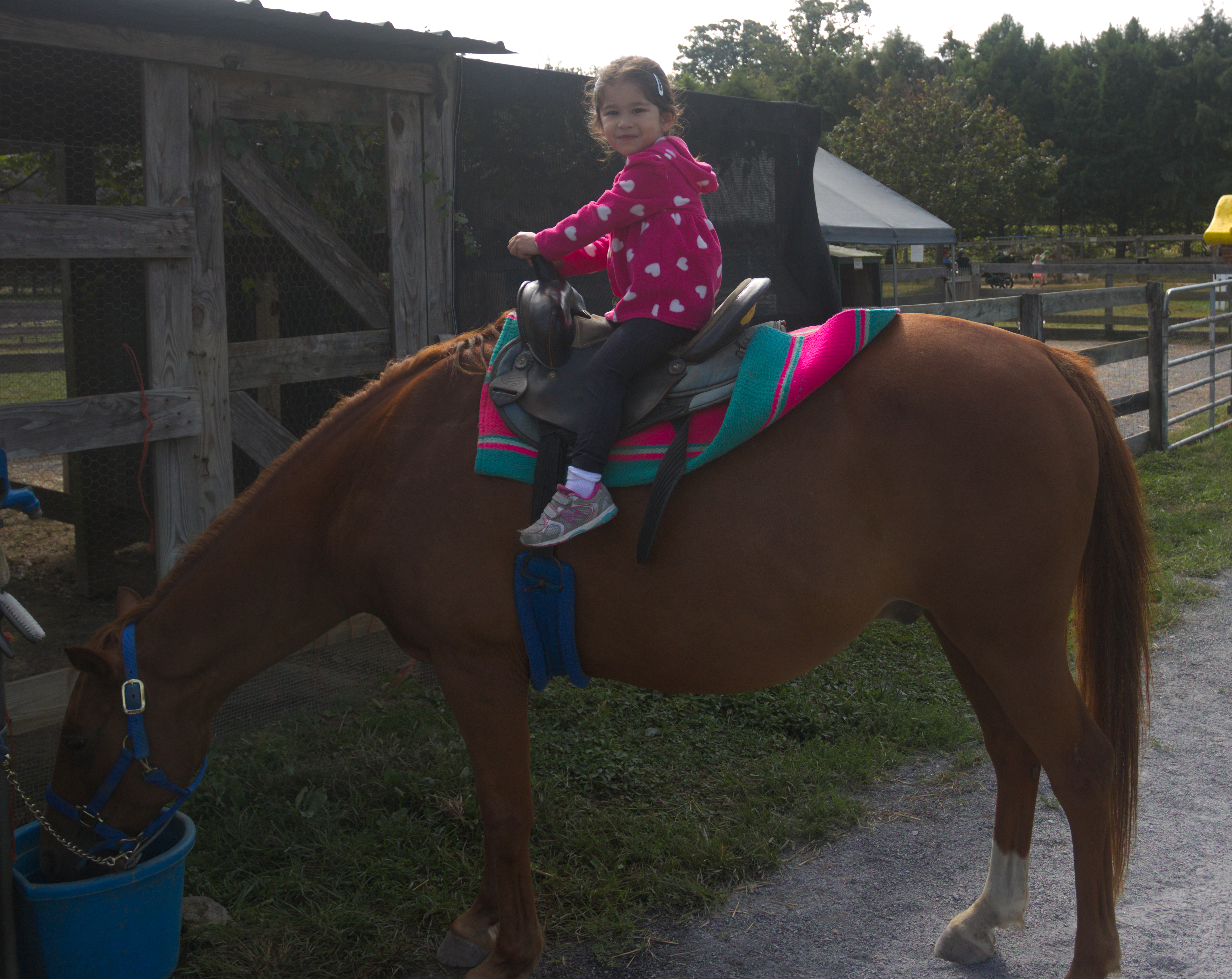
The-Farm-006
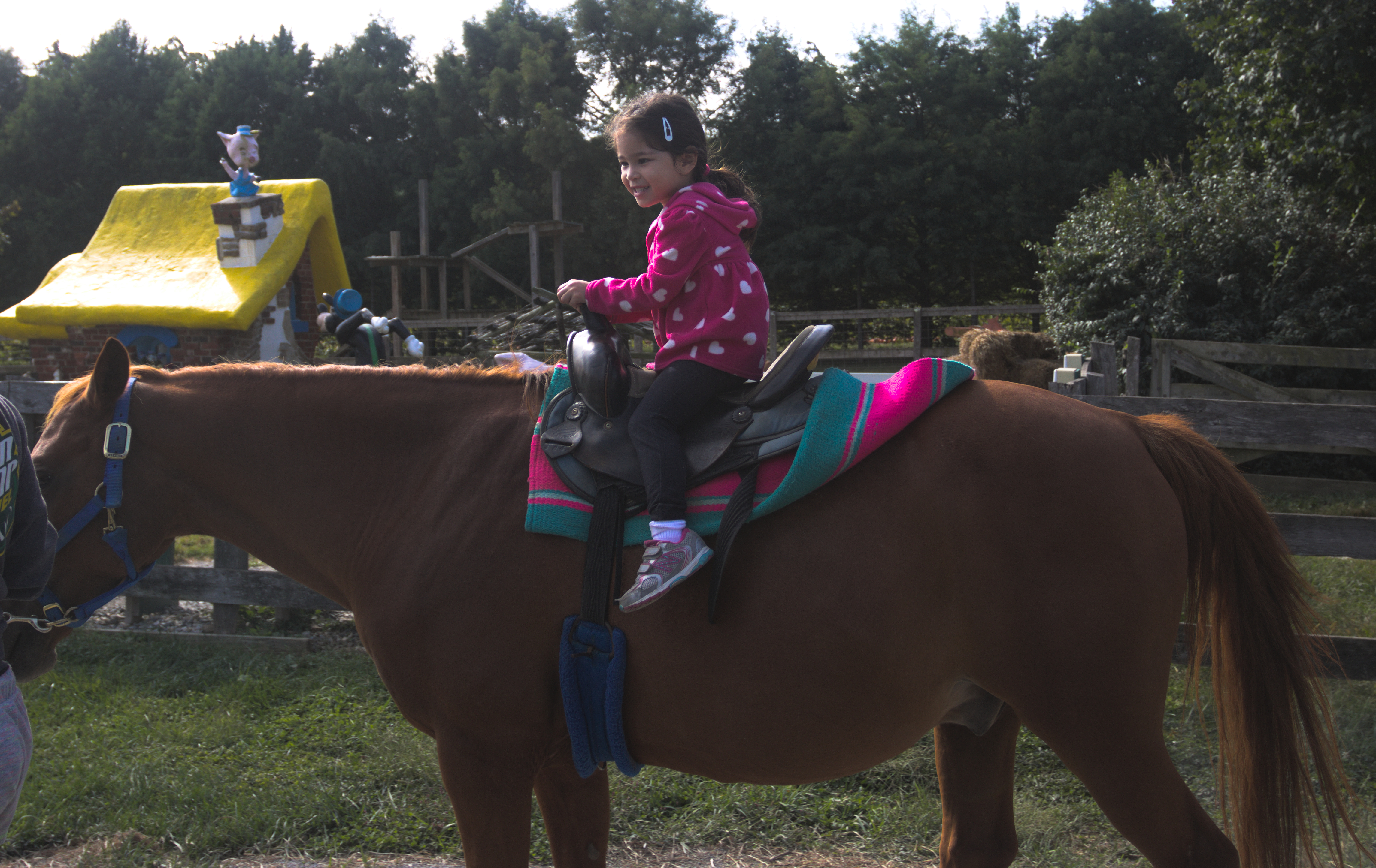
The-Farm-005
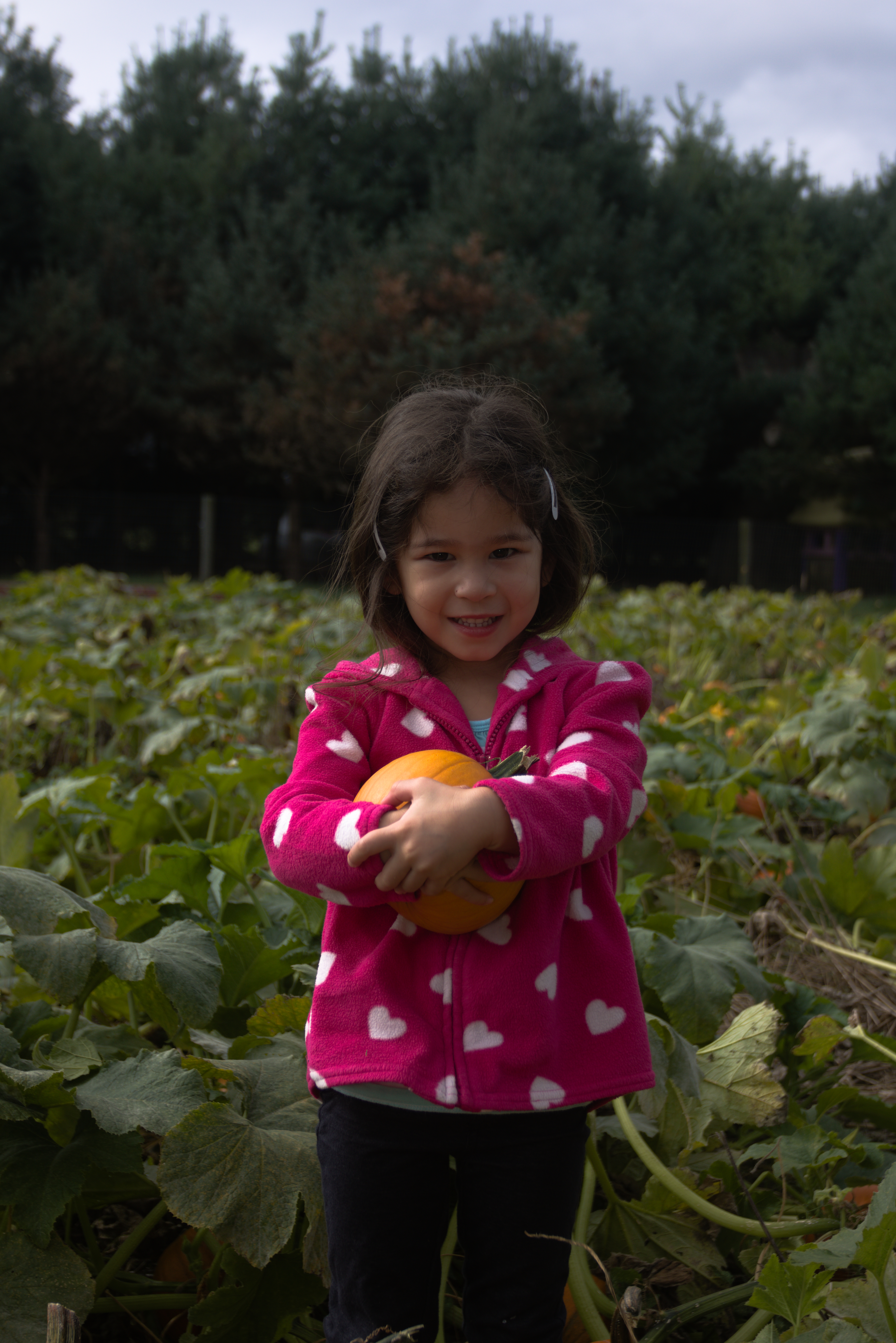
The-Farm-004
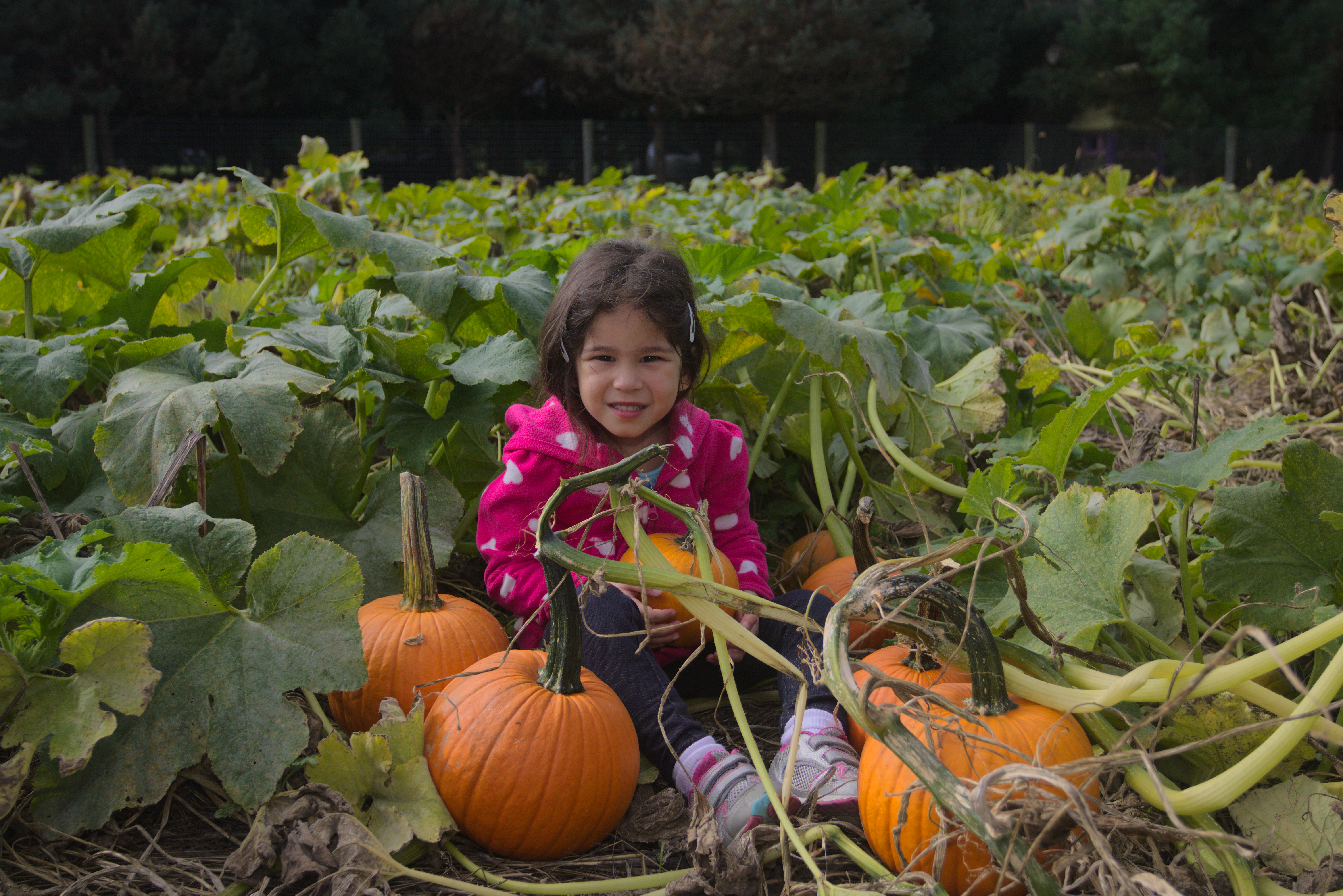
The-Farm-002
Tutorial: Using RawTherapee To Post Process An Image
In this video I share some new techniques I learned to better process images with RawTherapee!
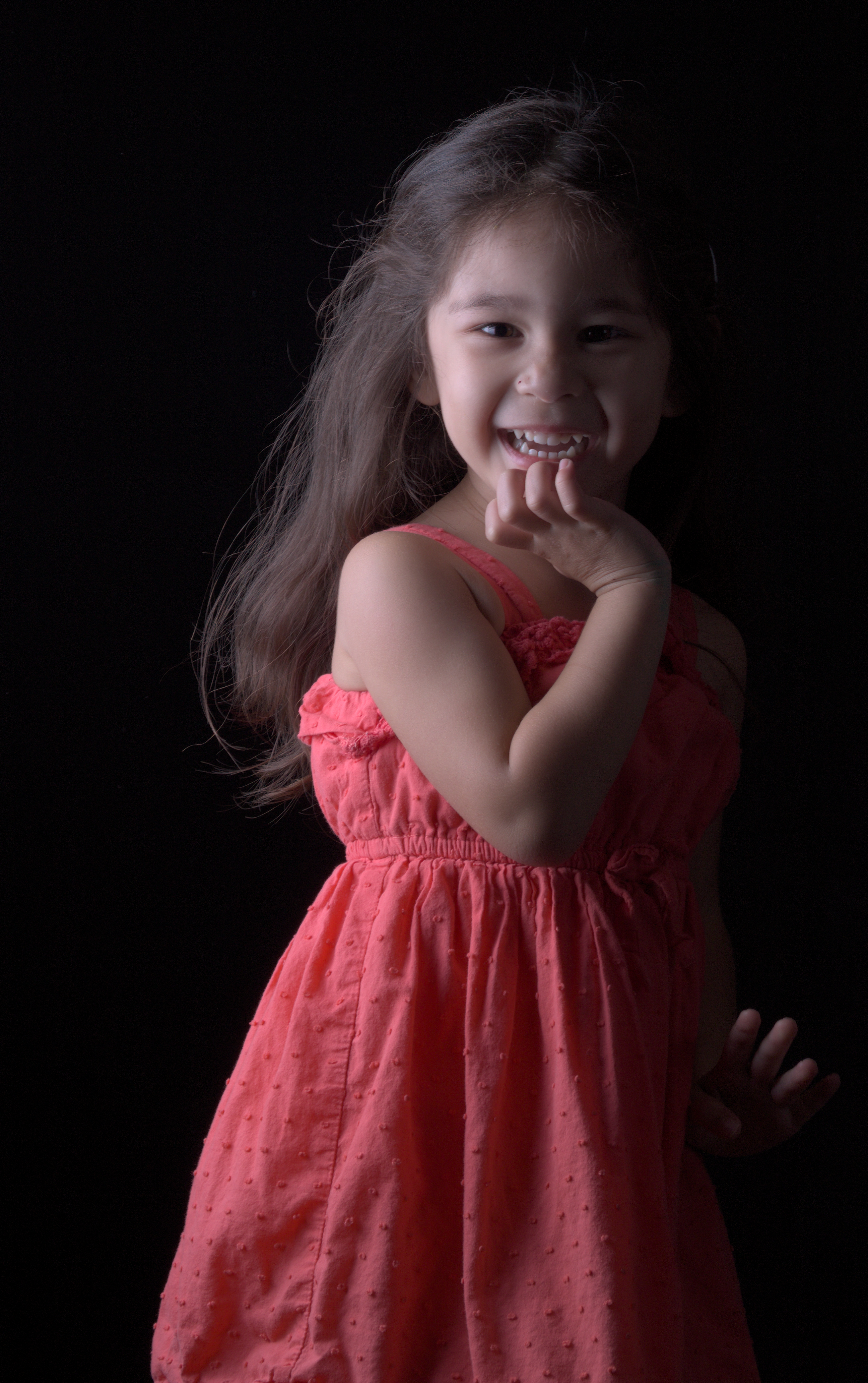
My Raw Workflow in Linux (Digikam and RawTherapee)
Back in May I posted a video of my RAW Workflow in Adobe Lightroom. Now that I’m fully on the Linux photography bandwagon, here’s a video of my current workflow with Digikam and RawTherapee:
Scarlett on the Stoop
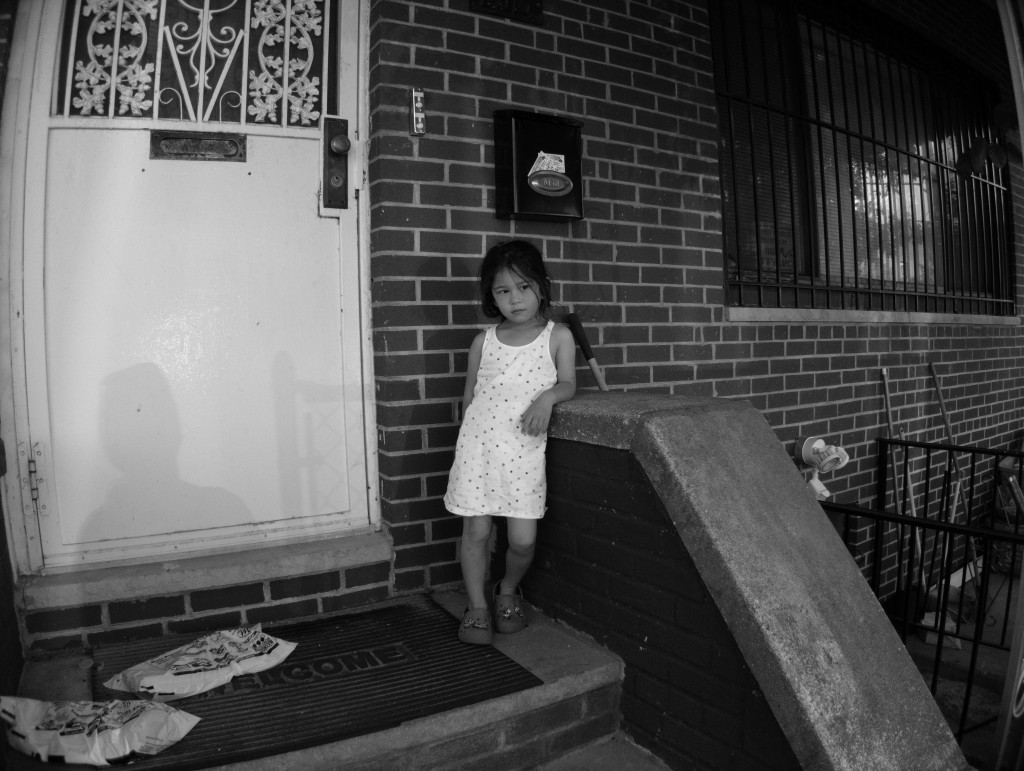
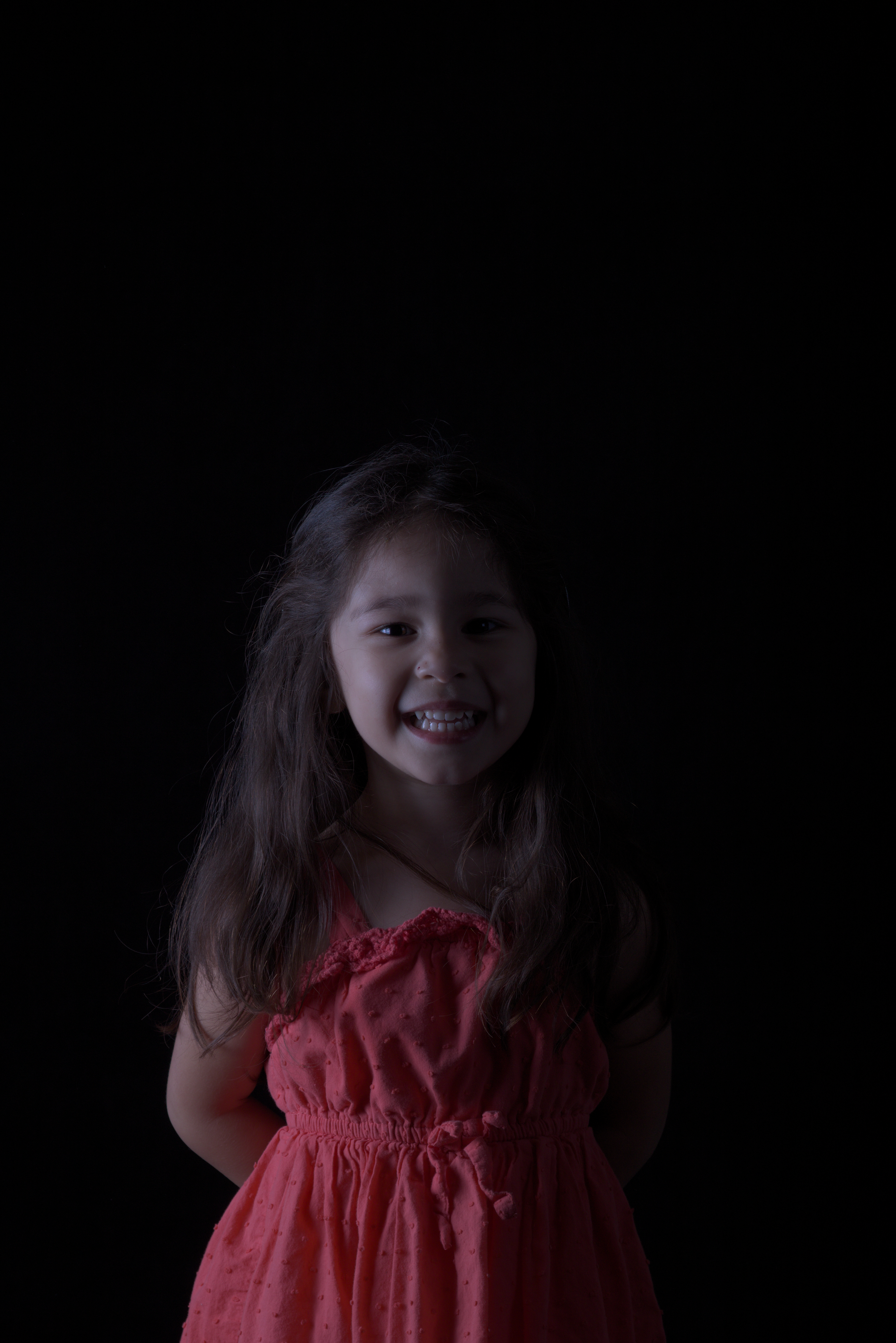
In an ever so slightly different universe this would have been Scarlett’s childhood: