
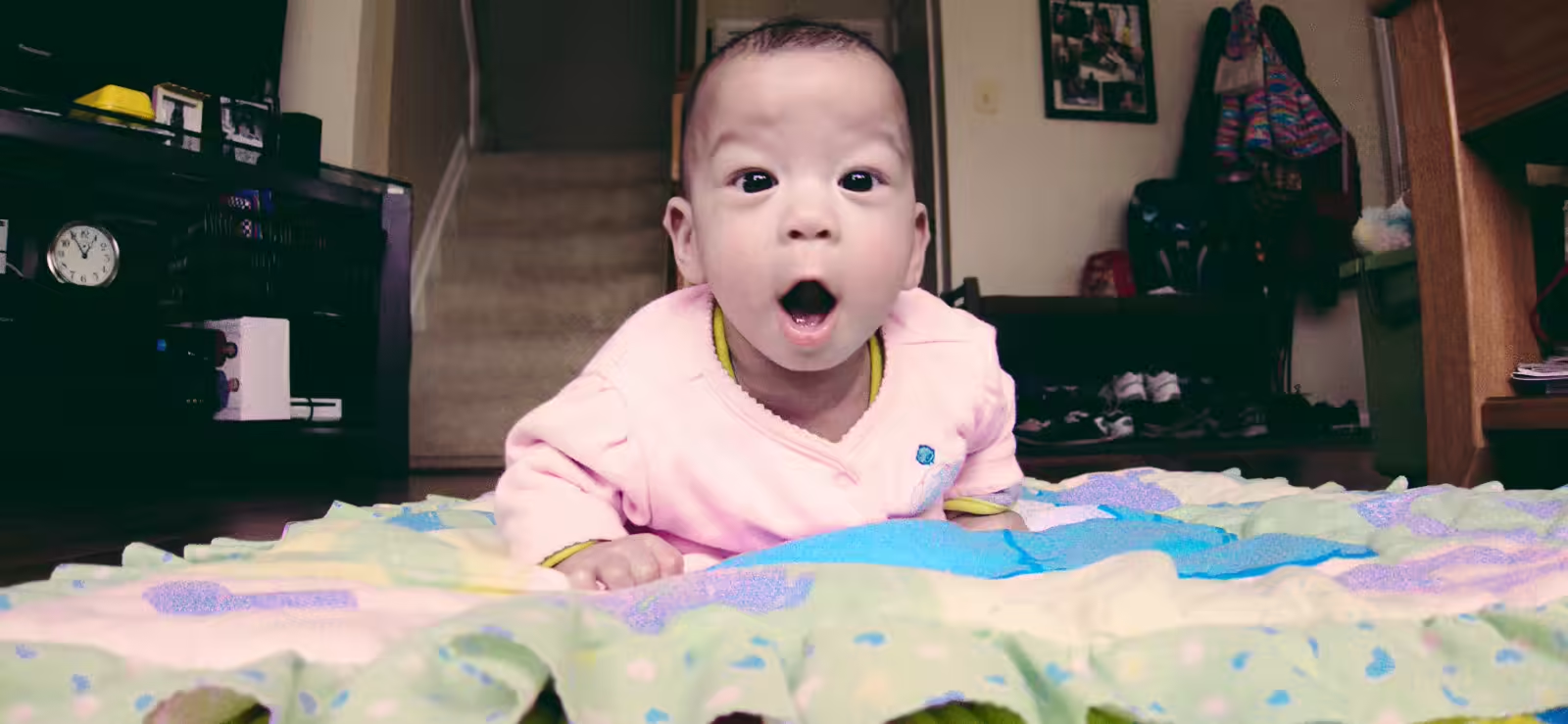

Kids with a 50mm Prime
That sweet, sweet bokeh. Although, you have to remember to increase that f-stop as soon as you start moving things out of one plane.

Hello, Sister!

Yes?

Squished Together

So, those are teeth!
Hoodie Sam
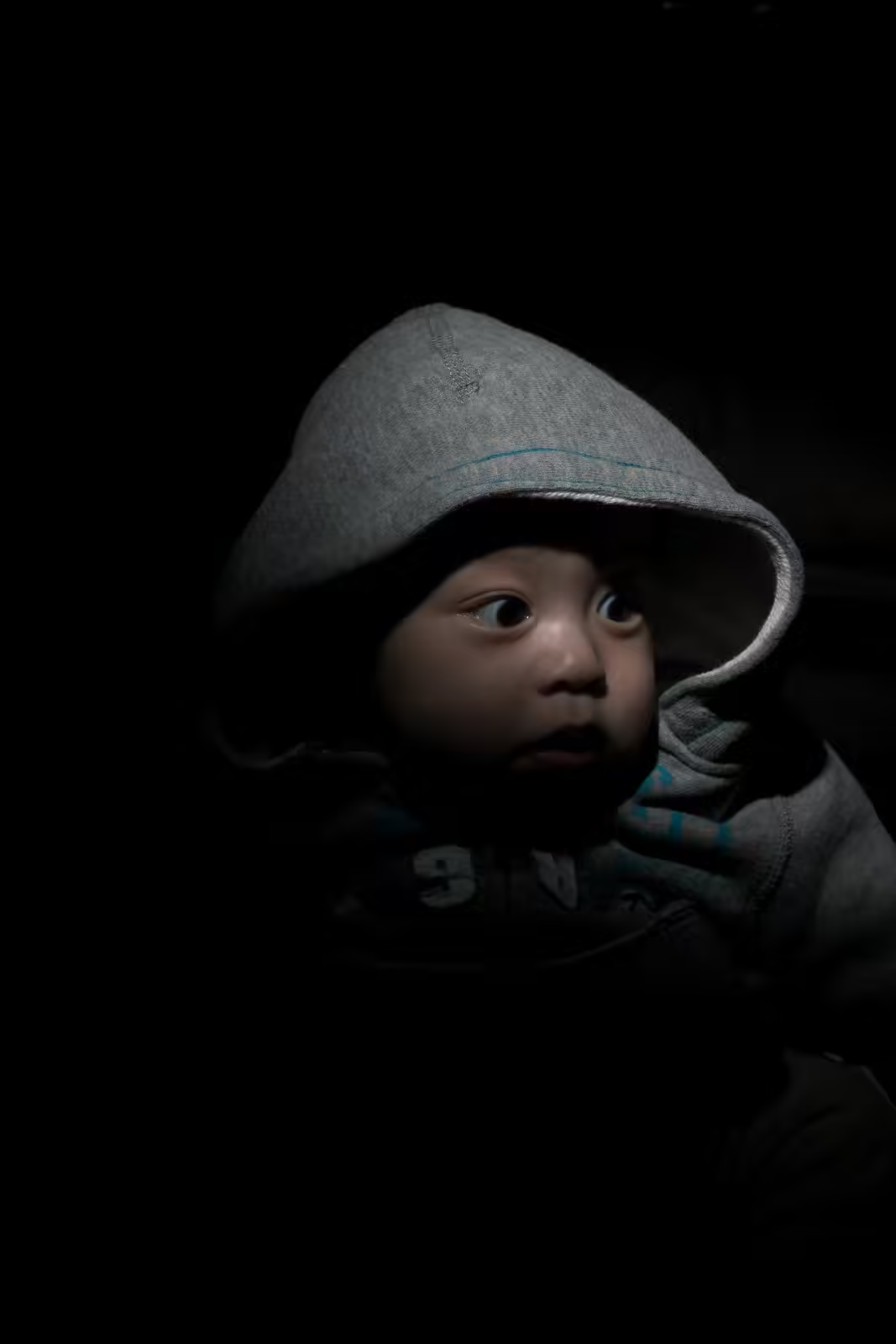
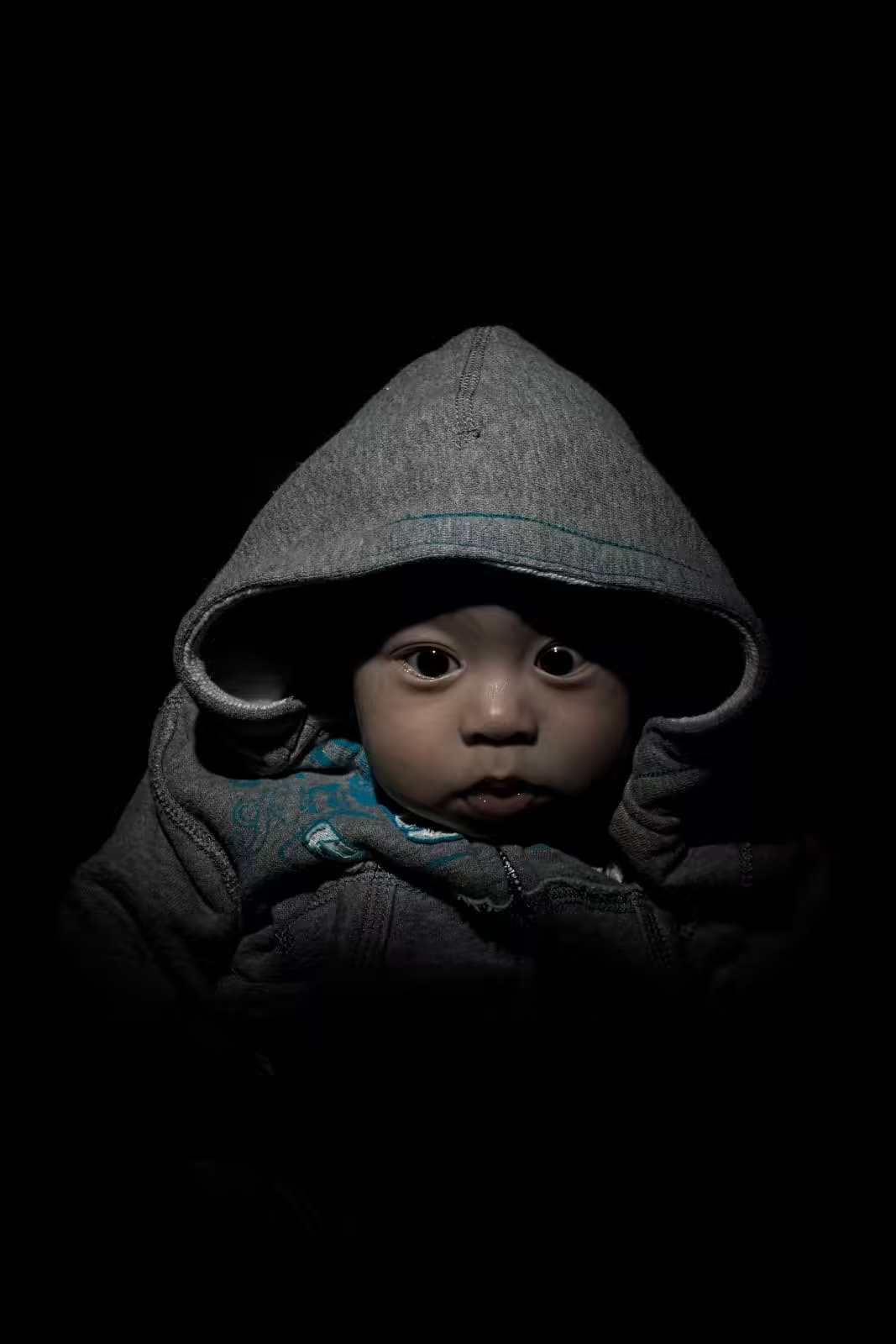
When Danielle brought out a hoodie for Sam a few weeks ago, I knew I had to photograph him in it for the incongruity of him just being a little baby in a hoodie. But I wasn’t sure what look I was going to go for. Then I remembered my snoot. Hooked that up to the flash and boom, no need for Photoshop or anything - this is exactly how it came out of the camera.
Five Month Portraits [Couch Style]

Sam’s Five Month Couch Portrait

Sam’s Five Month Couch Portrait

Stella’s Five Month Couch Portrait
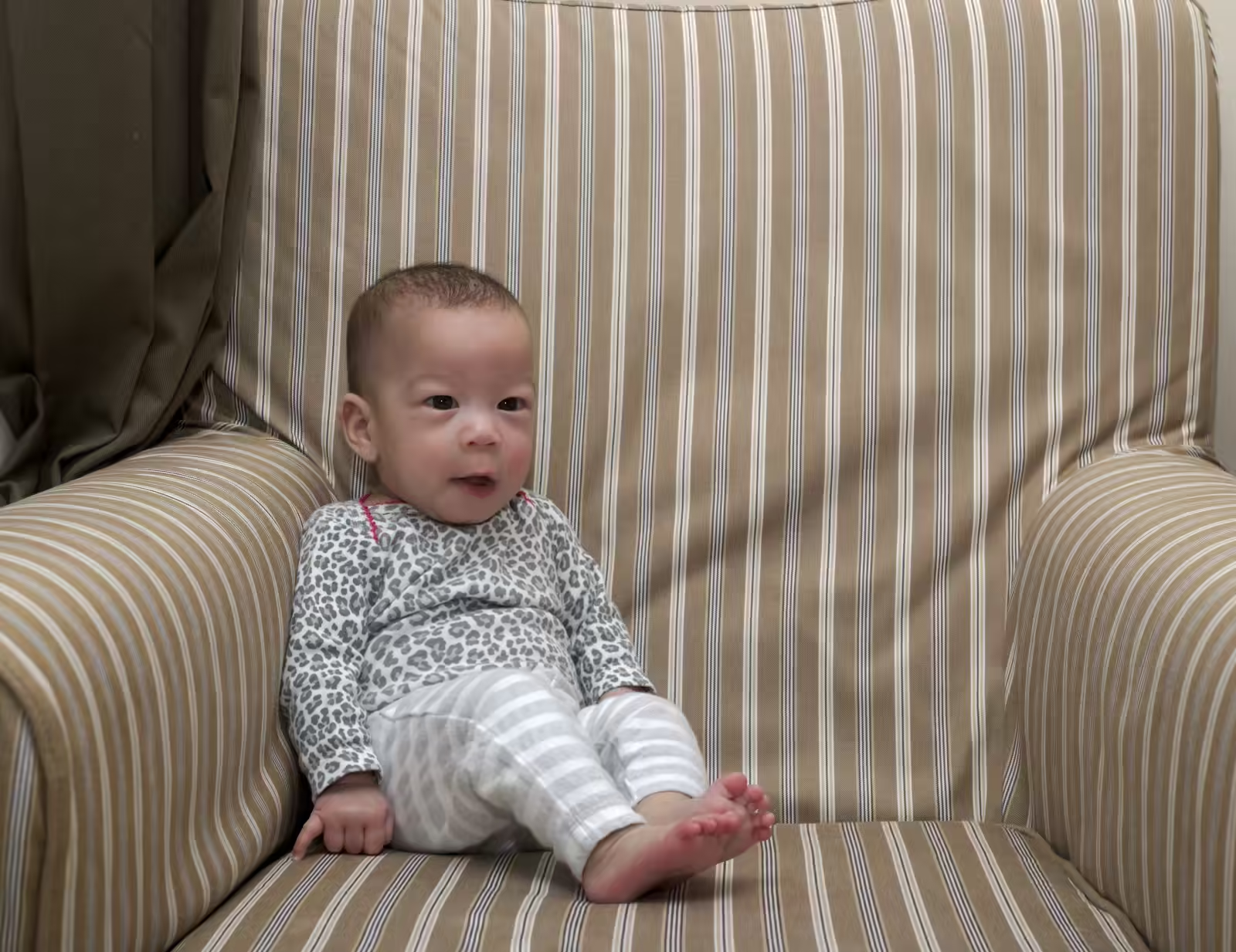
Stella’s Five Month Couch Portrait

Sam and Stella's Five Month Portraits [Studio Style]


What I edited and what I didn’t
Danielle mentioned that it looked like I’d messed around with the image because the strings on Sam’s photo looked fake. Actually, that’s how it was captured in the camera. The strings were reflective and, as I’m about to get into, there was a lot of light in this shoot. There are only two things I did to edit these photos. For both of them, the balloons ended up floating higher than the backdrop. So I had to extend the backdrop digitally. Luckily for other reasons that I’ll get into in the lessons learned section, I’d been trying to blow out the background and make it pure white. In computer terms, I wanted it represented by (255,255,255) or pure white. So it was less of a pain to extend the background to make it look real - I didn’t need to use a clone or healing brush. It was already white so I just painted in white (I actually did something a little more complex, but this is fine for the analogy). For Sam’s photo, the balloons and strings caused a bit of a shadow behind the strings so it’s not pure white there. The strings are so skinny that it wasn’t worth trying to paint over this with white. I tried a couple times and then gave up and reverted it.
Black and White Conversion Challenge Round 1
Now that Google has released the Nik Collection for free, I wondered which is the best way to convert a color image into a B&W image. So I wanted to compare the results from RawTherapee, GIMP G’MIC Plugin, and Nik Collection in Photoshop. What follows are four videos as go through the processes.
Here are the files: