Recent Fedora 31 and Fedora 32 Upgrades
Recently upgraded my server to Fedora 31 as the Fedora 30 support window had closed. All I had to do was disable the bat Modular Repo. It wasn’t obvious I needed to do this at first, but I found a bugzilla that covered it. Then everything proceeded.
I also updated my main laptop to Fedora 32; it’s always my first upgrade since it’s not my main machine. That one required a few modular repos to be disabled as well as a bunch of conflicts from Python 2 packages. By using dnf’s –auto-erase (or whatever the command actually is), everything proceeded and seems to be running just fine. I was a little worried at first with the warning about coming back from a locked screen in KDE, but I decided I could live with it on the laptop. So far, either the issue doesn’t affect my laptop or I haven’t triggered the conditions.
Installing KDE Plasma 5 on CentOS 8
You can watch the following video. There are also text instructions below the video. (including getting sddm working)
I started off with just a boot install of CentOS 8, so I wouldn’t have Gnome or any other unnecessary cruft installed. After installation, I enabled the EPEL repository - latest directions for that are here.
After that, I had to install KDE by typing:
sudo dnf groupinstall “KDE Plasma Workspaces”
systemctl set-default graphical.target
CentOS 8 on Acer Aspire One D255E
A little over a year ago, I put CentOS 7 on my Acer Aspire One. We had no idea when RHEL 8 was coming out (turns out just a few months later when I was at the Red Hat Summit, it was the release party for RHEL 8), so 7 went on there. And at Red Hat Summit I learned that, while running CentOS 7, suspend worked on that netbook. However, it was already pretty old by the time I put it on the netbook and it was missing certain libraries and had old versions of libraries like Go so I couldn’t do something like install Weechat-Matrix on there.
Milestones reached in two of my Python Projects
For my btrfs snapshot program, snapintime, I have reached version 1.1.1. About six years after starting this project, it now covers all the cases I wanted to back when I started. I’m very happy with where it’s now at.
For my Extra Life Donation Tracker ( PyPi page here), I’ve reached my v4.2.0 release. This release fixes some of my oldest issues (#s 13 and 14 - while the current highest issue is #95), and allows users maximum flexibility in the way they want to set up their tracker window. They can change the font face and color of the text that displays the latest donation and they can change the background color if chromakey green doesn’t work for their use case.
Reviving and Revamping my btrfs backup program Snap-In-Time
If you’ve been following my blog for a long time, you know that back in 2014 I was working on a Python program to create hourly btrfs snapshots and cull them according to a certain algorithm. (See all the related posts here: 1, 2, 3, 4, 5, 6, 7, 8, 9) The furthest I ever got was weekly culling. Frankly, life and school contributed a good excuse not to keep going because I had created a huge headache for myself by attempting to figure out the date and cover all the possible corner cases with unit tests. This is what my code looked like in 2014.
Supermario's at Fedora 31 Now
Went ahead and upgraded. Only had to get rid of python2-twitter and an older nvidia package. Other than that it seems to be running relatively smoothly.
Discovered two awesome commandline programs!
First up is tldr. This something I’ve wanted ever since I started with Linux 16 years ago! Basically it gives you the examples part of a man page. For both of these I’m going to use a screenshot because copy/pasting it into the blog doesn’t do it justice.
This is just the first page of man dnf:
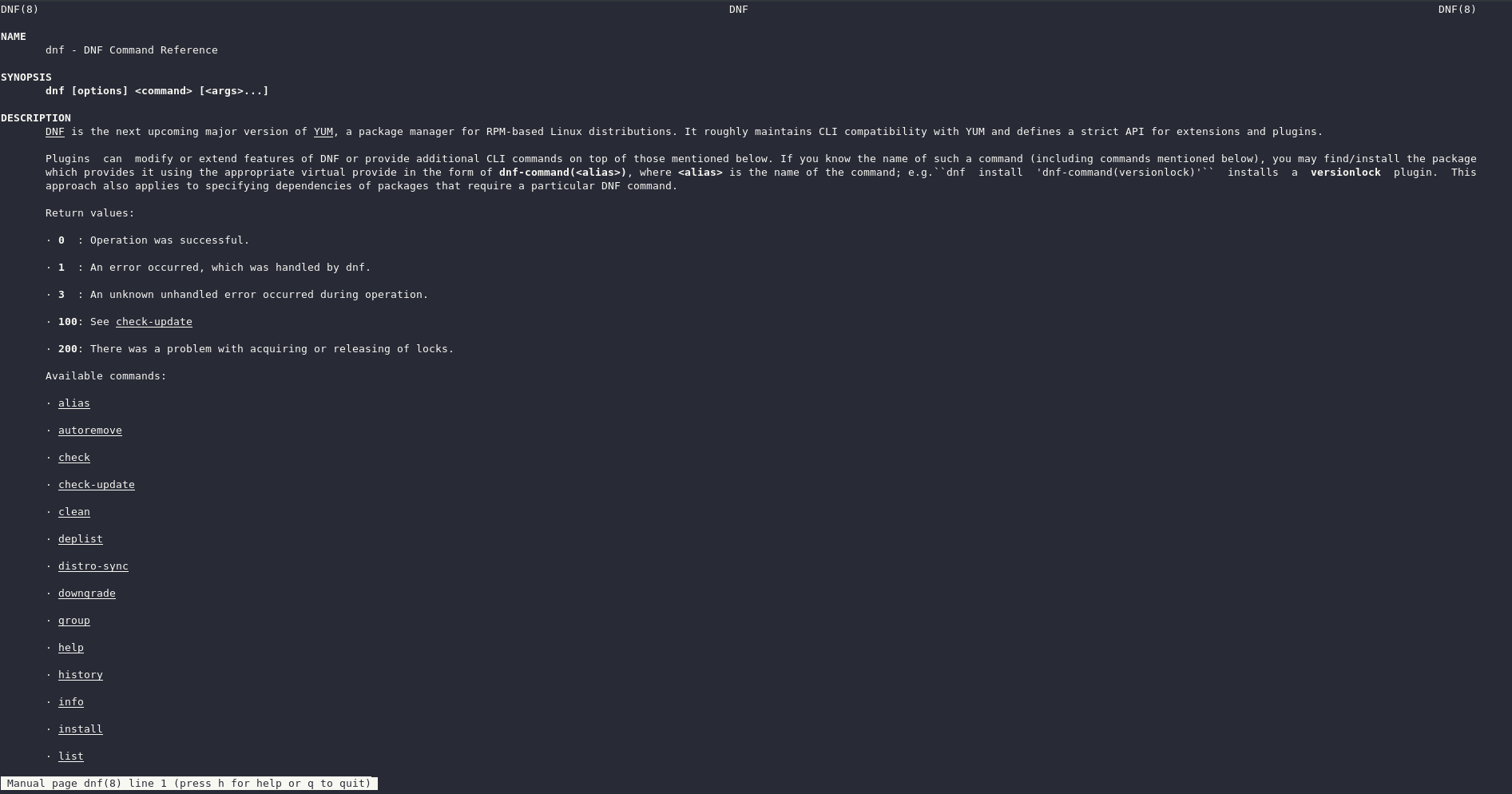 the output of man dnf
And this is tldr dnf:
Addendum to Dual Display KVM Post
Three years ago I wrote a post (along with a Youtube video) about how to set up a KVM VM with Dual Monitors (or even triple monitors). Since then there’s been a bit of a change. I loaded up remote viewer and, for some reason, I couldn’t add more monitors to my Linux KVM VM. Turns out what you have to do is look at the Video (QXL) section in virt-manager. Look at how many “heads” it has listed. For example:
Attempting a podman play on another VM
The podman saga continues. The podman equivalent of a docker-compose.yml can be created from a pod with the following command:
podman generate kube (name of pod) > (filename).yamlSo I did that with the pod that I’d created with an SELinux context. Now it was time to try it on another Fedora 31 VM to see if it would work. To be on the safe side, I started off creating the phpIPAM folder, chowning it to nobody and chmoding it to 777.
SELinux and Podman
Last time I messed around with Podman, I finally got things working and had what I think was a pretty good understanding of how to go forward. But in order to get things working, I’d had to turn off SELinux. Now it was time to see what I had to do to make Podman work with SELinux. I’ve got some ideas based on some Googling and might also need to try a program called udica to create the right contexts.