In case you're having issues creating a new VM in Virt-manager
Tried to use virt-manager again (more about that in a future post), but kept getting the error:
qemu-system-x86_64: error while loading shared libraries: libGL.so.1: failed to map segment from shared object: Permission deniedWell, turns out this blog post had the answer for me:
sudo setsebool -P virt_use_execmem=onThat blog appears to be a great place for KVM virtualization info on Fedora, so I’ll be checking it out again in the future, I’m sure.
Where Fedora Innovates
Back when I was actively reviewing Linux distros and still learning all about Linux, it was in vogue to say that any distro was as good as the next. They all had the same GUIs and programs. The only difference was which package manager you preferred. Distributions started off, in fact, as a way to simplify Linux installations. Otherwise you’d have to go get the Linux kernel and then every package you wanted to install. Unlike Windows, Linux is just a kernel. If you just got Linux, you wouldn’t have tools or GUIs or anything. So the distributions give you all the programs you need to use your computer (which turns out to be WAY more than Windows for free (libre AND gratis).
Watching Netflix on Kubuntu
A little while ago I wrote about watching Netflix on Fedora 20. Also works on the latest Kubuntu with the latest updates installed. Also, at least with Kubuntu, I didn’t need to modify the user agent. It just automatically worked with Google Chrome. I didn’t try with Chromium, but I’d read that didn’t work.
Watching Netflix on Fedora 20
These instructions are from this site, but I don’t trust sites to stick around.
- Make sure Netflix is setup to prefer HTML5. This is in Your Account-> Playback settings.
- I have the latest nss (has to be equal to or better than 3.17.1)
- Need Google Chrome (you can PROBABLY do this on Firefox with a similar plugin)
- Get the User-Agent Switcher.
- Fill it in with:
- Name: Netflix Linux
- String: Mozilla/5.0 (Windows NT 6.3; Win64; x64) AppleWebKit/537.36 (KHTML, like Gecko) Chrome/38.0.2114.2 Safari/537.36
- Group: (is filled in automatically)
- Append?: Select ‘Replace’
- Flag: IE
- Click on Permanent Spoof list and put netflix.com in the domain (and select the rule you just made from the drop-box). Then click the add button.
- Go to Netflix and watch instant videos.
- And it works! So linux is perfectly capable, but apparently it’s not supported. I guess I can understand not wanting to support the infinite versions of Linux, but why not Ubuntu or Fedora? Maybe it’s coming? That’d be great.
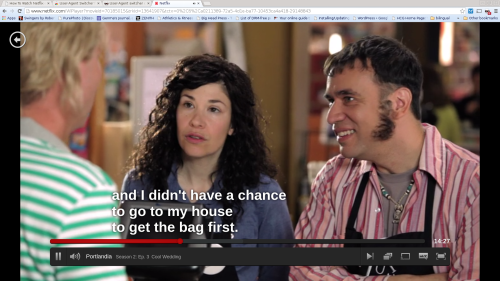
I’ll later check if if it works on Ubuntu, too, with with this method.
Exploring btrfs for backups Part 6: Backup Drives and changing RAID levels VM
Hard drives are relatively cheap, especially nowadays. But I still want to stay within my budget as I setup my backups and system redundancies. So, ideally, for my backup RAID I’d take advantage of btrs’ ability to change RAID types on the fly and start off with one drive. Then I’d add another and go to RAID1. Then another and RAID5. Finally, the fourth drive and RAID6. At that point I’d have to be under some sort of Job-like God/Devil curse if all my drives failed at once, negating the point of the RAID. The best thinking right now is that you want to have backups, but want to try not to have to use them because of both offline time and the fact that a restore is never as clean as you hope it’ll be.
Exploring btrfs for backups Part 5: RAID1 on the Main Disks in the VM
So, back when I started this project, I laid out that one of the reasons I wanted to use btrfs on my home directory (don’t think it’s ready for / just yet) is that with RAID1, btrfs is self-healing. Obviously, magic can’t be done, but a checksum is stored as part of the data’s metadata and if the file doesn’t match the checksum on one disk, but does on the other, the file can be fixed. This can help protect against bitrot, which is the biggest thing that’s going to keep our children’s digital photos from lasting as long as the ones printed on archival paper. So, like I did the first time, I’ll first be trying it out in a Fedora VM that mostly matches my version, kernel, and btrfs-progs version. So, I went and added another virtual hard drive of the same size to my VM.
Exploring btrfs for backups Part 4: Weekly Culls and Unit Testing
Back in August I finally had some time to do some things I’d been wanting to do with my Snap-in-Time btrfs program for a while now. First of all, I finally added the weekly code. So now my snapshots are cleaned up every three days and then every other week. Next on the docket is quarterly cleanups followed up yearly cleanups. Second, the big thing I’d wanted to do for a while now: come up with unit tests! Much more robust than my debug code and testing scripts, it helped me find corner cases. If you look at my git logs you can see that it helped me little-by-little figure out just what I needed to do as well as when my “fixes” broke other things. Yay! My first personal project with regression testing!
Exploring btrfs for backups Part 3: The Script in Practice
Night of the second day:
# btrfs sub list /home
ID 275 gen 3201 top level 5 path home
ID 1021 gen 3193 top level 275 path .snapshots
ID 1023 gen 1653 top level 275 path .snapshots/2014-03-13-2146
ID 1024 gen 1697 top level 275 path .snapshots/2014-03-13-2210
ID 1025 gen 1775 top level 275 path .snapshots/2014-03-13-2300
ID 1027 gen 1876 top level 275 path .snapshots/2014-03-14-0000
ID 1028 gen 1961 top level 275 path .snapshots/2014-03-14-0100
ID 1029 gen 2032 top level 275 path .snapshots/2014-03-14-0200
ID 1030 gen 2105 top level 275 path .snapshots/2014-03-14-0300
ID 1031 gen 2211 top level 275 path .snapshots/2014-03-14-0400
ID 1032 gen 2284 top level 275 path .snapshots/2014-03-14-0500
ID 1033 gen 2357 top level 275 path .snapshots/2014-03-14-0600
ID 1035 gen 2430 top level 275 path .snapshots/2014-03-14-0700
ID 1036 gen 2506 top level 275 path .snapshots/2014-03-14-0800
ID 1037 gen 2587 top level 275 path .snapshots/2014-03-14-0900
ID 1038 gen 2667 top level 275 path .snapshots/2014-03-14-1700
ID 1039 gen 2774 top level 275 path .snapshots/2014-03-14-1800
ID 1040 gen 2879 top level 275 path .snapshots/2014-03-14-1900
ID 1041 gen 2982 top level 275 path .snapshots/2014-03-14-2000
ID 1042 gen 3088 top level 275 path .snapshots/2014-03-14-2100
ID 1043 gen 3193 top level 275 path .snapshots/2014-03-14-2200
Morning of the third day:
Exploring btrfs for backups Part 2: Installing on My /Home Directory and using my new Python Script
I got my new hard drive that would replace my old, aging /home hard drive. As you read in part 1, I wanted to put btrfs on it. This is my journey to get it up and running. Plugged it into my hard drive toaster and ran gparted.
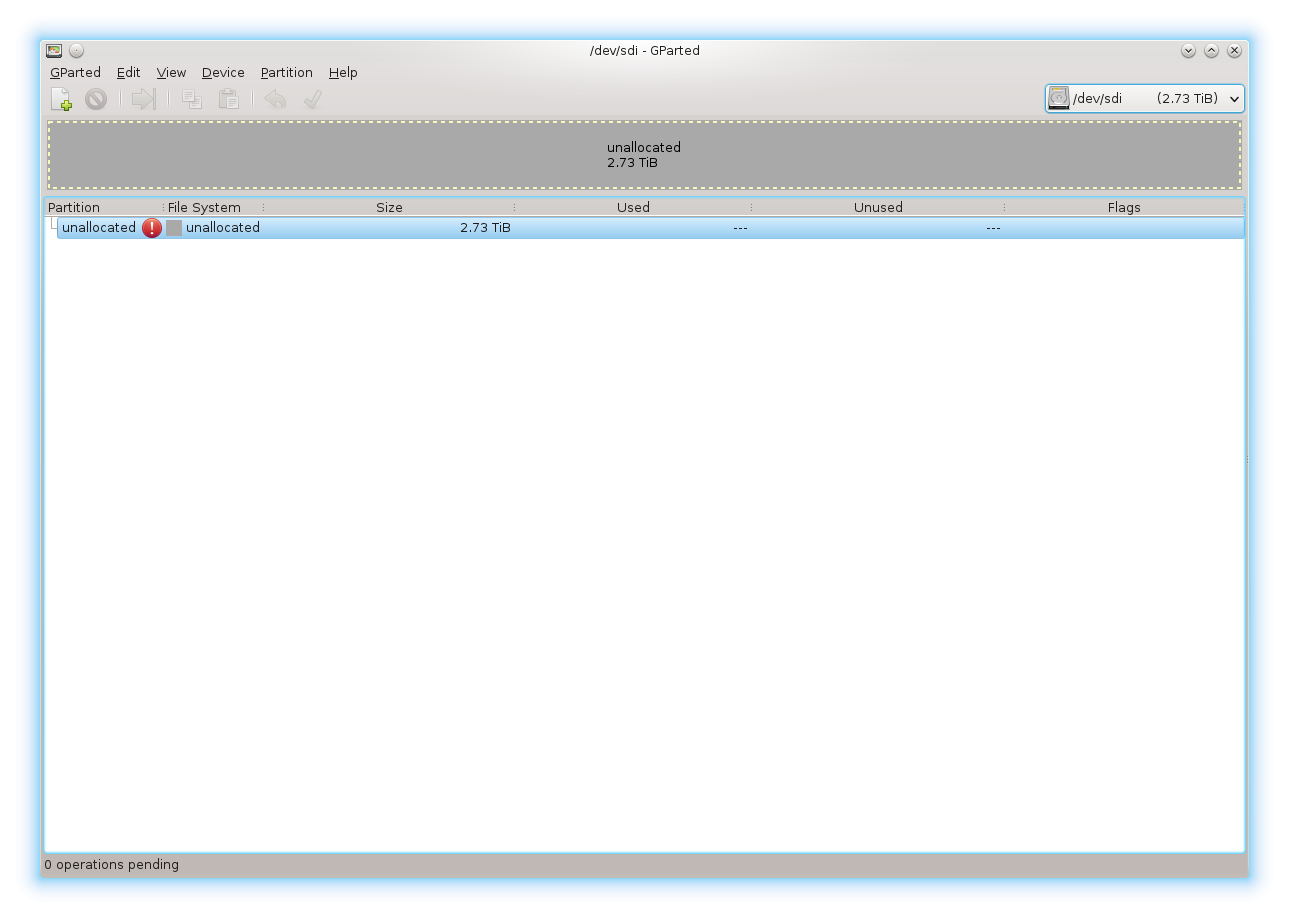
Gparted for new drive
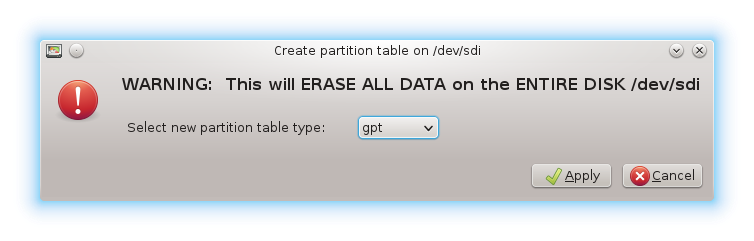
Gparted for new drive1
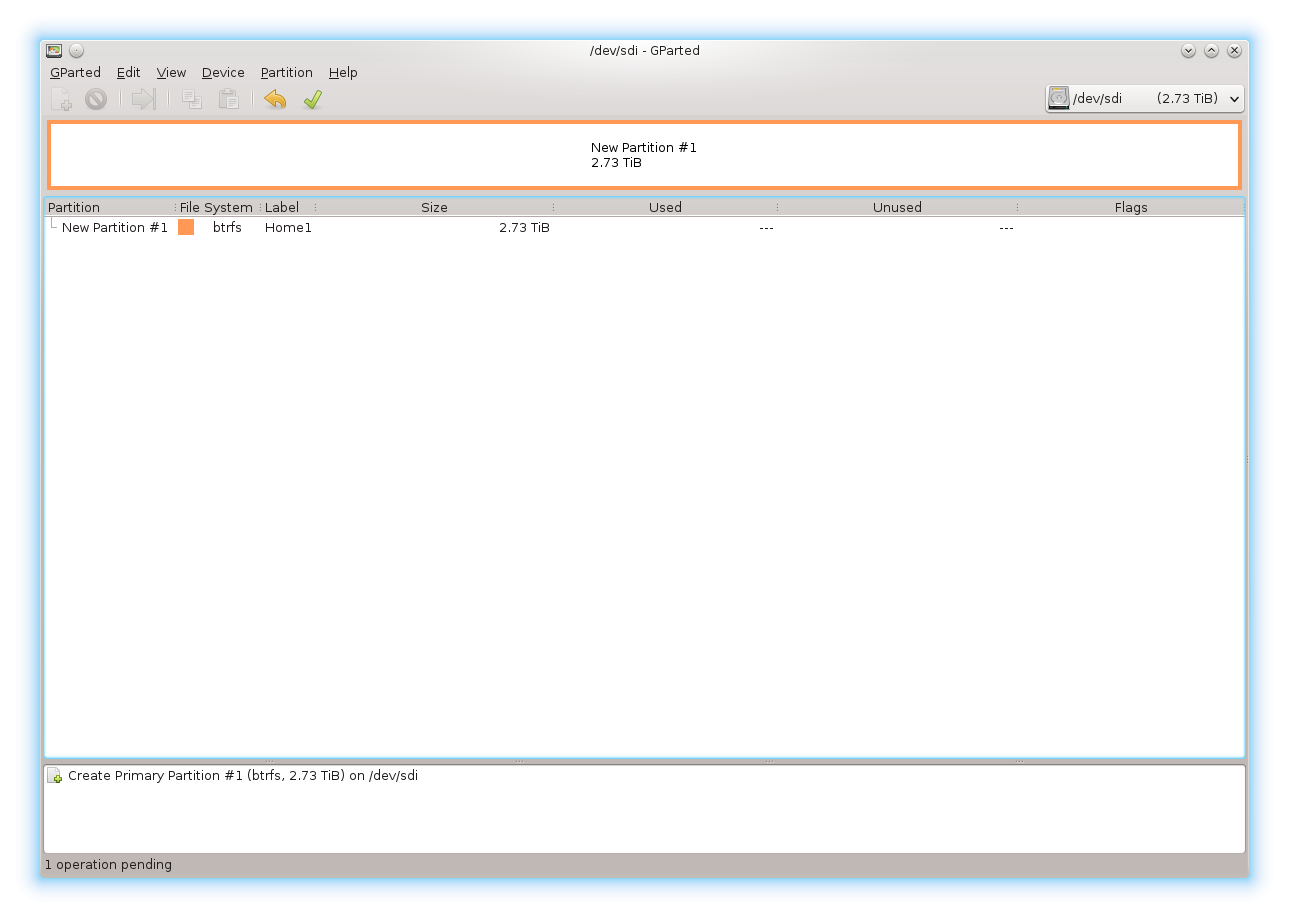
Gparted for new drive2