My First Attempt at Customizing my Fedora 22 KDE 5 Plasma Desktop 5
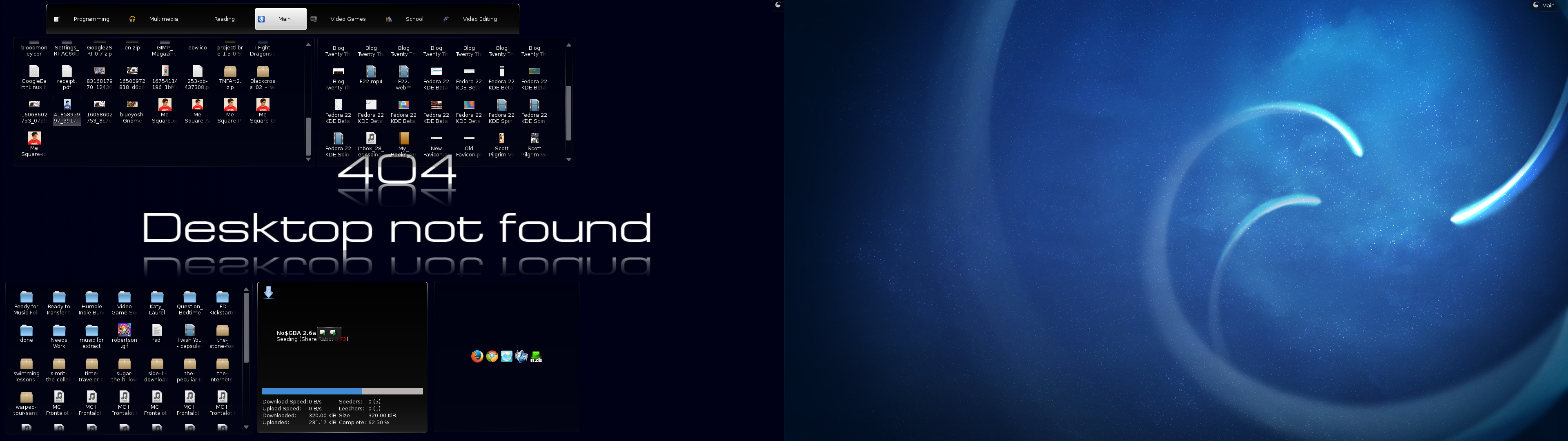
So I found out today that there is no way to re-enable different backgrounds and plasmoids per virtual desktop. It appears to be a mix of forcing people to finally use activities and a complication that was causing all kinds of bugs (according to their bugzilla). I was bummed for about an hour. The different backgrounds can make it very easy to know what virtual desktop you’re at without having to glance at the pager. And if you’ve been following this blog for any length of time longer than a couple months you have seen my Desktop Screenshots and know how much I customize it in KDE.
Fedora 22 Upgrade Part 5: supermario
I was pleasantly surprised to see the next day, when I woke up, that plasma had loaded up despite the fact that I removed kmod-nvidia. Also, I did not have the same issue with KDM as I did with tanukimario. I was loaded in with the blue triangle background. I was greeted with the message “Your saved type “kde-plasma” is not valid any more. Please select a new one, otherwisee ‘default’ will be used.” I select “Plamsa” and am greeted with the KDE loading screen I’ve become oh-so familiar with.
Fedora 22 Upgrade Part 4: supermario
Today was the big one, time to upgrade supermario, my workhorse machine. As usual I had to remove the kmod-nvidia packages. This time around, because my card was getting a little long in the tooth, it was the kmod-nvidia-340xx packages. I also had a bunch of plasmoid packages to get rid of that I didn’t need to remove on the other computers because I was only a heavy plasmoid user on this computer. Thankfully, I’d long since abandoned all the ones I had to get rid of. After running fedup 3 times (once initially, once after removing plasmoids, and once after removing kmod-nvidia packages) to make sure nothing was expected by the program to cause problems upon upgrade, I finally rebooted to upgrade. If the past is any indication, I should be able to get to a screen where I can reinstall kmod-nividia after the upgrades. I’m only a tiny bit worried that Fedora only seems to connect to the internet when a GUI comes up, but if it comes to that I’ll investigate what I need to do and be sure to publish the procedures here for anyone else in the same boat.
Fedora 22 Upgrade Part 3: kuribo
Today I upgraded my netbook. Interestingly, this had less problems than yesterday with the guest computer. Perhaps because I wasn’t using KDM on my netbook? Anyway, I was actually expecting a worse time, but it worked out. It appears that KDE Netbook edition didn’t make the jump to Plasma 5. But maybe it’s just a setting I need to discover. See, my netbook is a 2nd gen netbook - not a piece of garbage like our EEE Machine, but it has a sub-HD resolution and so using most programs is hard unless the Window Manager or Desktop Environment is getting rid of window decorations. So far, KDE 5 is OK. I may end up going to Fluxbox. (I did not like XFCE on this screen resolution) Here’s my desktop as of now:
Fedora 22 Upgrade Part 2: tanukimario
Turns out that the issue was the Fedora SDDM theme. Once I changed that to the default KDE theme everything worked. I wonder what I need to do to get the Fedora theme so that works as well. At least I know for future computers what needs to be done.
Fedora 22 Upgrade Part 1: tanukimario
Started off with the guest room computer as it’s the least used. If things go pear-shaped there’ll be less complaining. fedup had a complaint about the one of the dependencies of the Dolphin Emulator. I just uninstalled it for now. I’ll worry about reinstalling it later. Often during these upgrades it appears that the biggest source of issues are badly written dependencies; badly written in the sense that I end up having to remove the offending packages only to reinstall them post-upgrade without any issues.
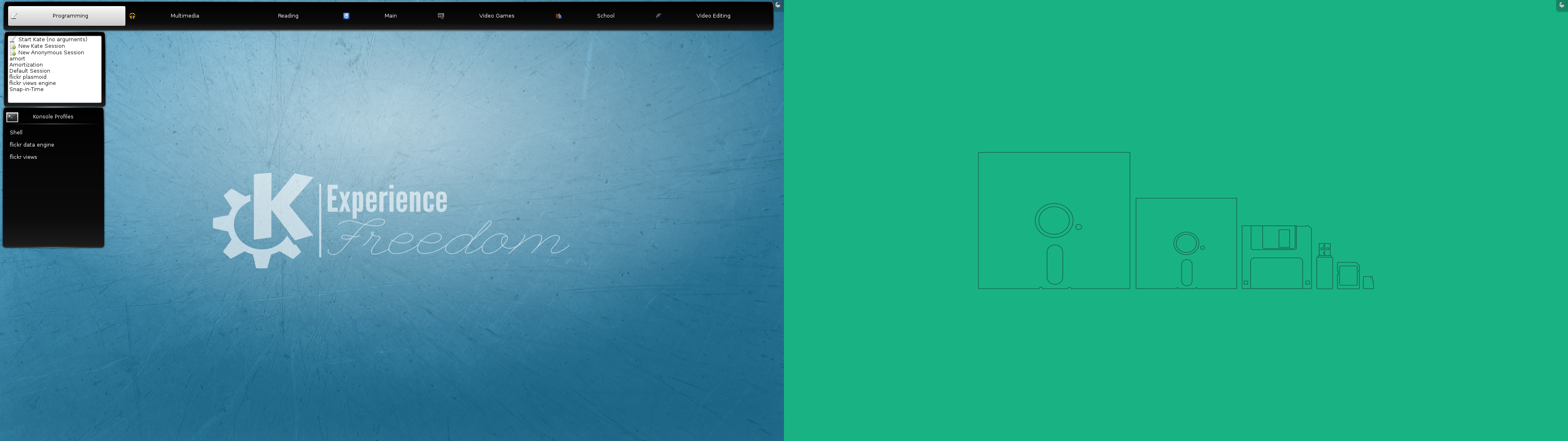
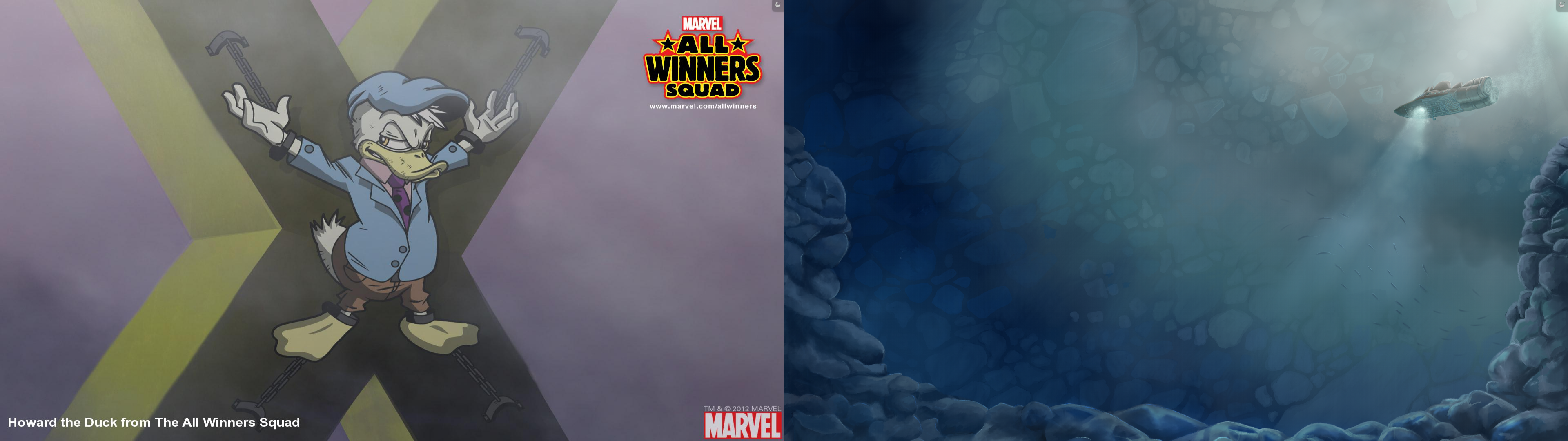
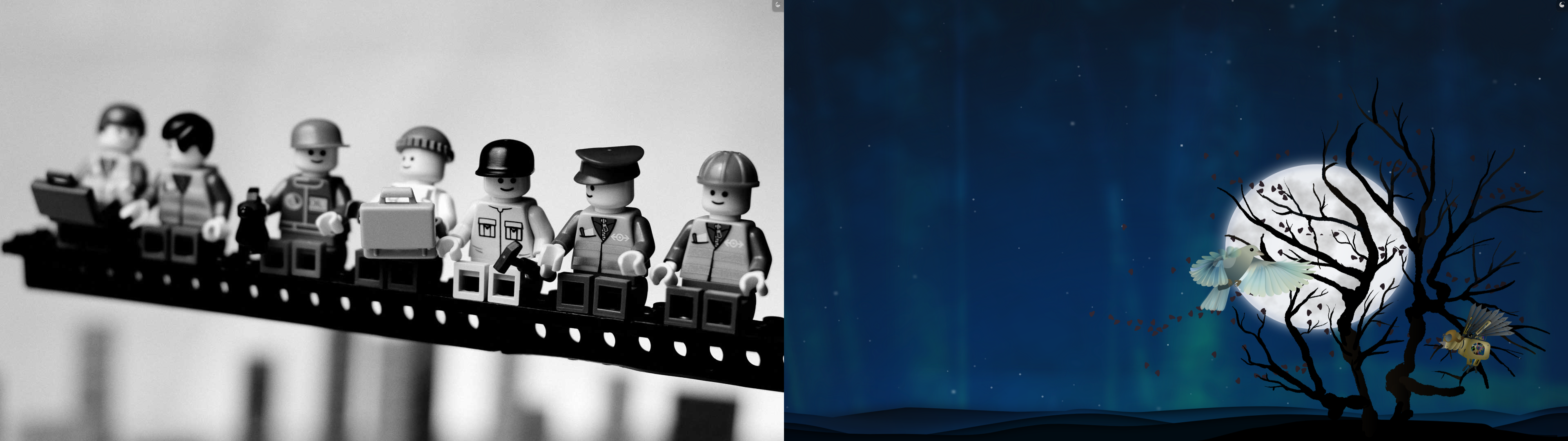
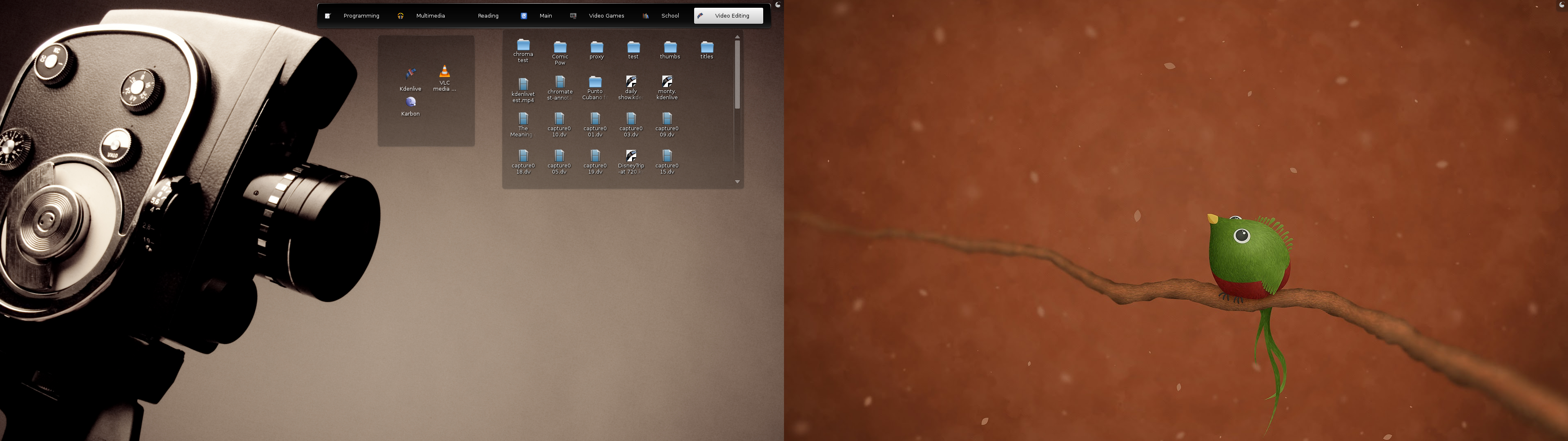
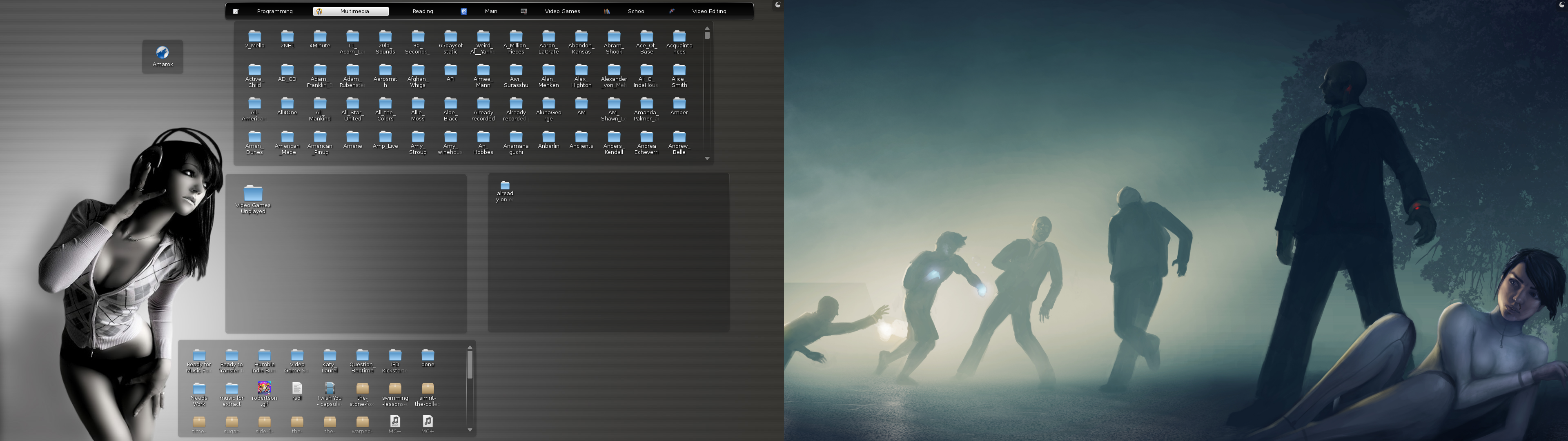
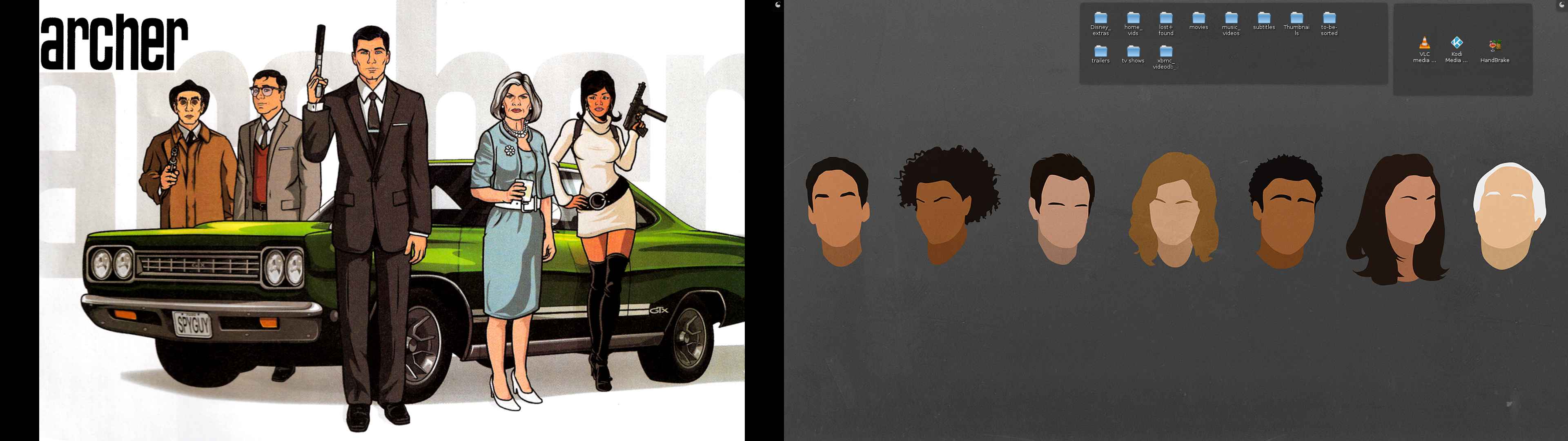
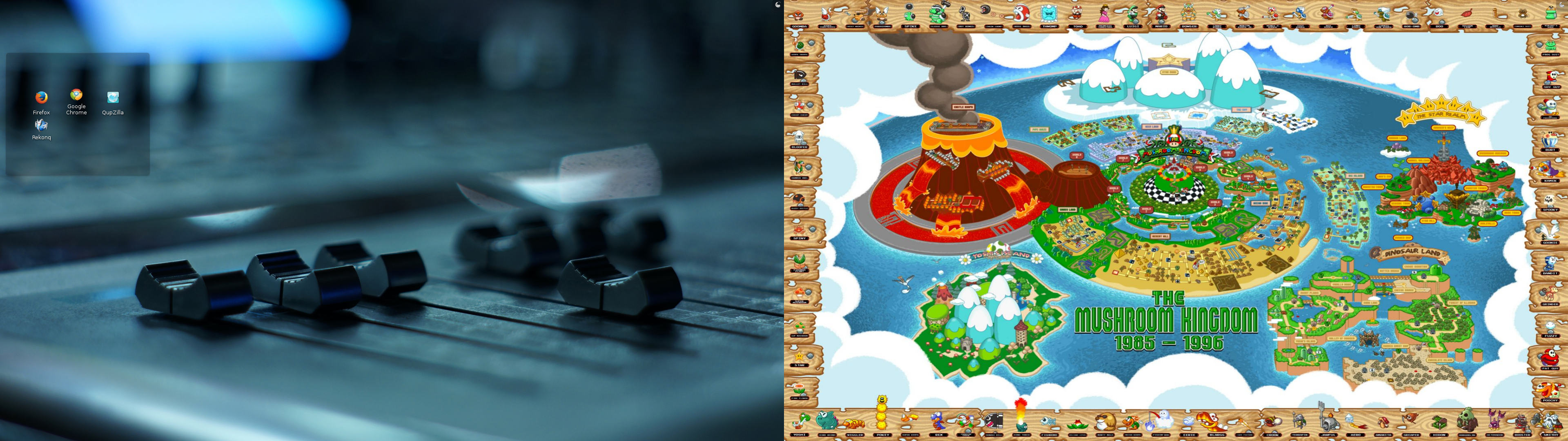
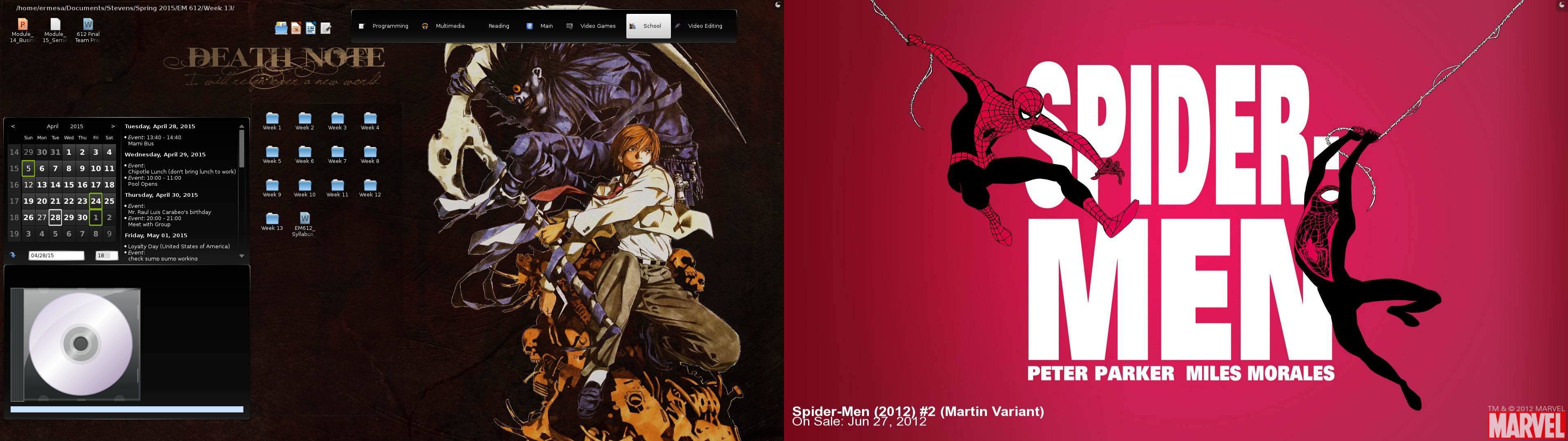
My Main Linux Activity Desktops
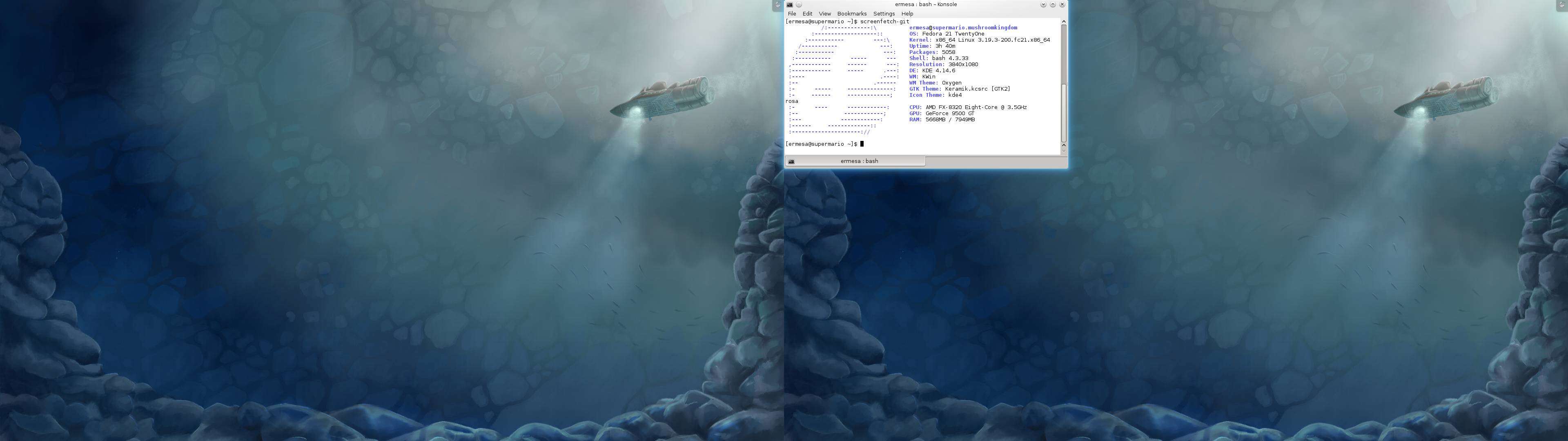
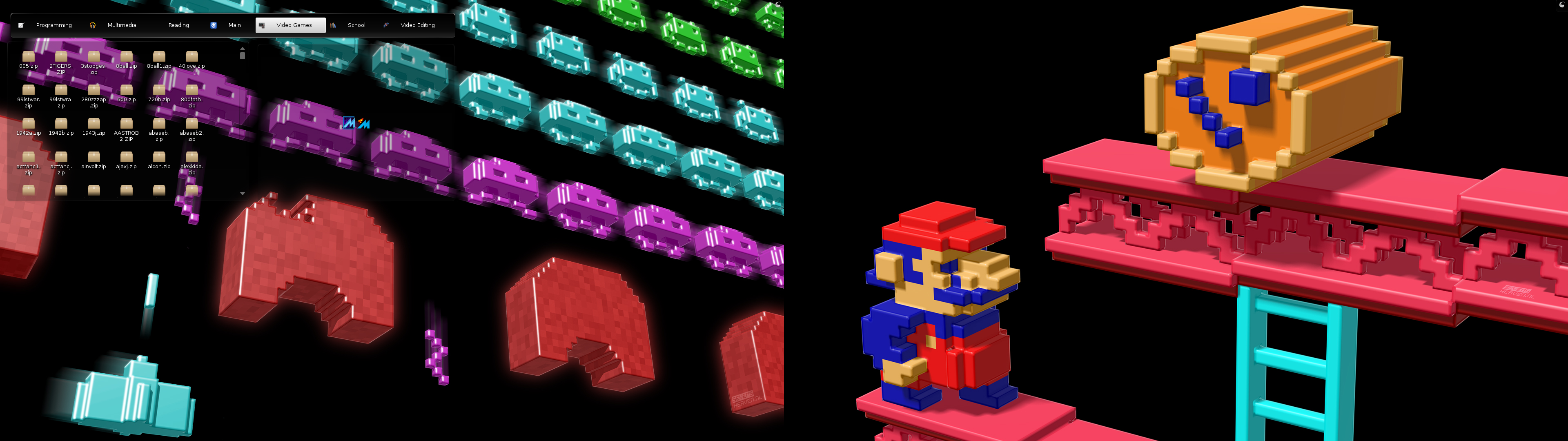
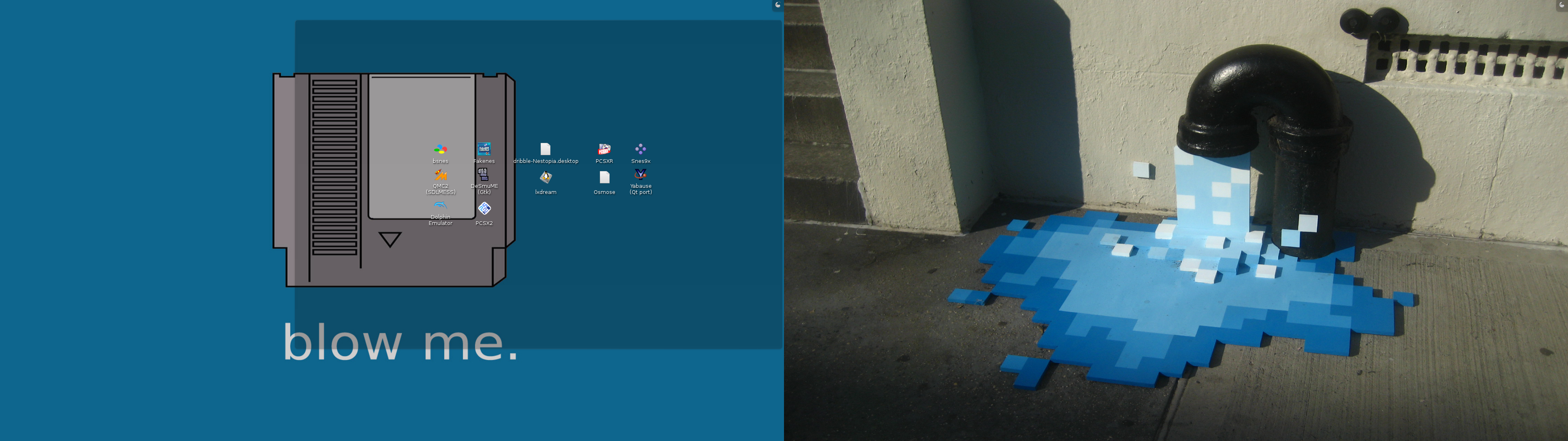
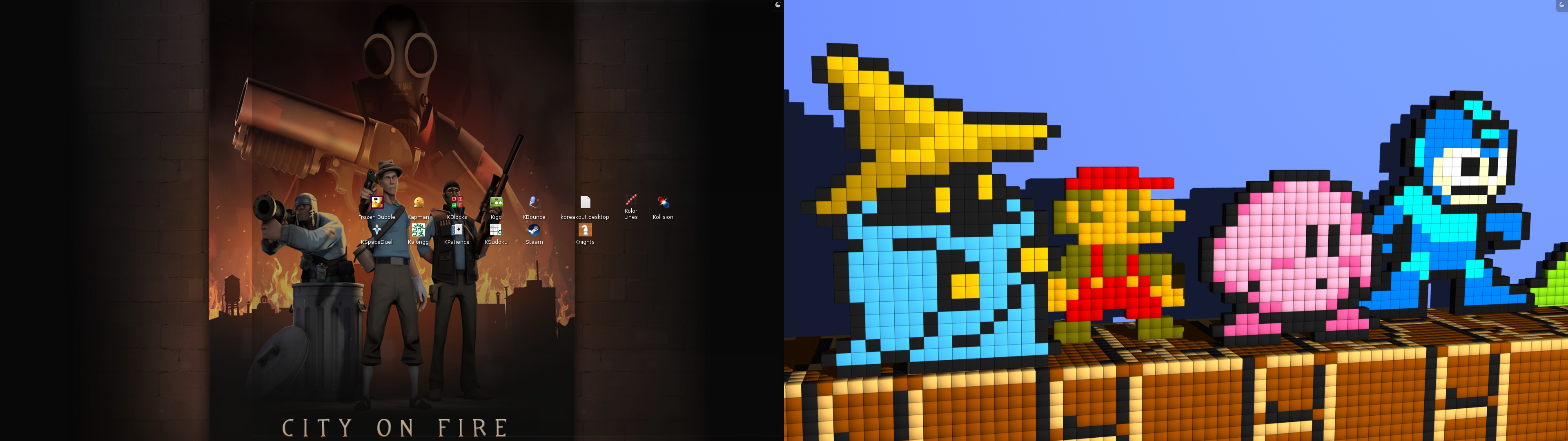
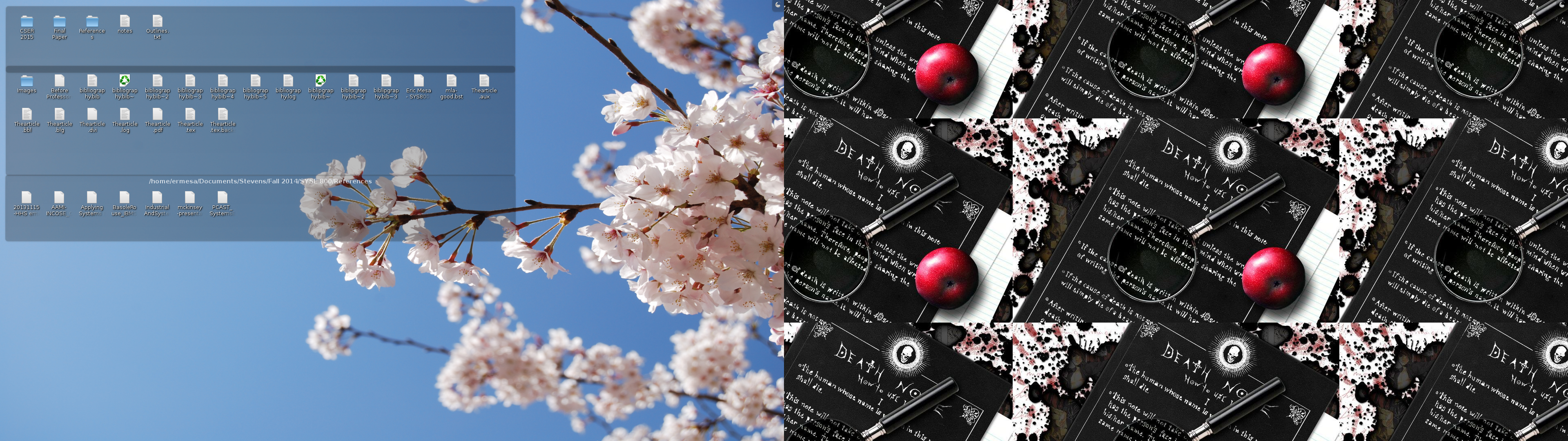
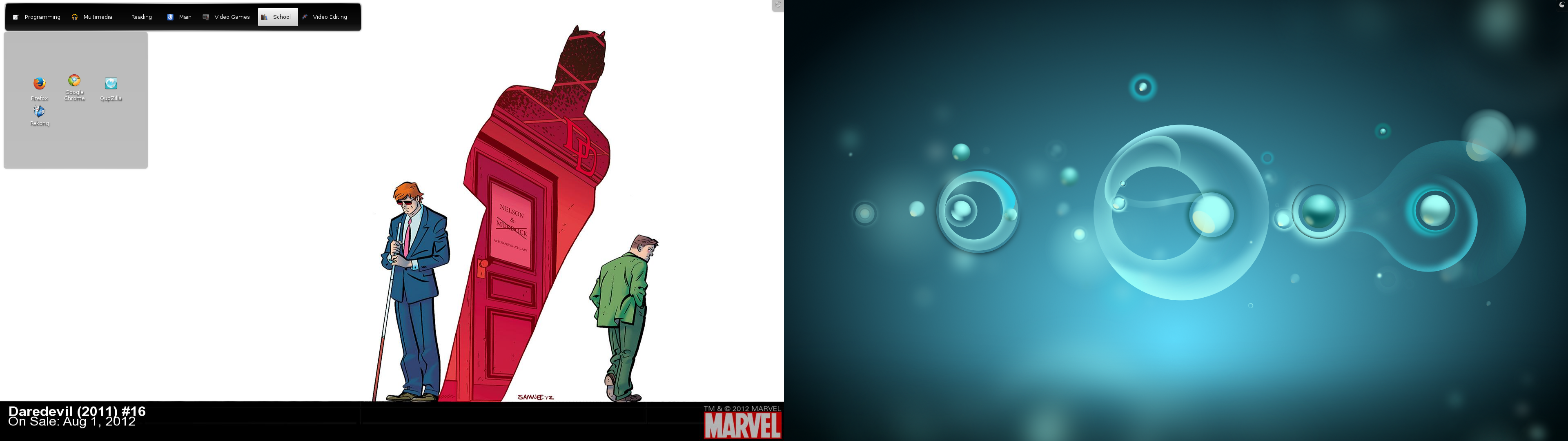
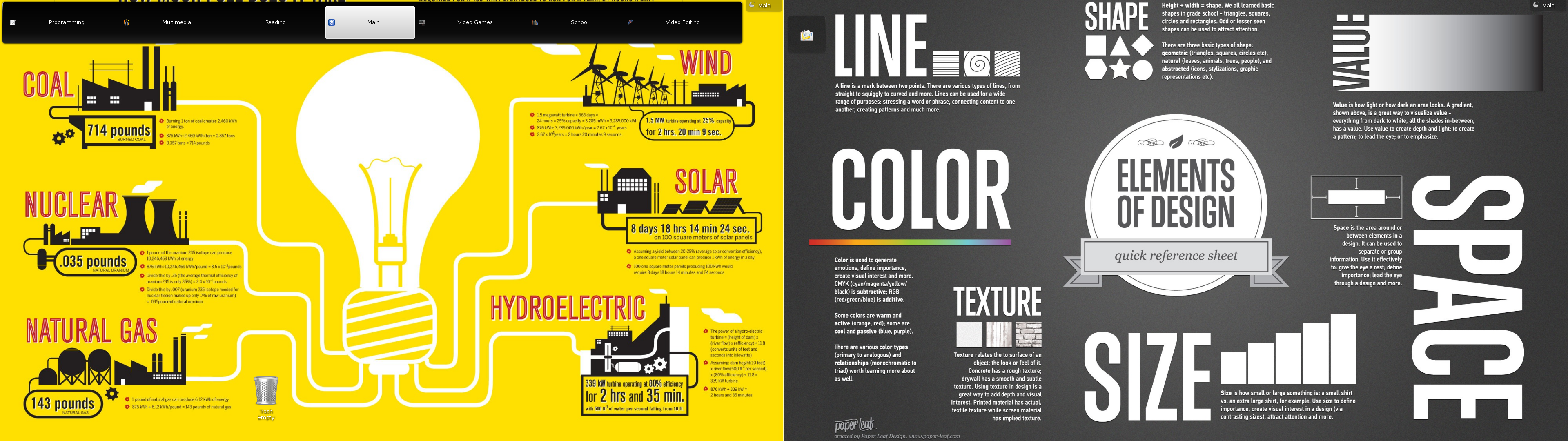
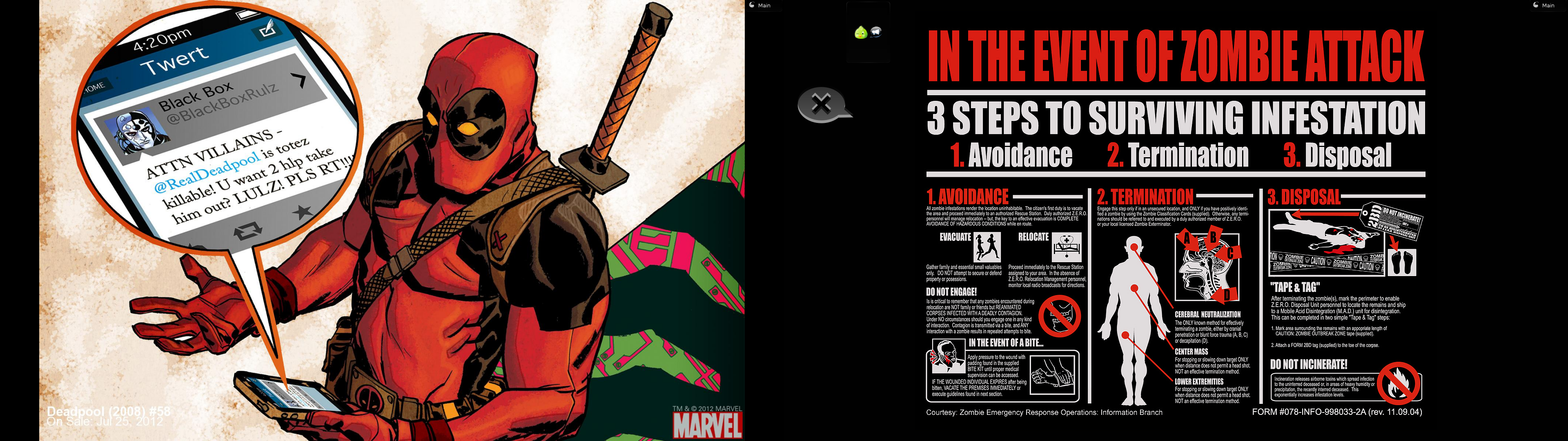
I just updated the Desktop Screenshot page. Here’s a gallery of my latest desktop with KDE 4:
Taking Fedora 22 KDE Spin Beta for a spin
It’ll be of no surprise to regular readers of this blog that I’m both a fan of the Fedora distribution of Linux as well as the KDE desktop. For the first time in six years, the KDE desktop is changing again. While the change is not as radical as the change from KDE 3 to KDE 4, it’s still a big technological change. I decided I couldn’t wait until May to experience it, so I took a look at the current beta from within virt-manager. Here’s the default desktop:
Post Script to yesterday's btrfs post
Looks like I was right about the non-commit and possibly also about the df -h.
Last night at the time I wrote the post:
# btrfs fi show /home
Label: 'Home1' uuid: 89cfd56a-06c7-4805-9526-7be4d24a2872
 Total devices 1 FS bytes used 1.91TiB
devid 1 size 2.73TiB used 1.99TiB path /dev/sdb1$ df -h
Filesystem Size Used Avail Use% Mounted on
devtmpfs 3.9G 0 3.9G 0% /dev
tmpfs 3.9G 600K 3.9G 1% /dev/shm
tmpfs 3.9G 976K 3.9G 1% /run
tmpfs 3.9G 0 3.9G 0% /sys/fs/cgroup
/dev/sda3 146G 52G 87G 38% /
tmpfs 3.9G 296K 3.9G 1% /tmp
/dev/sda1 240M 126M 114M 53% /boot
/dev/sdb1 2.8T 2.0T 769G 73% /home
babyluigi.mushroomkingdom:/media/xbmc 1.8T 1.6T 123G 93% /media/nfs/xbmc-mount
babyluigi.mushroomkingdom:/fileshares 15G 6.5G 7.5G 47% /media/nfs/babyluigi
tmpfs 795M 28K 795M 1% /run/user/500And today:
A Quick Update on my use of btrfs and snapshots
Because of grad school, my work on Snap in Time has been quite halting - my last commit was 8 months ago. So I haven’t finished the quarterly and yearly culling part of my script. Since I’ve been making semi-hourly snapshots since March 2014, I had accumulated something like 1052 snapshots. While performance did improve a bit after I turned on the autodefrag option, it’s still a bit suboptimal, especially when dealing with database-heavy programs like Firefox, Chrome, and Amarok. At least that is my experience - it’s entirely possible that this is correlation and not causation, but I have read online that when btrfs needs to figure out snapshots and what to keep, delete, etc it can be a performance drag to have lots of snapshots. I’m not sure, but I feel like 1052 is a lot of snapshots. It’s certainly way more than I would have if my program were complete and working correctly.