Progress on Raul Domingo
neutraleyes
I’m making really great progress on Raul Domingo. As I mentioned yesterday, the fact that I’ve already used Blender before is really helping me understand what I’m doing instead of hunting down where things are. Today I not only finished putting bones into the legs and feet, but I’ve also done a wonderful walking and waving animation section of the tutorial. You get to see that probably tomorrow. It’s amazing to see what kinds of things are so easily neglected if you don’t know what you’re doing.
Ah yes, his name
I forgot to add this to the end of the last post and I’m a bit of a stickler for editing posts once they’ve gone public. I am going to name him Raul Domingo after my late grandfather who I never got to meet, but feel that I know via all the stories I’ve heard of him. I know I would have loved to have met him and look forward to doing so in Heaven (after a long live on Earth - I hope!).
Latest Blender Project: A Humanoid
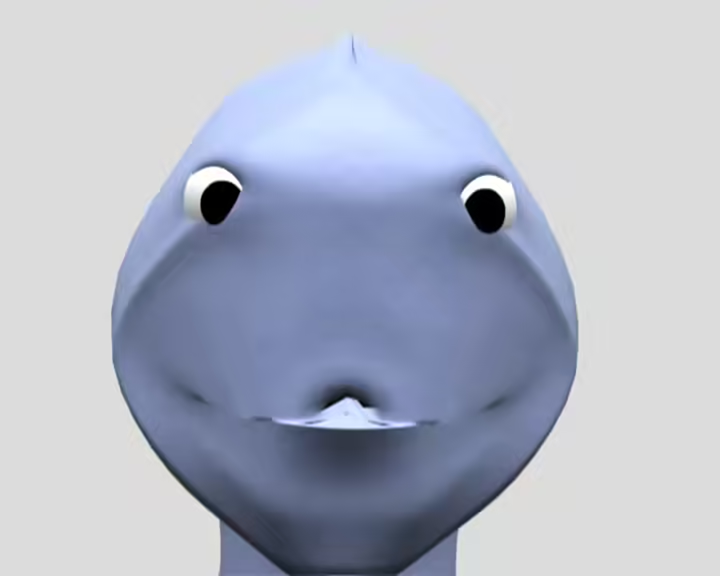
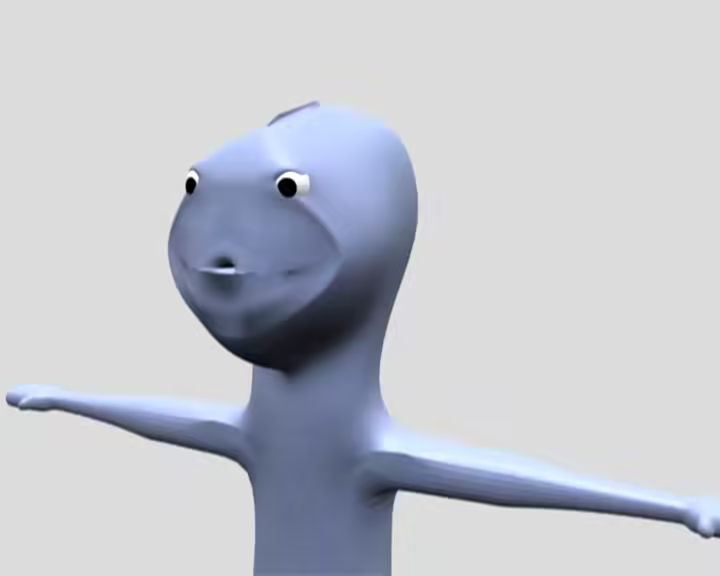
I stress the word humanoid because it would be quite a stretch to call it a human. It is roughly human, but the head is not quite as spherical as a human head. However, I think you will notice quite a few improvements over my previous render, the penguin.
no_longer_cross-eyed
Most notable should be that the skin looks a little more skin-like. This time instead of looking so plastic-like, the current set of tutorials I’m following has taught me about materials and textures. I really hope you can see the textures on your screen. This really looks like clay to me. I’m moving along a LOT faster than the penguin. I was really shooting blind with that one. I was in such a hurry to get my first ever computer animation out there that I learned as I went along. Not quite what you want to do with Blender. Now, I’m realizing how a lot of these things work. It also helps that this tutorial is not my first time using Blender. I have a better idea of where to find things and how to navigate around. Another improvement you may notice is that the eyes look a little more realistic. This has to do with the way I applied the materials and colors to it when compared to the penguin.
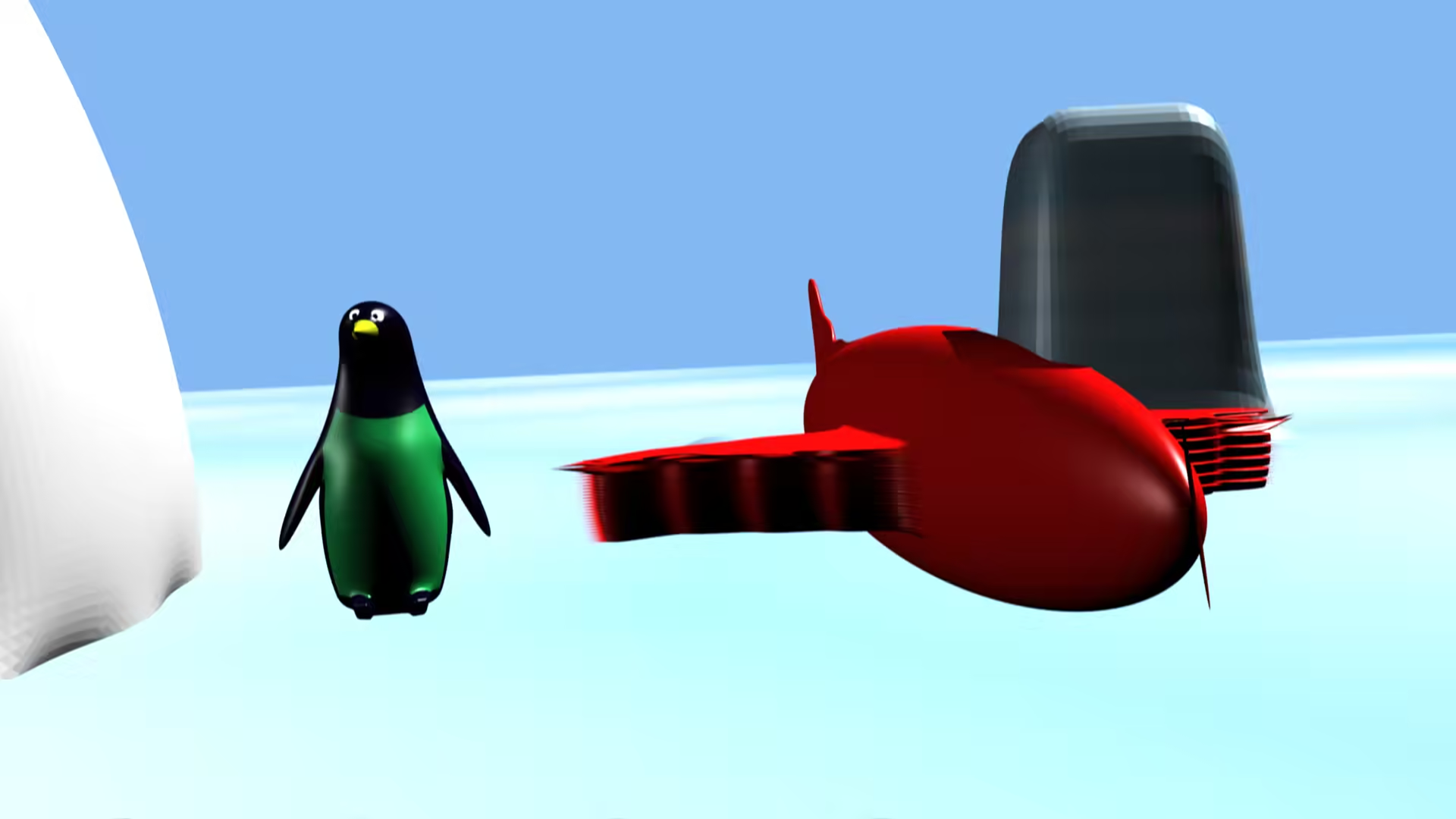
Presenting: Penguin Flight
You can see Penguin Flight, my first-ever CG short subject film, at drop the bomb production’s CG Animation Page. It’s at the bottom. Read the description first and then give it a shot. It took roughly a month to get that sucker down. I expect my next one to take longer as well as be of better quality. Please enjoy it!
Round 2 of Rendering
Got some advice on rendering. Apparently for the amount of frames I did, it’s much better to render them as individual frames and then piece together the AVI from that. So I chose PNGs since they are lossless. If the last render session is any indication, it’ll be nearly Thursday before I can put the finishing touches on the animation. Darn! Hopefully this works well and is just a lesson learned.
Annoyed, Angry and Confused
After waiting all this time, the [penguin animatin] file is unreadable or corrupted! Gah!
The Render wait is over
The rendering of my penguin cartoon is over. Now I will review it and add a soundtrack. If everything goes right I hope to have it up by tomorrow or Wed at the latest.
Penguin Short...just a few days away....
I finally finished the animation for the penguin short. It looks to be about 2 minutes long. (Not including opening and closing credits) I will now begin rendering and we shall see just how long it takes to render. I was originally going to do an HD render, but I’m afraid it will take much longer than NTSC. Also, I had been using 25 frames/sec and NTSC is 30. Since I’m going to edit it later to add sound, I guess I’ll do with 30 frames per second. So it may move a bit faster than I thought. Actually, I think the biggest lesson I will have from this animation will be timing. It’s been hard trying to think about how long things take. What should happen after one second? What happens in a half-second?