Evaluating Pinepods for Podcasts
EricMesa
- 7 minutes read - 1348 wordsA little less than six years ago, I started looking at moving from Doggcatcher to Podcast Republic. 24 Hours later I was pretty happy with my choice. Time and technology march on and, while looking at some software on Flathub, I discovered there was a not-quite-1.0 bit of podcasting software out there called Pinepods. It seems to bring together a few things that could lead it to becoming my new way to listen to podcasts. However, it isn’t currently without issues.
The Good
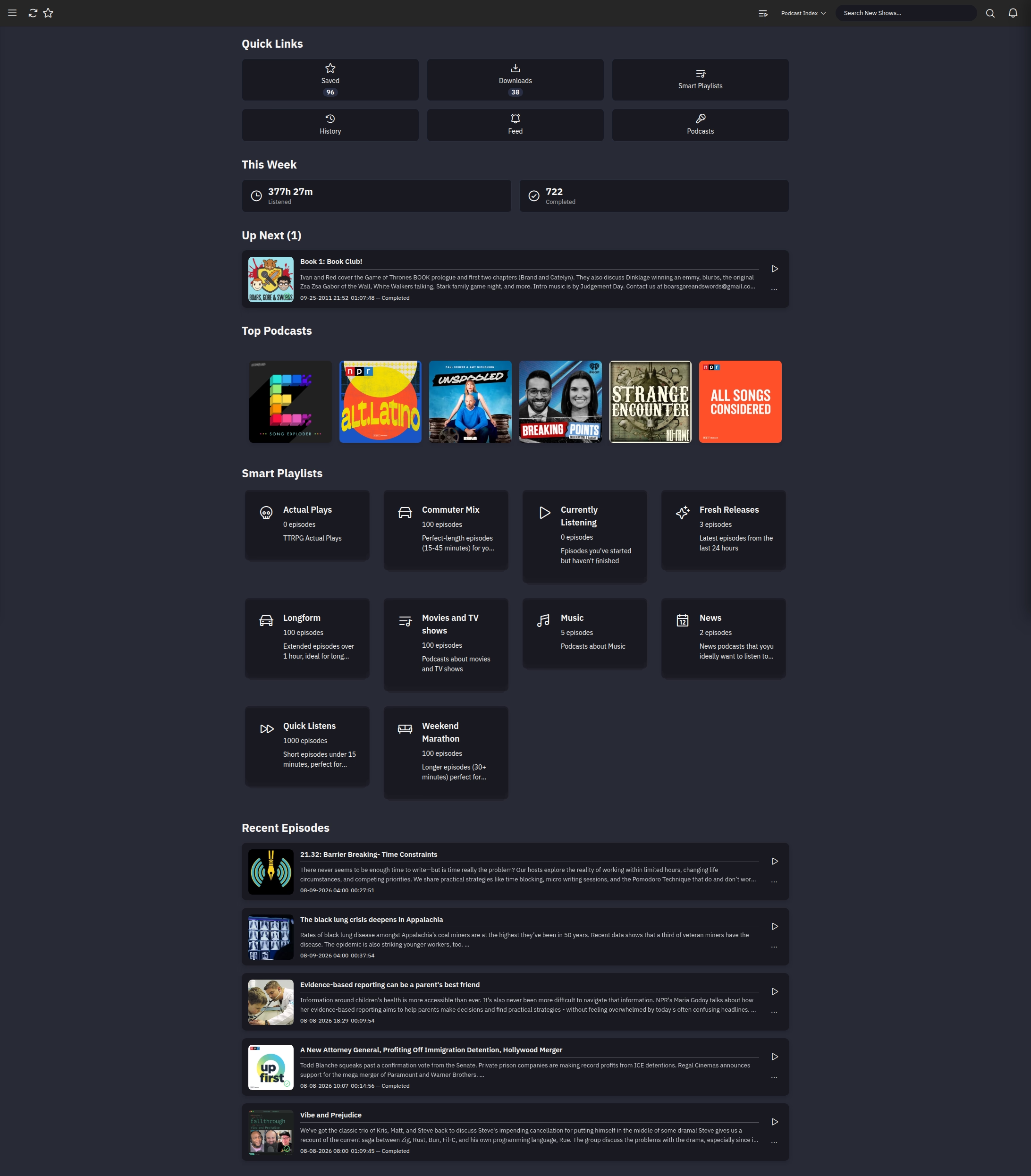
The main page of Pinepods on the computer. Ignore the crazy amount of hours listened - a lot of that comes from marking old episodes as listened.
I’ve been using Pinepods for about 2 weeks now. My absolute favorite feature is the fact that there is a server keeping things in sync. I can be listening to a podcast on my phone and then go into the office and load up the web interface. During my lunch time, I can continue the podcast from exactly where I was. If I don’t finish it, I can then get back to it on my phone again. I also like that, with some slight variation to account for differences between phones and computers, it’s essentially the same interface on the phone and on the web. It’s not that I can’t learn 2 interfaces, but it’s nice to only really have to learn one.
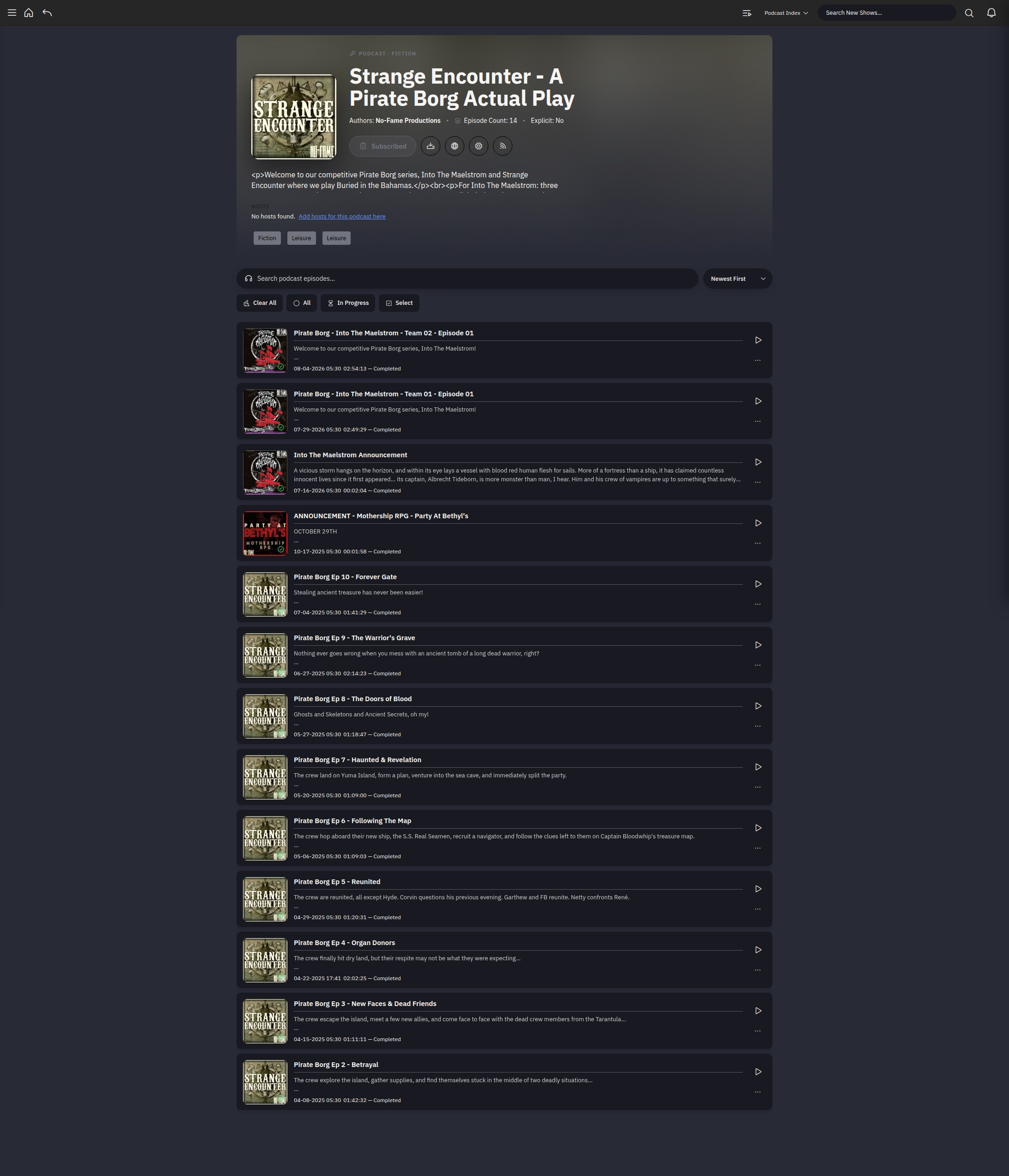
The page for an individual podcast.
One of the coolest features that the Pinepods developer is either creating or making use of here is an IMDB of sorts for podcast hosts:
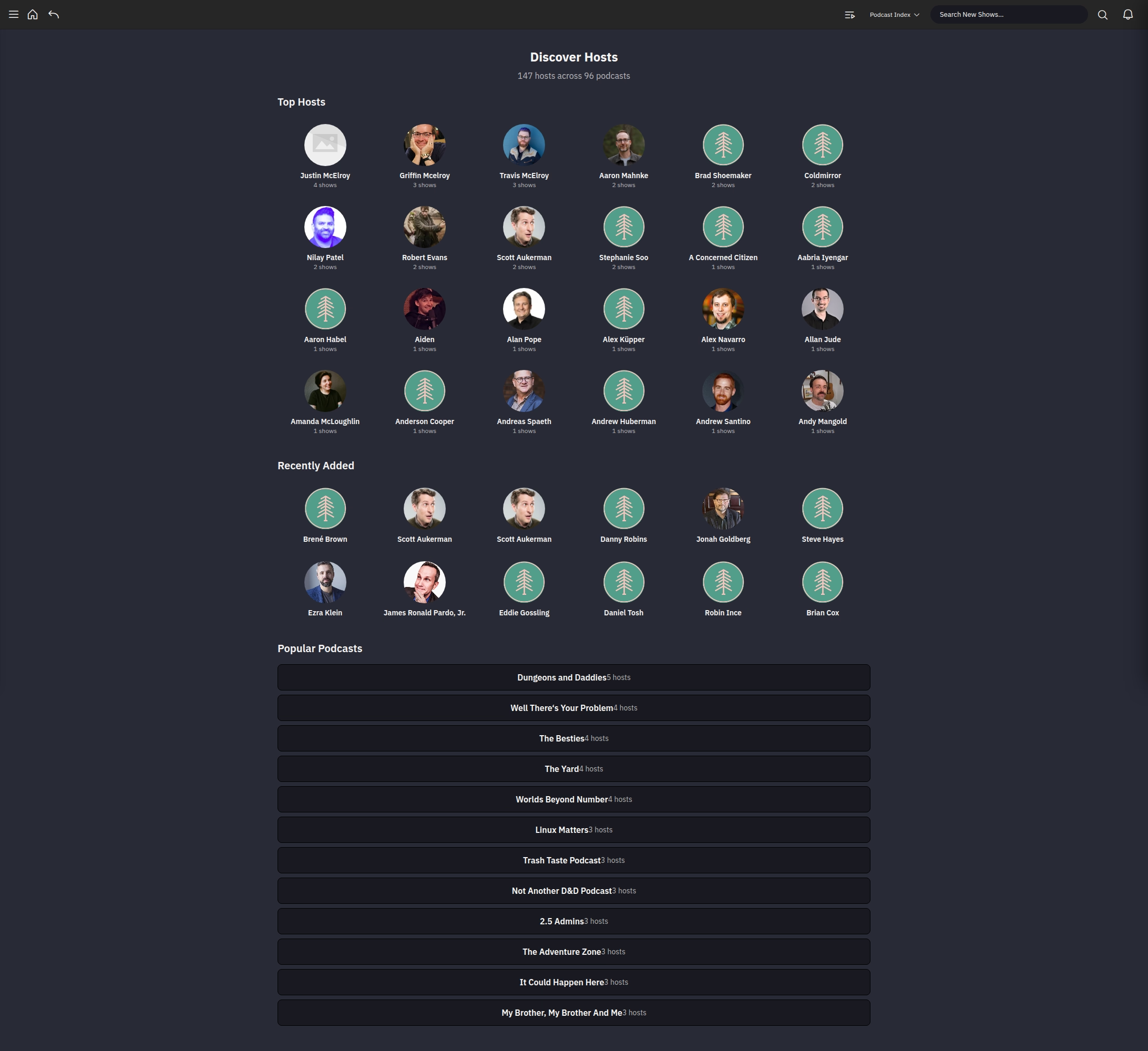
The Hosts Page
Sure, most podcast hosts will mention in the beginning or end (or in the episode notes) the other podcasts they are in, but it’s still very useful to be able to sit there and see what podcasts feature various hosts rather than having to write it down or remember when it’s mentioned during an episode. I actually used this page to add a few new podcasts while evaluating Pinepods. Here’s an example of Griffin Mcelroy’s page:
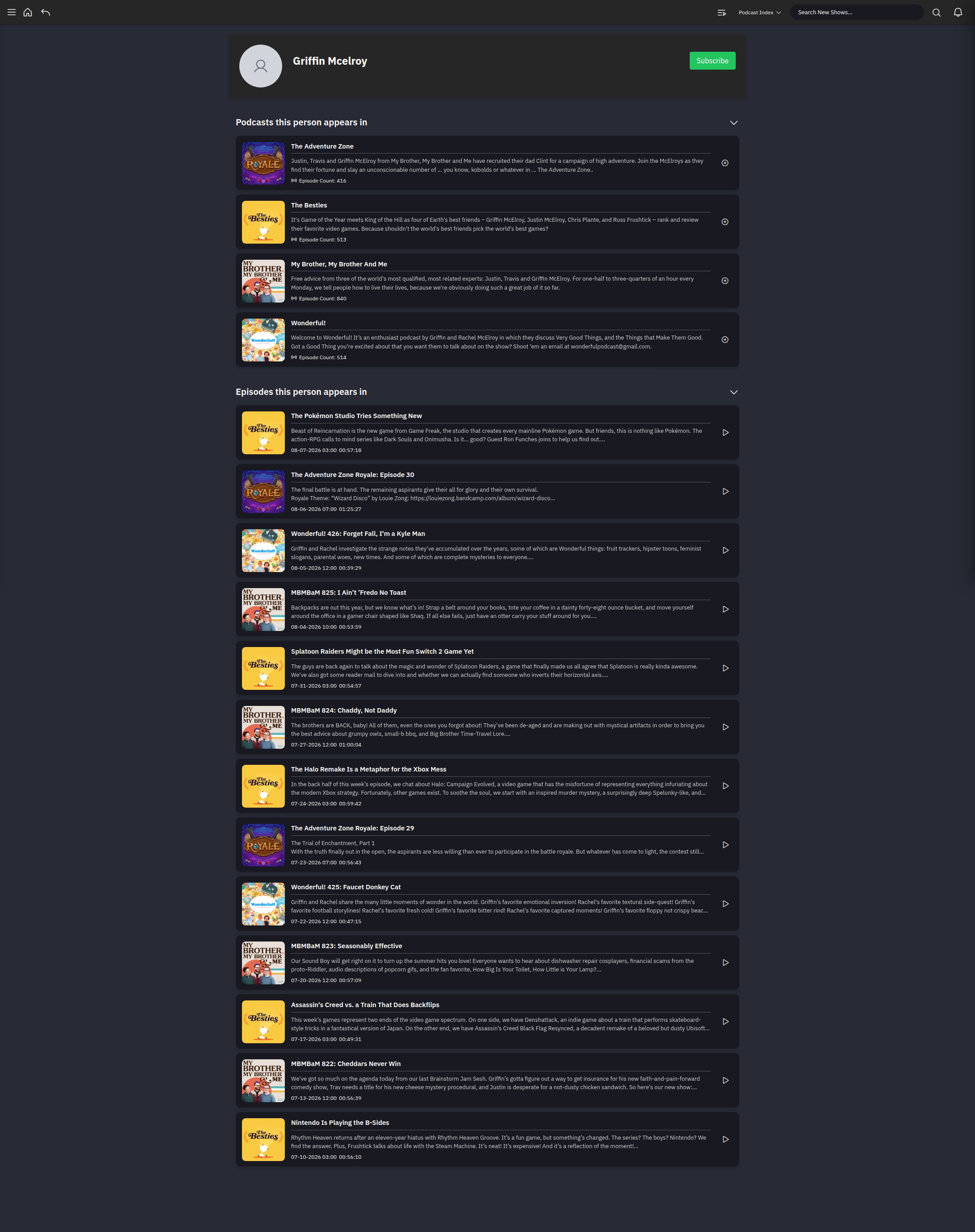
Look at all of Griffin’s podcasts and episodes
What I’m expecting to work way better than Podcast Republic is when I change cellphones. I don’t change phones often - I usually try and wait until the batteries don’t last long anymore or I can’t run the software I want to run. But I have had to change phones often ENOUGH that it’s annoying the way it works with Podcast Republic. I do sign into an account with Podcast Republic, but whenever I get a new phone it doesn’t save the “listened” status of podcasts and tries to load a ridiculous amount of podcasts, filling up both the storage space on the phone and the playlist. I usually spend an hour or two over a few days to fix this. With Pinepods since all state is saved on the server and the phone is just calling out to it, changing phones should be a PERFECT situation.
Sharing of podcasts with Podcast Republic is also so annoying that I usually have to go to the website of podcast episode to share it out. In theory Pinepods makes this work perfectly because it shares a link (that even works with people who don’t have an account on your Pinepods server). I have to say in theory because when I tried to use it, it took the person to a page that asked them to sign in.
The Different
In Podcast Republic my workflow is set up so that it downloads the most recent episodes whenever it checks a feed with new episodes. Those are all added to a big playlist. I occasionally fiddle with the playlist order to listen to news first, then whatever non-news I want to listen to next. Usually I put podcasts episodes that are in a series together (meaning if it’s a part 1, part 2, etc). Podcast Republic does let the user set up a per-podcast setting of what playlists to send it to. I did try and use that for a few months, but I basically just work off of one main playlist.
Pinepods, in its current configuration, has The Feed and Smart Playlists. The Feed is just your most recent podcasts going backwards in time. It cannot be rearranged. The Smart Playlists go by whatever criteria you set. You can play them all or add them one at a time to the queue. So it’s more of a push configuration instead of a pull configuration when it comes to the queue. It’s a little more work, but I was usually at least rearranging the playlist twice a day anyway. The only weird thing was that the default smart playlists that came with the install include played podcasts. I needed to immediately change that to unplayed and currently playing for these to be of any use to me.
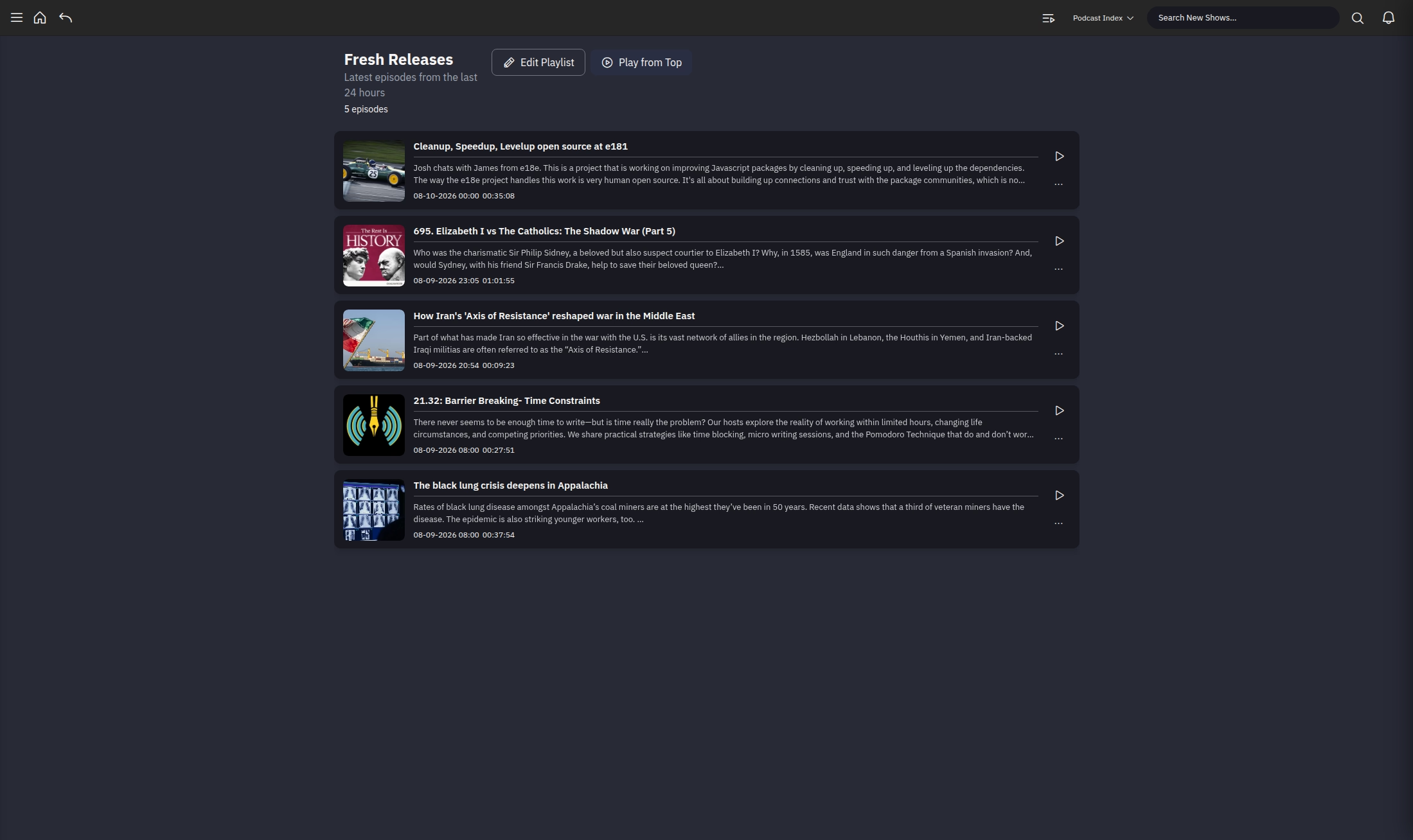
One of the built-in smart playlists
In Podcast Republic the files download to my phone so that I can use them even when Wifi or 5G aren’t available. So I need them to delete when I’m done listening so that my phone doesn’t become completely full of podcasts. (Something that happened one) Pinepods has the concepts of server downloads and device downloads. Server downloads could serve to save an episode that might age off of the podcast’s feed. (Some of them do this to get you to pay for access to the archives) In the past I had to go through some random shennanigans to save off episodes I wanted to keep. Device downloads are akin to what I do with Podcast Republic. For me to use these well with Pinepods, I’m going to need some way more fine-grained controls than currently exist. I also don’t think there are any options for retention policies on server downloads.
The Indifferent
The features on their page talks about hosting for whole family. I am not sure what benefits I gain from that.
There’s a commandline program to go along called Firewood, but for now it doesn’t seem to sync progress back to the server. It also hasn’t had a release in a bit, so it might be on the backburner.
The Bad (or rather The Needs Work)
The software is not yet 1.0 and has a few bugs or issues that are keeping me from immediately switching over to Pinepods today:
- If there’s only one episode in the queue, when it gets to the end, it keeps repeating the last 10 seconds or so in a very annoying way until manually paused.
- Episodes are never marked as completed when listening on the phone. On the website it’s inconsistent. This means I need to do it manually - hard to do if driving, cycling, or running.
- I can’t remove individual podcasts from the queue
- reloading or updating of information on the main page, how many podcasts are in a smart playliste, etc is slow and/or I have no idea when it happens. So it will say I have 5 news podcasts and when I go in there aren’t any.
- Development seems AI-dependent. I’m not 100% sure, but based on some of what I see on the Github page, it seems that perhaps the developer is using AI. I’ve come around to where I don’t automatically thing this is a bad thing, but if the developer is pushing past their own skill level, it may limit how much they can do to fix bugs.
Conclusion
Right now I’m really enjoying the software, despite the bugs. I hope he can iron out the biggest ones that are preventing me from using it - like the queue and marking as complete on phone. For now I’m maintaining my feeds on both Podcast Republic and Pinepods. If I need to be able to focus - like driving or exercise - and want to listen to a bunch of short episodes, I use Podcast Republic. Once they get most of the bugs out I might recommend for my dad to get an account on my server, but we’ll see.
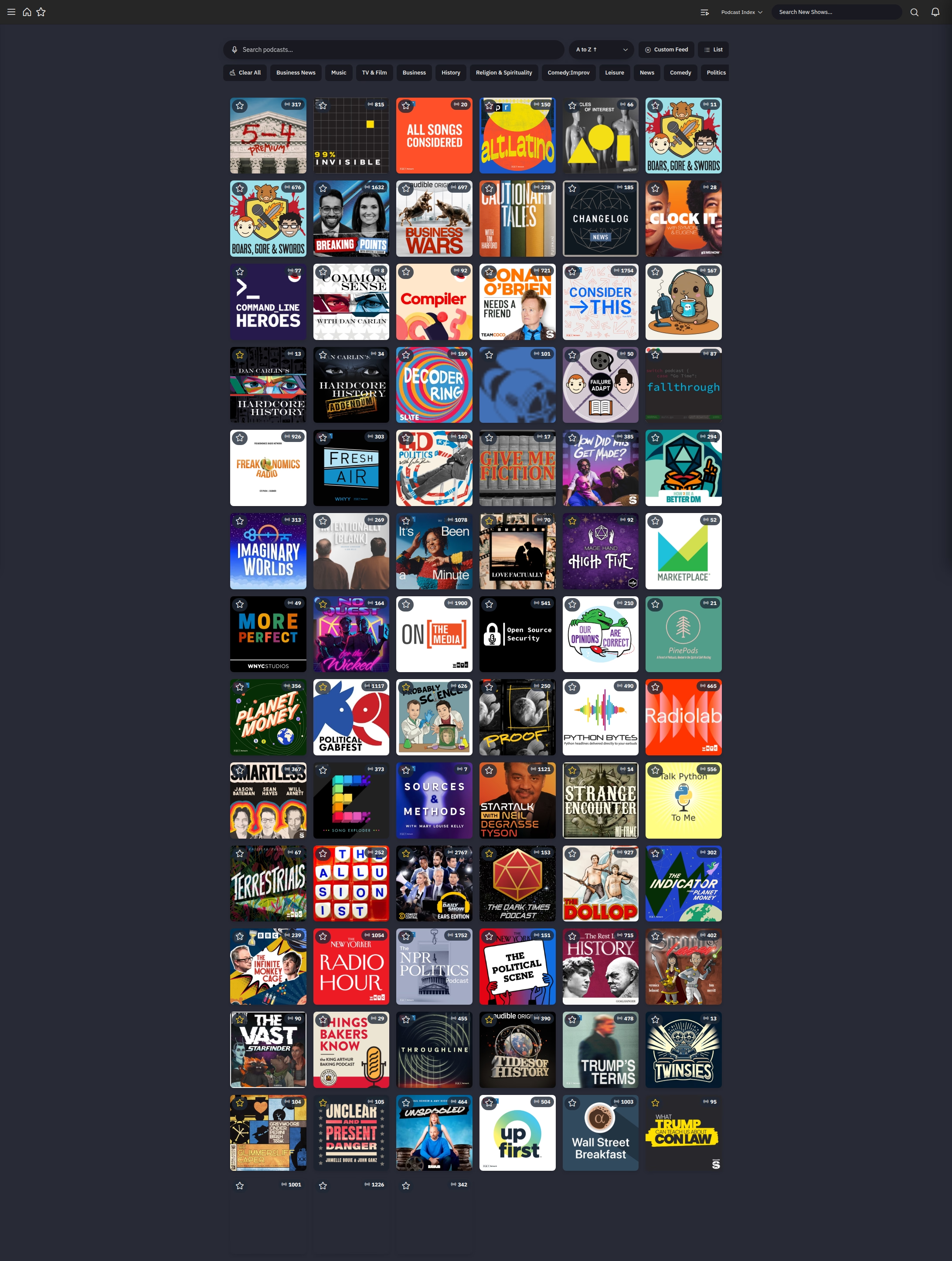
All my podcasts